 TrackMedia
 TrackRev

About Sish
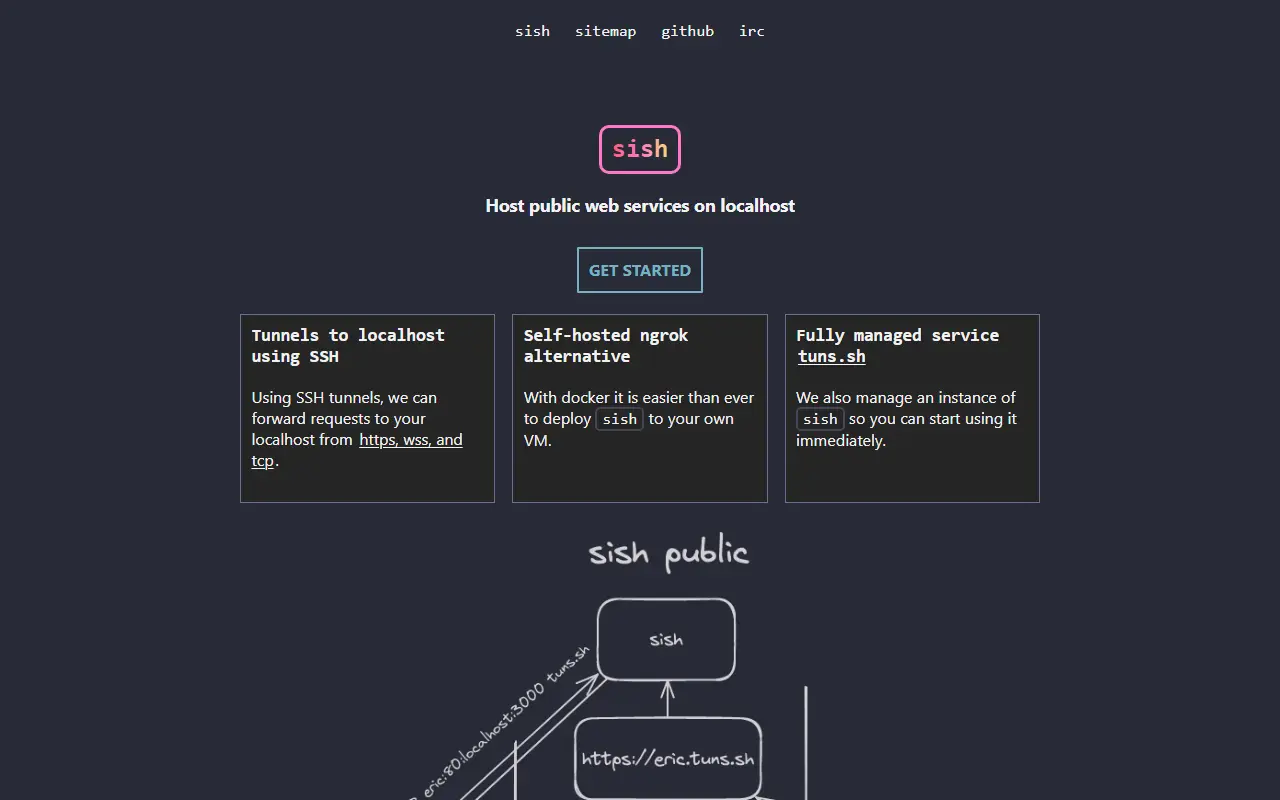
sish runs an SSH server that only handles forwarding and multiplexing. Users connect with the plain ssh command and a remote port forward, and sish creates a public URL for the local service, so no custom client is needed. The README compares the model to serveo and ngrok but with plain SSH on infrastructure the user controls.
It forwards HTTP(S), WS(S) and TCP traffic. TCP aliases make private connections that can only be reached through authenticated SSH, with allowed users set by public key fingerprint. It also supports SNI proxying, which routes TLS traffic to different backends without terminating TLS, and optional load balancing for HTTP, TCP and SNI aliases.
To self-host, the README gives a Docker setup with directories for SSL certificates, host keys and authorised public keys, and binary releases are also provided. The project also runs a managed instance at tuns.sh, which can be tried with a single ssh command. Authentication is by key or password, and keys reload dynamically. It is written in Go and MIT licensed.
Key features
- Forwards HTTP(S), WS(S) and TCP traffic
- Private TCP aliases reachable only through SSH
- SNI proxy routes TLS traffic without terminating it
- Optional load balancing for HTTP, TCP and SNI aliases
- Service console to inspect forwarded requests
- Key and password authentication with dynamic key reloading
- Binding policies for multi-tenant setups
Good fit for
- Sharing a local web app over HTTPS
- Exposing a TCP service on an external port
- Private SSH access to a laptop via an alias
- Self-hosted ngrok alternative
Sish: questions and answers
- What is Sish used for?
- Sish is an open source SSH server that tunnels HTTP(S), WebSocket and TCP traffic to localhost, usable self-hosted or through a managed service. It is a good fit for sharing a local web app over HTTPS, exposing a TCP service on an external port and private SSH access to a laptop via an alias.
- Is Sish open source?
- Yes. Sish is open source under the MIT licence. Its source code is on GitHub at antoniomika/sish and is written mainly in Go.
- Is Sish free?
- Yes. Sish is open source, so the software itself is free to use. A managed cloud version is also available.
- Can I self-host Sish?
- Yes. Sish can be self-hosted on your own server or infrastructure.
- What is Sish an alternative to?
- Sish is an open-source alternative to Cloudflare Tunnel and ngrok. Other open-source alternatives to Cloudflare Tunnel include frp, Pangolin and Zrok.
- Is Sish actively maintained?
- Yes. The most recent commit to Sish was on 7 November 2026, and the latest release is v4.0.0, published on 27 October 2026. The project has 4.8k stars on GitHub, with 23 added in the last 30 days.
Open-source alternatives to Sish
See allfrp
Networking & VPN
A fast reverse proxy to help you expose a local server behind a NAT or firewall to the int
Apache-2.0vs ngrok★ 111k
Pangolin
Networking & VPN
Open-source SASE platform providing secure access and connectivity to apps, infrastructure
OSSvs Cloudflare Tunnel★ 24k
Zrok
Networking & VPN
Secure internet sharing made simple.
Apache-2.0vs ngrok★ 4.8k
Octelium
Networking & VPN
A next-gen FOSS self-hosted unified zero trust secure access platform that can operate as
AGPL-3.0vs Tailscale★ 4.2kBore
Open source
🕳 bore is a simple CLI tool for making tunnels to localhost
MITvs ngrok★ 12k
Localtunnel
Open source
expose yourself
MITvs ngrok★ 23k

SaaS alternatives to Sish
See all
Cloudflare Tunnel
Networking & VPN
Cloudflare Tunnel securely connects web services and private networks to Cloudflare without opening inbound ports on the origin server.
SaaS
ngrok
Networking & VPN
ngrok is developer infrastructure that exposes local apps and APIs to the internet and routes and secures traffic to services wherever they run.
SaaS
Localdock
Developer Tools
Gives each local project its own address on your Mac, your Wi-Fi network or anywhere online
SaaS
localhost.run
Networking & VPN
Connect web applications running on your computer to the internet instantly
SaaS
pinggy
Developer Tools
Creates public URLs for localhost without downloading a binary
SaaS
serveo
Developer Tools
Expose local servers to the internet using SSH, WireGuard, or a browser extension
SaaS