
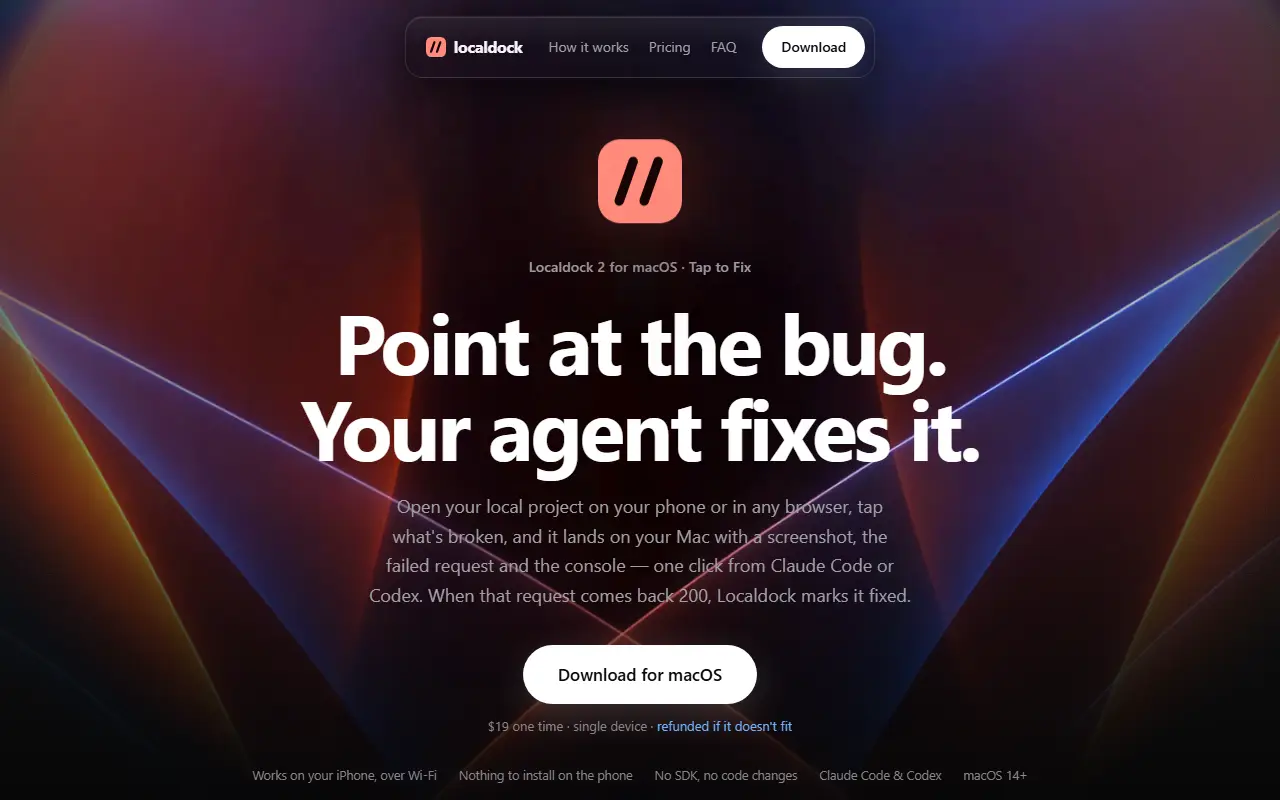
About Localdock
Localdock names the servers running on your Mac. Instead of remembering ports like 3000 or 5173, each project gets an address such as dashboard.localhost, taken from the project folder name and renameable. The address survives restarts and port changes, and if a framework moves to another port, the address switches to the newest server, which avoids testing a stale instance. It works with hot reload and needs no DNS setup or admin password.
Three levels of reach can be switched on per project: dashboard.localhost on this Mac, a dashboard.local address that others on your Wi-Fi can open, for testing on a real phone with nothing installed on it, and a public HTTPS link that carries a secret key, expires after an hour and stops the moment you switch it off, useful for sharing with a client or receiving webhooks such as Stripe's. The app also keeps a list of everything listening and flags servers left running.
Localdock requires macOS 14 or later. It costs $19 once for a single device and is refunded if it does not fit. The homepage includes a how-it-works section, pricing, an FAQ and a download link for the menubar app.
Key features
- Named localhost address per dev server
- Addresses that survive restarts and port changes
- Wi-Fi address for testing on a phone
- Temporary public HTTPS link with secret key
- List of listening servers with stale-server flags
- No DNS setup or admin password
Good fit for
- Developers running several dev servers or coding agents
- Sharing a local project or catching webhooks
Localdock: questions and answers
- What is Localdock used for?
- Localdock is a macOS menubar app that gives each local dev server a stable named address on your Mac, your Wi-Fi or a temporary public HTTPS link. It is a good fit for developers running several dev servers or coding agents and sharing a local project or catching webhooks.
- How much does Localdock cost?
- Localdock is a paid product with no free plan. $19 one-time for a single device, refunded if it does not fit.
- Is Localdock open source?
- No. Localdock is proprietary (closed-source) software. In the Developer Tools category, open-source options include iTerm2, Visual Studio Code and Zed.
- Can I self-host Localdock?
- Yes. Although Localdock is closed source, it can be self-hosted on your own servers.
- What are some alternatives to Localdock?
- Localdock competes with ngrok, Cloudflare Tunnel and Tailscale.
Open-source alternatives to Localdock
See all
iTerm2
Developer Tools
iTerm2 is a terminal emulator for Mac OS X that does amazing things.
GPL-2.0vs Warp★ 18k
Visual Studio Code
Developer Tools
Visual Studio Code
MITvs Sublime Text★ 194k
Zed
Developer Tools
Code at the speed of thought – Zed is a high-performance, multiplayer code editor from the
OSSvs Sublime Text★ 91k
code-server
Developer Tools
VS Code in the browser
MITvs Replit★ 80k
Tabby
Developer Tools
A terminal for a more modern age
MITvs Warp★ 75k
Alacritty
Developer Tools
A cross-platform, OpenGL terminal emulator.
Apache-2.0vs Warp★ 66k
SaaS alternatives to Localdock
See all
ngrok
Networking & VPN
ngrok is developer infrastructure that exposes local apps and APIs to the internet and routes and secures traffic to services wherever they run.
SaaS
Cloudflare Tunnel
Networking & VPN
Cloudflare Tunnel securely connects web services and private networks to Cloudflare without opening inbound ports on the origin server.
SaaS
Tailscale
Networking & VPN
Mesh VPN and zero trust network that connects devices without manual configuration
SaaS
HookSense
Developer Tools
Real-time webhook inspection and debugging with live request streaming, replay and signature verification
SaaS
AgentFast
Developer Tools
Boilerplate codebase for building AI agent applications
SaaS
Araxis Merge
Developer Tools
Visual comparison and merging tool for files, folders and documents
SaaS