 TrackMedia
 TrackRev

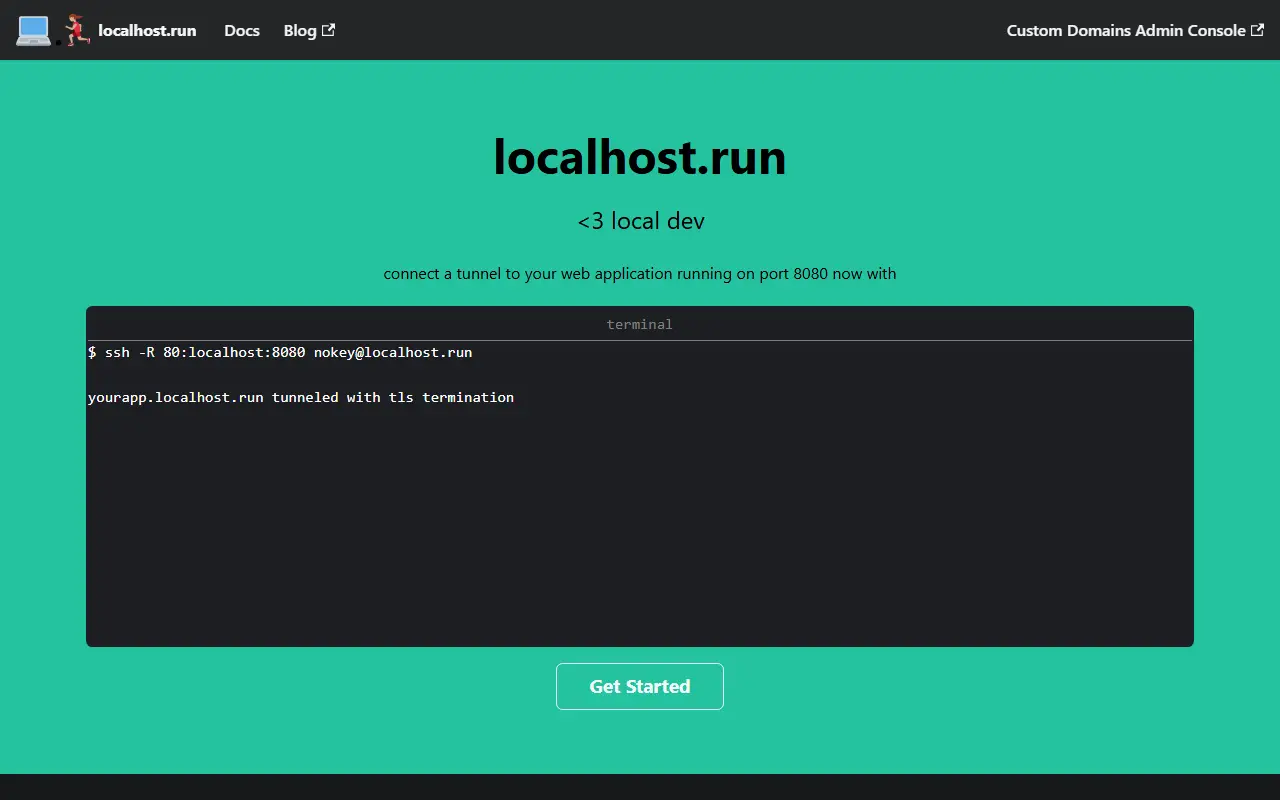
About localhost.run
localhost.run is a service that creates secure tunnels from local web applications to the internet. It uses the SSH client already installed on a computer, requiring no download or signup. Users can connect a tunnel by running a command in the terminal.
The service automatically generates TLS certificates for HTTPS and encrypts tunnels to the user's app. It offers a forever free tier with free domains, and a custom domain subscription for $9 per month when billed annually. Tunnels can also pass through encrypted TLS connections and connect non-HTTP protocols.
Key features
- No download or signup required
- Bring your own domain name or use a stable lhr.rocks one with a custom domain subscription
- TLS certificates automatically generated for HTTPS
- Tunnels encrypted to your app
- Forever free tier with free domains
- Supports non-HTTP protocols and encrypted TLS connections
Good fit for
- Show clients work running on your computer
- Access a web application running on your computer from a phone or tablet
- Give a Raspberry Pi a home on the internet
localhost.run: questions and answers
- What is localhost.run used for?
- localhost.run is a service that creates secure tunnels from local web applications to the internet using SSH. It is a good fit for show clients work running on your computer, access a web application running on your computer from a phone or tablet and give a Raspberry Pi a home on the internet.
- Is localhost.run open source?
- No. localhost.run is proprietary (closed-source) software. In the Networking & VPN category, open-source options include Caddy, Sish and frp.
- What are some alternatives to localhost.run?
- localhost.run competes with ngrok.
Open-source alternatives to localhost.run
See all
Caddy
Networking & VPN
Fast and extensible multi-platform HTTP/1-2-3 web server with automatic HTTPS
Apache-2.0vs Akamai★ 79k
Sish
Networking & VPN
HTTP(S)/WS(S)/TCP Tunnels to localhost using only SSH.
MITvs Cloudflare Tunnel★ 4.8kfrp
Networking & VPN
A fast reverse proxy to help you expose a local server behind a NAT or firewall to the int
Apache-2.0vs ngrok★ 111k
NGINX
Networking & VPN
The official NGINX Open Source repository.
BSD-2-Clausevs Cloudflare★ 32k
OpenVPN
Networking & VPN
OpenVPN is an open source VPN daemon
OSSvs NordLayer★ 15k
TigerVNC
Networking & VPN
High performance, multi-platform VNC client and server
GPL-2.0vs TeamViewer★ 7.7k
SaaS alternatives to localhost.run
See all
ngrok
Networking & VPN
ngrok is developer infrastructure that exposes local apps and APIs to the internet and routes and secures traffic to services wherever they run.
SaaS
Cloudflare Tunnel
Networking & VPN
Cloudflare Tunnel securely connects web services and private networks to Cloudflare without opening inbound ports on the origin server.
SaaS
Localdock
Developer Tools
Gives each local project its own address on your Mac, your Wi-Fi network or anywhere online
SaaS
serveo
Developer Tools
Expose local servers to the internet using SSH, WireGuard, or a browser extension
SaaS
pinggy
Developer Tools
Creates public URLs for localhost without downloading a binary
SaaS
Akamai
Networking & VPN
CDN, security and edge compute platform for enterprise web delivery
SaaS