
About ScreenBuddy
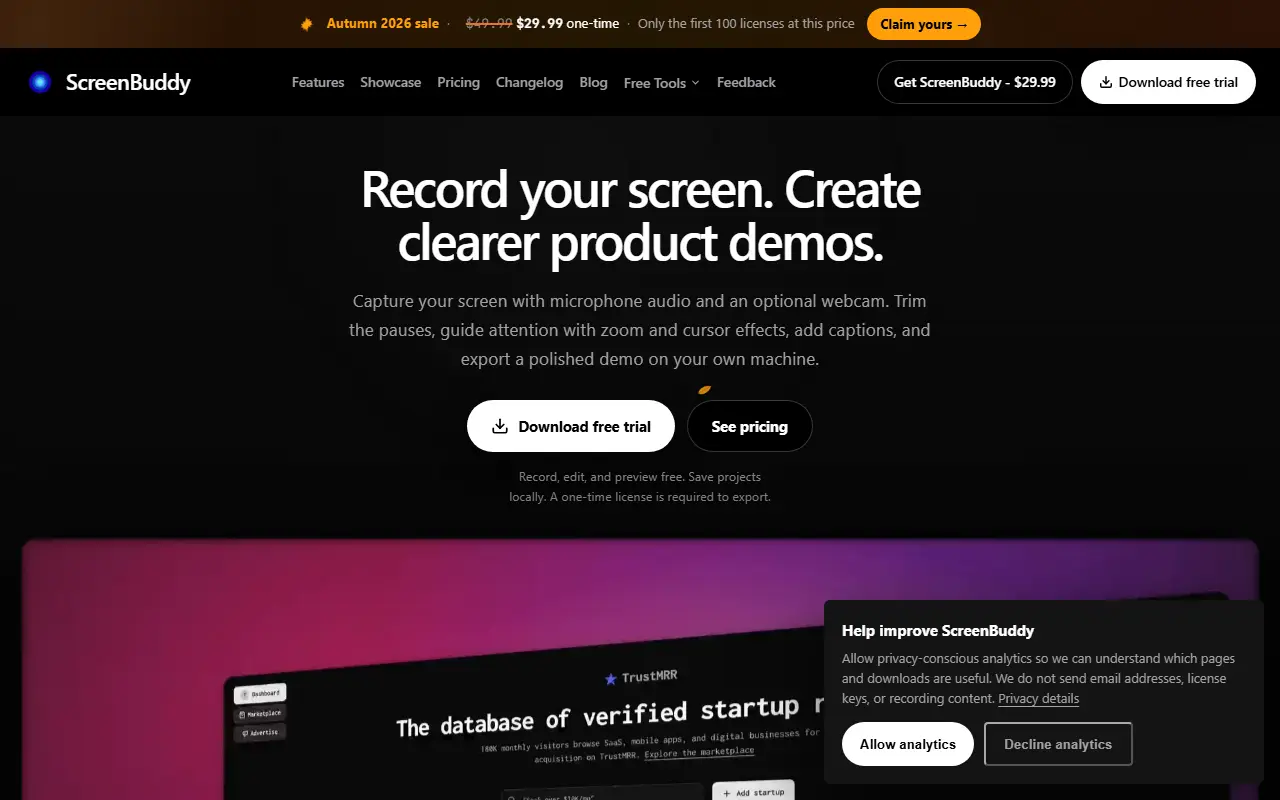
ScreenBuddy is a desktop app for macOS 12+ and Windows 10+ that records the screen with microphone and optional webcam and turns the take into a product demo. You cut pauses, direct attention using zoom and cursor effects, then add captions and callouts, arrange several scenes and export on your own machine. Recordings and edits stay on the computer.
Auto-zoom uses recorded cursor activity to suggest zooms that can be adjusted, a lightbox lifts a region into a close-up, and a 3D MacBook device frame can hold the recording. Recording, editing and previewing are free and projects save locally, while a one-time license is required to export MP4 or GIF files. The site includes short editor walkthroughs, a changelog and free tools. A free trial can be downloaded, and the license is listed at $29.99 one-time.
Key features
- Screen, mic and webcam recording
- Automatic zoom from cursor activity
- Captions, callouts and annotations
- Editing across multiple scenes
- 3D device frame and lightbox close-ups
- Local MP4 and GIF export
Good fit for
- Product demos for websites and help centers
- Software walkthrough videos on Windows or Mac
ScreenBuddy: questions and answers
- What is ScreenBuddy used for?
- ScreenBuddy is a Mac and Windows screen recorder and demo maker with auto-zoom, captions, local editing and MP4 or GIF export, sold with a one-time license. It is a good fit for product demos for websites and help centers, and software walkthrough videos on Windows or Mac.
- How much does ScreenBuddy cost?
- Paid plans for ScreenBuddy start at $29.99 as a one-time payment, and there is no free plan. A free trial is available.
- Is ScreenBuddy open source?
- No. ScreenBuddy is proprietary (closed-source) software. In the Video Editing category, open-source options include ScreenToGif, Cap and Screenity.
- What are some alternatives to ScreenBuddy?
- ScreenBuddy competes with Screen Studio, ScreenFlow and Camtasia.
Open-source alternatives to ScreenBuddy
See all
ScreenToGif
Video Editing
🎬 ScreenToGif allows you to record a selected area of your screen, edit and save it as a
MS-PLvs Snagit★ 28k
Cap
Video Editing
Open source Loom alternative. Beautiful, shareable screen recordings.
OSSvs Loom★ 23k
Screenity
Video Editing
The free and privacy-friendly screen recorder with no limits 🎥
GPL-3.0vs Screencastify★ 19k
OpenCut
Video Editing
The open-source CapCut alternative
MITvs CapCut★ 93k
OBS Studio
Video Editing
OBS Studio - Free and open source software for live streaming and screen recording
GPL-2.0vs vMix★ 77k
HandBrake
Video Editing
HandBrake's development repository
OSS★ 25k
SaaS alternatives to ScreenBuddy
See all
Screen Studio
Video Editing
Mac screen recorder that adds automatic zooms and polished cursor animations
SaaS
ScreenFlow
Video Editing
Mac screen recording and video editing software from Telestream
SaaS
Camtasia
Video Editing
Screen recorder and video editor for tutorials and training videos
SaaS
Tella
Video Editing
Screen and camera recorder with editing for demos and tutorials
SaaS
Loom
Productivity
Loom is a screen and camera recording tool for sharing asynchronous video messages, with editing, comments, transcripts and AI features.
SaaS
CleanShot X
Productivity
Mac screenshot and screen recording utility with annotation and cloud sharing
SaaS