 TrackMedia
 TrackRev

About Magix Movie Edit Pro
Movie Edit Pro is video editing software developed by Magix for semi-professional and do-it-yourself users on Windows PC. It is also known as Magix Video Deluxe in Europe and sometimes as Magix Movie Studio in the United States. The first version was published in 2001, and the developer says it was the first video editor to apply non-destructive, object-oriented principles.
Editing works from a storyboard or a timeline in a user interface that can be freely adjusted. The 2019 feature list includes 4K support, miniDV, HDV and AVCHD compatibility, keyframing, chroma keying, a title editor, one way color correction and batch processing. Projects can be burned to DVD and Blu-ray Disc with animated menus, or uploaded to YouTube and Vimeo in Full HD.
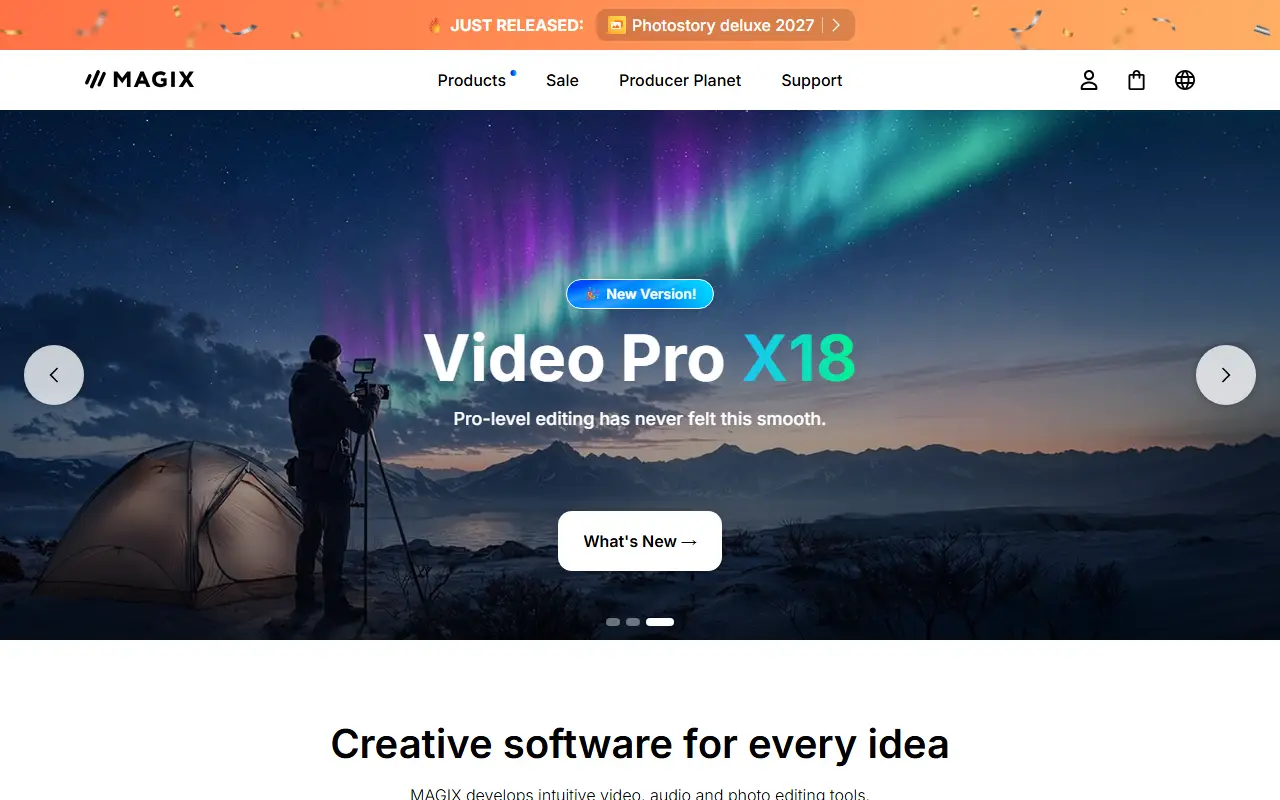
The latest versions named in the source are Movie Edit Pro 2019, Plus 2019 and Premium 2019, and the last update on December 10, 2018 added dynamic title animation and free design colors for tracks and objects. The Magix homepage currently promotes Video deluxe 2027 and Video Pro X18, and the sources do not say how those relate to the 2019 editions.
Key features
- Storyboard and timeline editing
- 4K plus miniDV, HDV and AVCHD support
- Keyframing, title editor and batch processing
- Chroma keying and Full HD upload to YouTube and Vimeo
- Dynamic title animation and colored tracks in the 2018 update
Good fit for
- Home and DIY video projects
- Burning DVDs and Blu-ray discs with menus
- Uploading Full HD video to YouTube and Vimeo
Magix Movie Edit Pro: questions and answers
- What is Magix Movie Edit Pro used for?
- Magix Movie Edit Pro is Windows video editing software from Magix for semi-professional and DIY users, sold in Europe as Magix Video Deluxe. It is a good fit for home and DIY video projects, burning DVDs and Blu-ray discs with menus, and uploading Full HD video to YouTube and Vimeo.
- Is Magix Movie Edit Pro open source?
- No. Magix Movie Edit Pro is proprietary (closed-source) software. In the Video Editing category, open-source options include ScreenToGif, FilmCraft and EffectCraft.
- What are some alternatives to Magix Movie Edit Pro?
- Magix Movie Edit Pro competes with Wondershare Filmora and Microsoft Clipchamp.
Open-source alternatives to Magix Movie Edit Pro
See all
ScreenToGif
Video Editing
🎬 ScreenToGif allows you to record a selected area of your screen, edit and save it as a
MS-PLvs Snagit★ 28k
FilmCraft
Video Editing
An open-source, clean-room reimplementation of Adobe Premiere Pro built in pure Rust.
Apache-2.0vs Adobe Premiere Pro★ 18k
EffectCraft
Video Editing
Motion graphics and visual effects compositor written in pure Rust
Apache-2.0vs Adobe After Effects★ 8.7k
Cap
Video Editing
Open source Loom alternative. Beautiful, shareable screen recordings.
OSSvs Loom★ 25k
OpenCut
Video Editing
The open-source CapCut alternative
MITvs CapCut★ 98k
OBS Studio
Video Editing
OBS Studio - Free and open source software for live streaming and screen recording
GPL-2.0vs vMix★ 79k
SaaS alternatives to Magix Movie Edit Pro
See all
Wondershare Filmora
Video Editing
Video editor for beginners and creators with effects, titles and AI tools
SaaS
Microsoft Clipchamp
Video Editing
Browser and Windows video editor with templates, stock media and screen recording
SaaS
Adobe Premiere Elements
Video Editing
Consumer video editing software with guided edits and automated tools
SaaSCorel VideoStudio
Video Editing
Consumer video editor from Corel with multi-camera and motion tracking tools
SaaS
Motion Software
Video Editing
Screen recorder and video editor for Windows
SaaS
Movavi Video Editor
Video Editing
Consumer video editor with templates, effects and screen recording
SaaS