
About IloveMP4
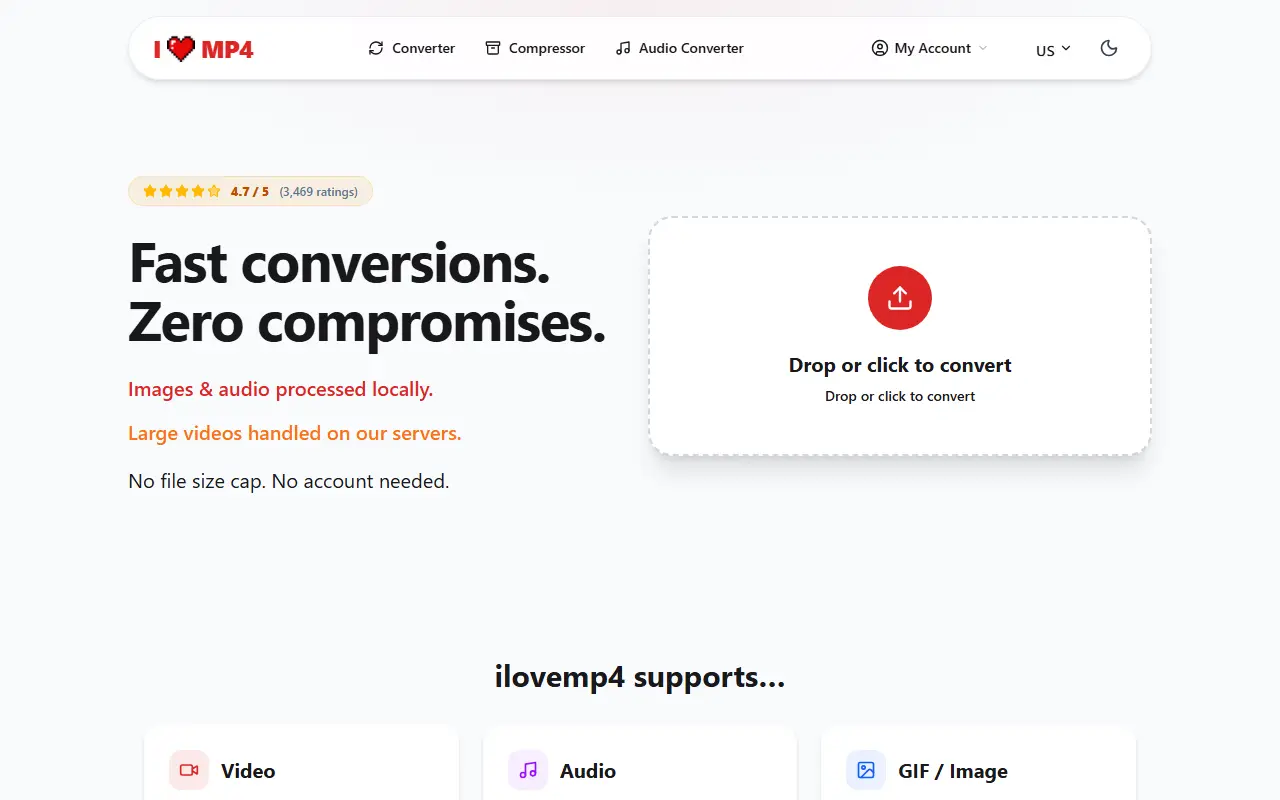
IloveMP4 converts video, audio and images in the browser without installing software or creating an account. Video is processed on its servers with FFmpeg and supports formats such as MP4, MOV, WebM, AVI, MKV, FLV, WMV, 3GP and MPEG, while audio and image conversions run locally in the browser, and the site states there is no file size cap.
Tools include a video converter, compressor, batch converter, video to audio, frame rate and resolution changes, an image background remover and presets that compress to the limits of WhatsApp, Instagram, TikTok, Twitter/X, Discord, Telegram, Facebook and YouTube. A trimmer, merger, speed changer, rotate and flip, video to GIF and video to text are listed as coming soon.
Basic use is free, and Premium adds a priority queue, higher limits and batch conversions with cancel-anytime billing. The site shows no ads and publishes blog guides on subtitles and conversion quality.
Key features
- Video conversion between 50+ formats
- Compression presets for social platforms
- Audio extraction and conversion
- Batch conversion of many files
- Frame rate and resolution changes
- Browser-based with no account needed
Good fit for
- Compressing a video to fit WhatsApp or Discord limits
- Converting MKV or MOV files to MP4
IloveMP4: questions and answers
- What is IloveMP4 used for?
- IloveMP4 is a free browser-based tool for converting and compressing video to MP4, MP3, AVI and 50+ other formats, with platform-sized compressors and no install or account. It is a good fit for compressing a video to fit WhatsApp or Discord limits and converting MKV or MOV files to MP4.
- Is IloveMP4 free?
- Yes. IloveMP4 has a free plan.
- Is IloveMP4 open source?
- No. IloveMP4 is proprietary (closed-source) software and can't be self-hosted. In the Video Editing category, open-source options include Shotcut, OpenShot and FFmpeg.
- What are some alternatives to IloveMP4?
- IloveMP4 competes with Kapwing, Microsoft Clipchamp and Compresso.
Open-source alternatives to IloveMP4
See all
Shotcut
Video Editing
cross-platform (Qt), open-source (GPLv3) video editor
GPL-3.0vs Adobe Premiere Pro★ 15k
OpenShot
Video Editing
OpenShot Video Editor is an award-winning free and open-source video editor for Linux, Mac
OSSvs Adobe Premiere Pro★ 6.6k
FFmpeg
Video Editing
Mirror of https://git.ffmpeg.org/ffmpeg.git
OSS★ 65k
OpenCut
Video Editing
The open-source CapCut alternative
MITvs CapCut★ 93k
OBS Studio
Video Editing
OBS Studio - Free and open source software for live streaming and screen recording
GPL-2.0vs vMix★ 77k
HandBrake
Video Editing
HandBrake's development repository
OSS★ 25k
SaaS alternatives to IloveMP4
See all
Kapwing
Video Editing
Browser-based video editor with subtitles, templates and AI tools
SaaS
Microsoft Clipchamp
Video Editing
Browser and Windows video editor with templates, stock media and screen recording
SaaS
Compresso
Video Editing
Video and image compression app that reduces file sizes without visible quality loss
SaaS
CapCut
Video Editing
Video editor for short-form clips with templates, effects and auto captions
SaaS
Editit
Video Editing
Browser-based video editor for YouTube creators
SaaS
FlexClip
Video Editing
Online video editor and maker with templates and AI tools
SaaS