
About Highlite
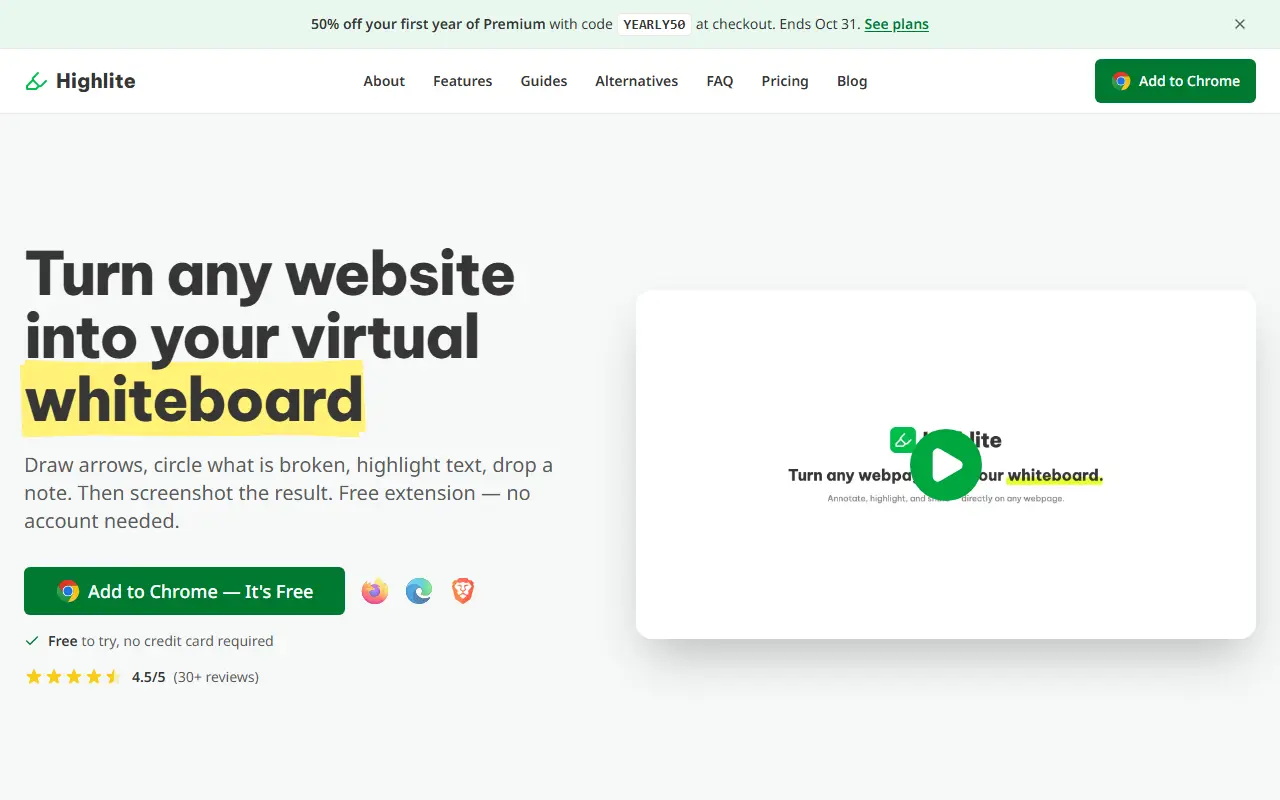
Highlite is a web annotation extension for Chrome, Firefox, Edge and Brave that needs no account. One click activates it on a live page, where you can highlight text in five colors, drop sticky notes and text boxes, and draw arrows, rectangles, ellipses and freehand marks.
Annotations can be captured as a screenshot of what is visible, of the whole scrolling page or of a chosen region, which you save as PNG or copy to the clipboard. Highlights and notes persist across sessions and are stored locally in the browser, and annotations can be exported as a JSON file or sent to Slack. A laser pointer tool leaves a fading trail for live calls, and select and eraser tools are included.
The free plan includes all ten annotation tools, while Premium covers sharing, and annual billing saves 17 percent. The page advertised a promotional code for half off the first year of Premium, and it is aimed at people giving visual feedback on websites, bugs or designs.
Key features
- Five-color text highlighting
- Sticky notes and text boxes on any page
- Arrows, shapes and freehand drawing
- Screenshot capture of viewport or full page
- Local storage of annotations in the browser
- Export to JSON or Slack
Good fit for
- Marking up a bug for a developer
- Giving design feedback directly on a live page
Highlite: questions and answers
- What is Highlite used for?
- Highlite is a free browser extension that lets you mark up any live webpage with highlights, notes, arrows and drawings and then save a screenshot. It is a good fit for marking up a bug for a developer and giving design feedback directly on a live page.
- Is Highlite free?
- Yes. Highlite has a free plan, and paid plans start at $4.99 per month.
- Is Highlite open source?
- No. Highlite is proprietary (closed-source) software and can't be self-hosted. In the Productivity category, open-source options include Floccus, Indie Wiki Buddy and Chromium.
- What are some alternatives to Highlite?
- Highlite competes with Glasp and Readwise.
Open-source alternatives to Highlite
See all
Floccus
Productivity
:cloud: Sync your bookmarks privately across browsers and devices
MPL-2.0★ 8.5k
Indie Wiki Buddy
Productivity
Browser extension that automatically notifies and redirects you to independent wikis.
MIT★ 541
Chromium
Productivity
The official GitHub mirror of the Chromium source
BSD-3-Clausevs Google Chrome★ 25k
Dark Reader
Productivity
Dark Reader Chrome and Firefox extension
MIT★ 22kVimium
Productivity
The hacker's browser.
MIT★ 27k
Stylebot
Productivity
Change the appearance of the web instantly
MIT★ 1.6k
SaaS alternatives to Highlite
See all
Glasp
Note Taking
Web highlighter that saves and shares highlights and notes from articles and videos
SaaS
Readwise
Note Taking
Collects highlights from books and articles for review and export to note apps
SaaS
Medium Exporter
Productivity
Export Medium articles or your Reading List to Markdown files
SaaS
RewindBack
Productivity
Syncs, organizes and makes your X bookmarks searchable
SaaS
Talon
Productivity
Organises your X bookmarks with AI: automatic rules, auto-labels and chat with your saved posts
SaaS
PDF Highlights App
Note Taking
Turns every highlight in your PDFs into a card in one searchable workspace organised by idea
SaaS