
About Medium Exporter
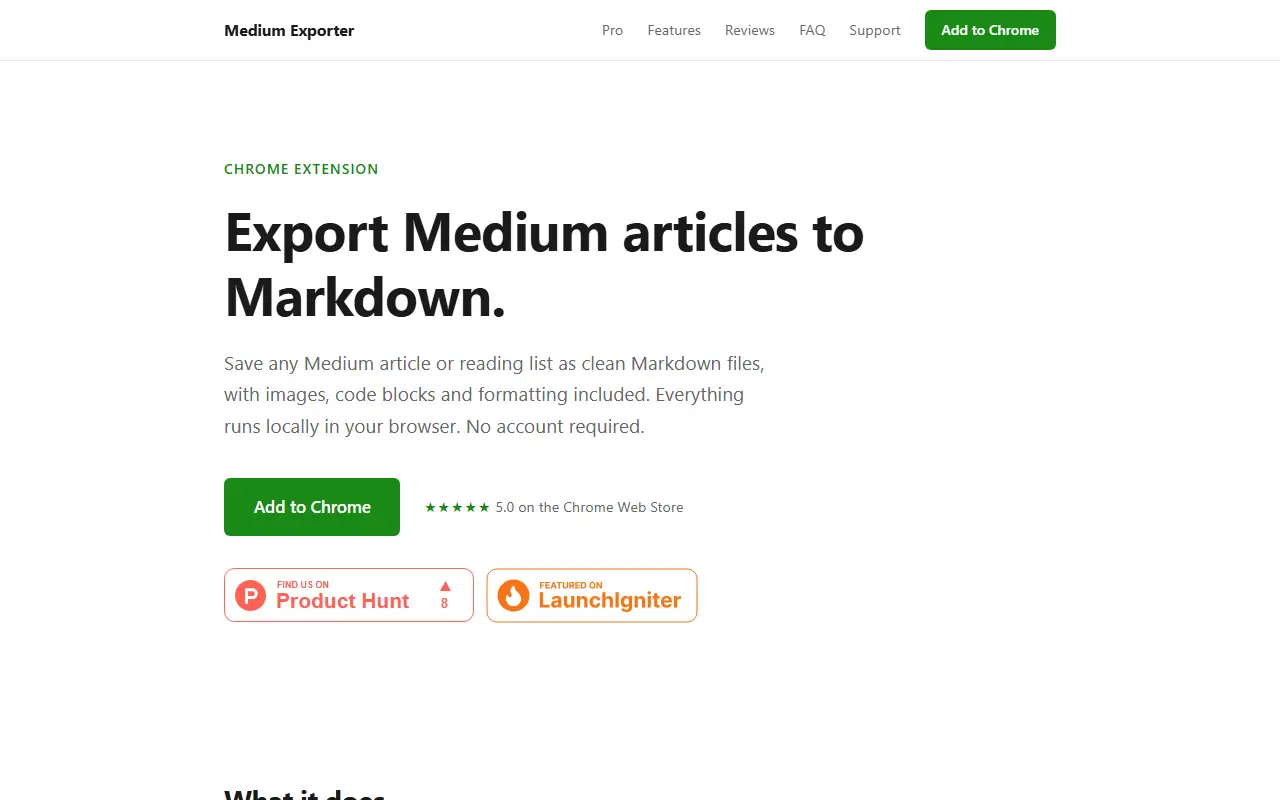
Medium Exporter is a Chrome extension that converts Medium articles into Markdown files. It keeps images, code blocks and the original formatting, and it detects articles, reading lists, author profiles and publications on any Medium page automatically.
For larger jobs it can export as many as 100 reading list articles in one go and bundle them into a ZIP file. Options let you adjust article limits and export speed. Everything runs in your browser, with no account needed; you only sign in to Medium if you want member-only articles, and the site says the only data that leaves your machine is the email used to activate a Pro purchase.
Using it takes three steps: install the extension, open the Medium page you want, and click export so the Markdown downloads right away. It suits people who archive their reading, move writing into a notes app or static site, or keep offline copies of articles.
Key features
- Export Medium articles to Markdown files
- Keeps images, code blocks and formatting
- Bulk export of up to 100 reading list articles
- ZIP bundling for batch downloads
- Detects articles, profiles and publications
- Runs locally with no account required
Good fit for
- Archiving a Medium reading list
- Moving your own posts to Markdown notes
- Keeping offline copies of articles
Medium Exporter: questions and answers
- What is Medium Exporter used for?
- Medium Exporter is a Chrome extension that saves Medium articles and reading lists as clean Markdown files, processed locally in your browser with no account. It is a good fit for archiving a Medium reading list, moving your own posts to Markdown notes and keeping offline copies of articles.
- Is Medium Exporter free?
- Yes. Medium Exporter has a free plan, and paid plans start at $1.99 as a one-time payment.
- Is Medium Exporter open source?
- No. Medium Exporter is proprietary (closed-source) software. In the Productivity category, open-source options include Wandao, Zen Browser and Ungoogled Chromium.
- What are some alternatives to Medium Exporter?
- Medium Exporter competes with Readwise and Glasp.
Open-source alternatives to Medium Exporter
See all
Wandao
Productivity
万能导:多平台知识库 Markdown 全项目一键导入导出工具(导入导出效果最好),用自动化代替手动复制粘贴(有道云,飞书,语雀,阿里云知识库,知识星球,印象笔记,ima,onen
AGPL-3.0★ 1.2k
Zen Browser
Productivity
Welcome to a calmer internet
MPL-2.0vs Google Chrome★ 45kUngoogled Chromium
Productivity
Google Chromium, sans integration with Google
BSD-3-Clausevs Google Chrome★ 28k
Brave Browser
Productivity
Brave browser for Android, iOS, Linux, macOS, Windows.
MPL-2.0vs Google Chrome★ 24k
Dark Reader
Productivity
Dark Reader Chrome and Firefox extension
MIT★ 22k
Neko
Productivity
A self hosted virtual browser that runs in docker and uses WebRTC.
Apache-2.0★ 22k
SaaS alternatives to Medium Exporter
See all
Readwise
Note Taking
Collects highlights from books and articles for review and export to note apps
SaaS
Glasp
Note Taking
Web highlighter that saves and shares highlights and notes from articles and videos
SaaS
Highlite
Productivity
Browser extension for annotating any webpage with highlights, sticky notes, drawings and arrows
SaaS
RewindBack
Productivity
Syncs, organizes and makes your X bookmarks searchable
SaaS
Talon
Productivity
Organises your X bookmarks with AI: automatic rules, auto-labels and chat with your saved posts
SaaS
annotate.foo
Note Taking
Save highlights and annotations across websites and PDFs with a Chrome extension
SaaS