
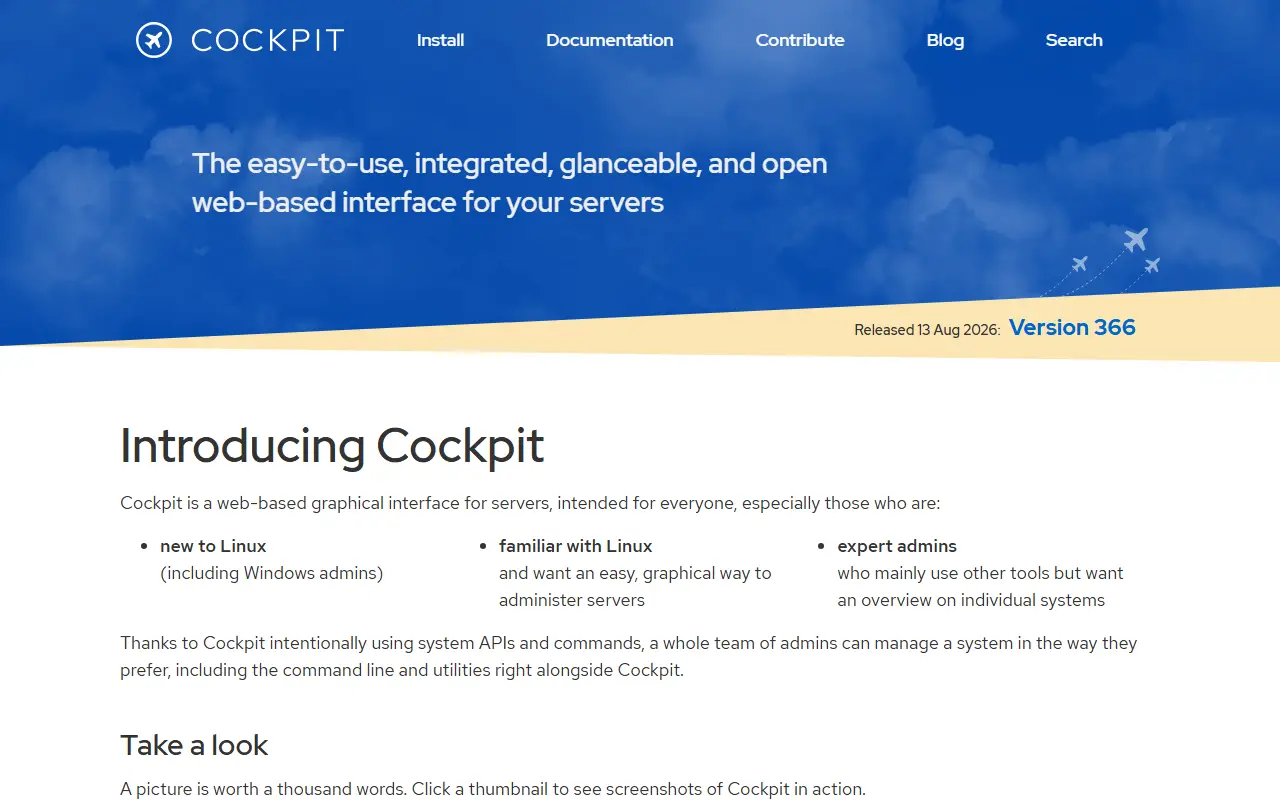
About Cockpit
Cockpit is an interactive, lightweight server administration interface that runs in a web browser. It interacts directly with the operating system from a real Linux session, which makes Linux more discoverable for system administrators doing tasks such as starting containers, managing storage, configuring the network and inspecting logs.
Cockpit and the terminal work side by side. A service started in Cockpit can be stopped from the command line, and an error that happens in the terminal shows up in Cockpit's journal view. Other machines running Cockpit and reachable over SSH can be added so you can jump between hosts from one interface.
Cockpit is packaged in numerous Linux distributions, usually under the name cockpit, and a Flatpak app called Cockpit Client adds SSH login to Linux servers. The code uses Python and JavaScript, translations are managed on Weblate, and the license files list LGPL-2.1 or later, GPL-3.0 or later, BSD-3 and CC-BY-SA for different parts.
Key features
- Web-based Linux server administration
- Container, storage and network management
- Log inspection through the journal
- Multi-host access over SSH
- Works alongside the terminal
- Cockpit Client Flatpak app
Good fit for
- →Administering Linux servers from a browser
- →Helping newer sysadmins explore Linux
- Tags
- linux
- sysadmin
- server-management
- web-interface
- containers
- storage
- networking
- logs
Cockpit: questions and answers
- What is Cockpit used for?
- Cockpit is a lightweight web-based graphical interface for administering Linux servers, with containers, storage, networking and logs. It is a good fit for administering Linux servers from a browser and helping newer sysadmins explore Linux.
- Is Cockpit open source?
- Yes. Cockpit is open source. Its source code is on GitHub at cockpit-project/cockpit and is written mainly in Python.
- Is Cockpit free?
- Yes. Cockpit is open source, so the software itself is free to use.
- Can I self-host Cockpit?
- Yes. Cockpit can be self-hosted on your own server or infrastructure; there is no official hosted version.
- What are some alternatives to Cockpit?
- Similar open-source tools in the Infrastructure & Containers category include Webmin, Incus and LXD. SaaS products in the same category include OrbStack, Amazon ECS and Amazon EKS.
- Is Cockpit actively maintained?
- Yes. The most recent commit to Cockpit was on 2 October 2026, and the latest release is 310.10, published on 24 September 2026. The project has 15k stars on GitHub.
Open-source alternatives to Cockpit
See all
Webmin
Infrastructure & Containers
Powerful and flexible web-based server management control panel
BSD-3-Clause★ 6.1k
Incus
Infrastructure & Containers
Powerful system container and virtual machine manager
Apache-2.0vs Amazon EC2★ 6.3k
LXD
Infrastructure & Containers
Powerful system container and virtual machine manager
AGPL-3.0vs Amazon EC2★ 4.8k
Podman
Infrastructure & Containers
Podman: A tool for managing OCI containers and pods.
Apache-2.0vs Docker Desktop★ 33k
Lima
Infrastructure & Containers
Linux virtual machines, with a focus on running containers
Apache-2.0vs Docker Desktop★ 22k
Kubernetes
Infrastructure & Containers
Production-Grade Container Scheduling and Management
Apache-2.0vs Amazon EKS★ 128k
SaaS alternatives to Cockpit
See all
OrbStack
Infrastructure & Containers
Lightweight macOS app for running Docker containers and Linux machines
SaaS
Amazon ECS
Infrastructure & Containers
Managed container orchestration service on AWS
SaaS
Amazon EKS
Infrastructure & Containers
Managed Kubernetes control plane and worker nodes on AWS
SaaS
AWS Fargate
Infrastructure & Containers
Serverless compute engine for running containers on AWS without managing servers
SaaS
Azure Container Apps
Infrastructure & Containers
Serverless container service on Azure for microservices and jobs
SaaS
Azure Kubernetes Service
Infrastructure & Containers
Managed Kubernetes service on Microsoft Azure
SaaS