 TrackMedia
 TrackRev

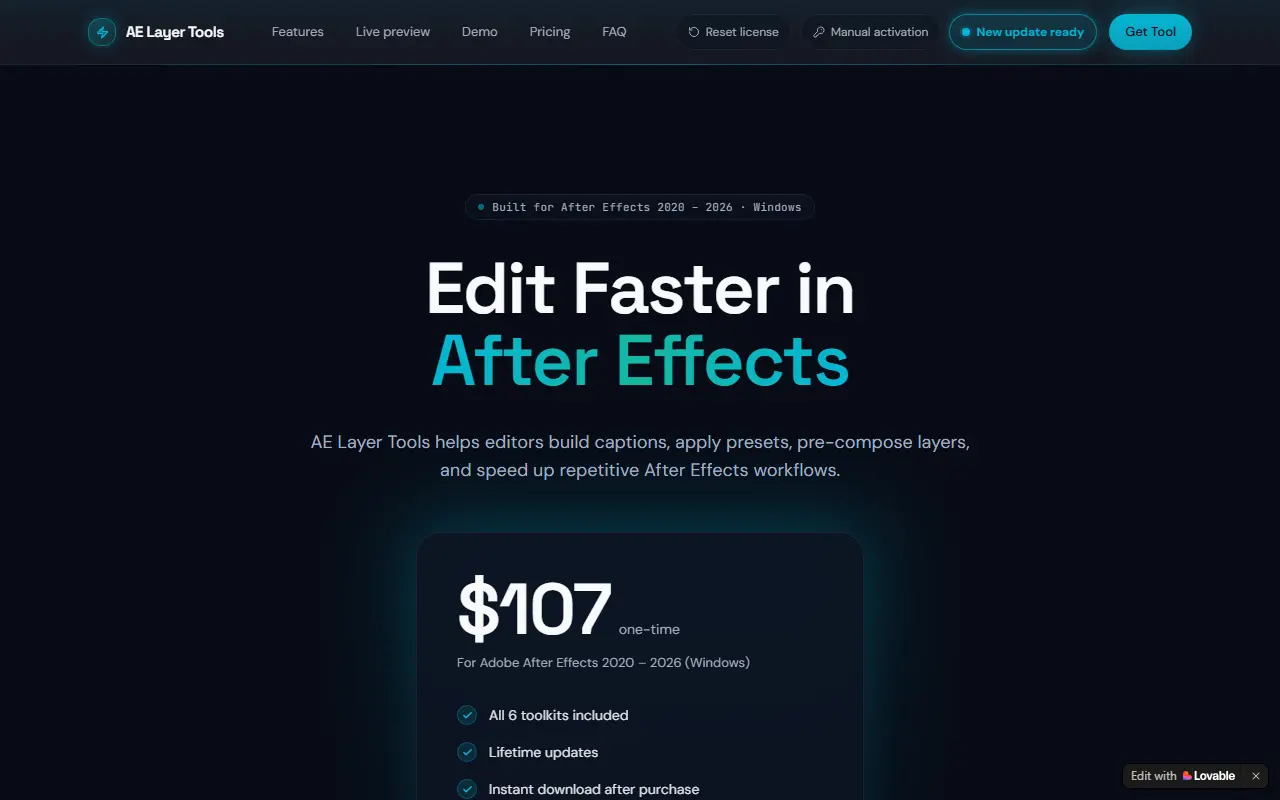
About AE Layer Tool
AE Layer Tools is a CEP extension for Adobe After Effects 2020 to 2026 that turns repetitive After Effects tasks into one-click buttons. It is delivered as a single .zxp file and opens from Window then Extensions inside After Effects.
The panel includes auto captions with per-word timing, pre-compose tools, Twixtor curves, beat drops that detect BPM, bulk keyframe adjustment and a graph editor for cubic-bezier easing curves.
It is sold as a one-time purchase with lifetime updates, and there is no free trial. It runs on Windows 10 or 11 only, and needs an internet connection for license activation and AI transcription.
Key features
- Auto captions with per-word timing
- Pre-compose, null and adjustment layer tools
- Optimized Twixtor curves for slow motion
- Beat markers placed from detected BPM
- Bulk keyframe nudging, scaling and retiming
- Cubic-bezier easing curve editor
Good fit for
- Generating captions for social video
- Speeding up repetitive timeline setup
- Creating speed ramps
AE Layer Tool: questions and answers
- What is AE Layer Tool used for?
- AE Layer Tool is a paid Adobe After Effects extension for Windows with six toolkits including auto captions, pre-compose tools and Twixtor curves. It is a good fit for generating captions for social video, speeding up repetitive timeline setup and creating speed ramps.
- How much does AE Layer Tool cost?
- AE Layer Tool is a paid product with no free plan. $107 one-time, with all six toolkits and lifetime updates included.
- Is AE Layer Tool open source?
- No. AE Layer Tool is proprietary (closed-source) software. In the Video Editing category, open-source options include EffectCraft, ScreenToGif and Cap.
- What are some alternatives to AE Layer Tool?
- AE Layer Tool competes with Submagic, Captions and AI Captions.
Open-source alternatives to AE Layer Tool
See all
EffectCraft
Video Editing
Motion graphics and visual effects compositor written in pure Rust
Apache-2.0vs Adobe After Effects★ 8.7k
ScreenToGif
Video Editing
🎬 ScreenToGif allows you to record a selected area of your screen, edit and save it as a
MS-PLvs Snagit★ 28k
Cap
Video Editing
Open source Loom alternative. Beautiful, shareable screen recordings.
OSSvs Loom★ 25k
OpenCut
Video Editing
The open-source CapCut alternative
MITvs CapCut★ 98k
OBS Studio
Video Editing
OBS Studio - Free and open source software for live streaming and screen recording
GPL-2.0vs vMix★ 79k
HandBrake
Video Editing
HandBrake's development repository
OSS★ 25k
SaaS alternatives to AE Layer Tool
See all
Submagic
Video Editing
AI tool that adds captions and edits to short-form videos
SaaS
Captions
Video Editing
AI video editing app for captions, dubbing and talking-head content
SaaS
AI Captions
Video Editing
Adds captions and subtitles to any video
SaaS
AutoCaptioner
Video Editing
Online tool that generates, edits, translates and styles AI subtitles for videos and exports captioned video
SaaSClipmonkey
Video Editing
Generates captions for social media videos using AI
SaaS
SubtitleMe
Video Editing
Automatically generates captions for videos, with styling options and export-ready video files
SaaS