
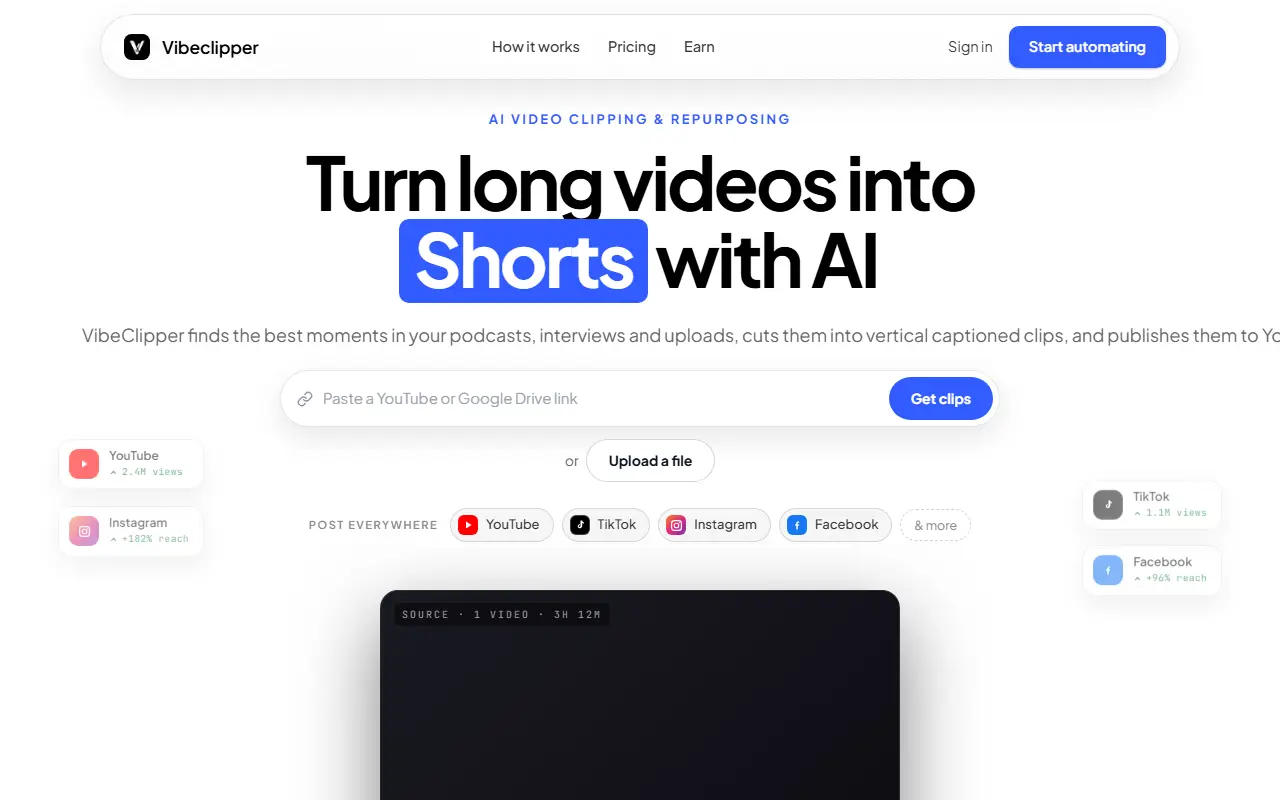
About Vibeclipper
VibeClipper repurposes long videos such as podcasts, interviews and uploads. You paste a YouTube link, a Google Drive link or upload a file, and the AI finds the strongest moments, cuts vertical captioned clips and can publish them to YouTube Shorts, Instagram Reels, TikTok and other networks on a schedule. Higher plans add viral scoring insights, and the site offers pages for podcast clips, agencies, faceless channels and creator automation, along with an MCP and API option.
Plans are credit based. Launch is $10 per month, $120 billed yearly, with 50 clips per month, 2 social account connections, 1080p exports and no watermark. Scale is $21 per month with 120 clips, 10 connected accounts and viral scoring. Business is custom, with unlimited connections, API access and enterprise support.
Each paid plan can be tried for 3 days at $1, and cancellation is one click. The site compares itself with Opus Clip and Vizard alternatives. A how-credits-work page and guides on turning long videos into Shorts are linked from the site.
Key features
- Clips from YouTube links, Drive or uploads
- Vertical captioned short clips
- Scheduled publishing to Shorts, Reels and TikTok
- Viral scoring insights on higher plans
- 1080p exports without watermark
- API and MCP access
Good fit for
- Turning podcast episodes into short clips
- Running faceless channels with automated posting
Vibeclipper: questions and answers
- What is Vibeclipper used for?
- Vibeclipper is an AI clipper that turns long YouTube or uploaded videos into vertical captioned short clips and schedules them to YouTube Shorts, Instagram Reels and TikTok. It is a good fit for turning podcast episodes into short clips and running faceless channels with automated posting.
- How much does Vibeclipper cost?
- Paid plans for Vibeclipper start at $10 per month, and there is no free plan. A free trial is available.
- Is Vibeclipper open source?
- No. Vibeclipper is proprietary (closed-source) software and can't be self-hosted. In the Video Editing category, open-source options include OpenCut, OBS Studio and HandBrake.
- What are some alternatives to Vibeclipper?
- Vibeclipper competes with Opus Clip, Vizard and Klap.
Open-source alternatives to Vibeclipper
See all
OpenCut
Video Editing
The open-source CapCut alternative
MITvs CapCut★ 93k
OBS Studio
Video Editing
OBS Studio - Free and open source software for live streaming and screen recording
GPL-2.0vs vMix★ 77k
HandBrake
Video Editing
HandBrake's development repository
OSS★ 25k
Cap
Video Editing
Open source Loom alternative. Beautiful, shareable screen recordings.
OSSvs Loom★ 23k
Screenity
Video Editing
The free and privacy-friendly screen recorder with no limits 🎥
GPL-3.0vs Screencastify★ 19k
Shotcut
Video Editing
cross-platform (Qt), open-source (GPLv3) video editor
GPL-3.0vs Adobe Premiere Pro★ 15k
SaaS alternatives to Vibeclipper
See all
Opus Clip
AI Tools
Cuts long videos into short vertical clips with captions for social platforms
SaaS
Vizard
Video Editing
AI tool that turns long videos into short clips with captions
SaaS
Klap
Video Editing
AI tool that converts long videos into short clips for social media
SaaS
Submagic
Video Editing
AI tool that adds captions and edits to short-form videos
SaaS
CapCut
Video Editing
Video editor for short-form clips with templates, effects and auto captions
SaaS
Scribix
Video Editing
Turns long videos into captioned vertical shorts with AI clip selection and editing
SaaS