
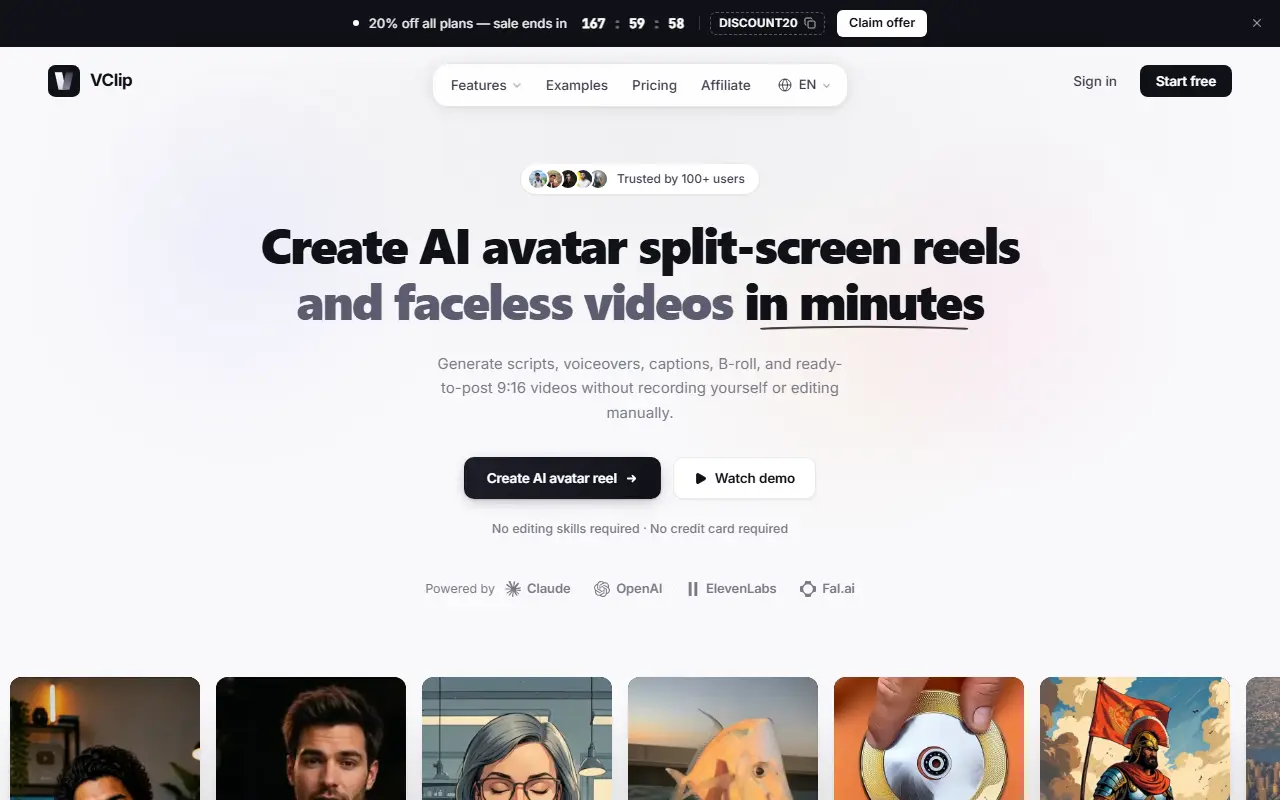
About VClip
VClip creates short vertical videos without filming yourself. Its split-screen maker pairs your clip with a talking AI avatar that narrates underneath, auto-detects the source language, narrates in the language you choose, and exports a 9:16 file synced and cropped. Short Forge builds a lip-synced avatar from a 30-second clip with a custom-trained voice cloned into more than 20 languages, and a separate flow turns a photo into a talking avatar from a script and a chosen or uploaded voice.
For faceless videos, the AI writes a hook-driven script from a one-line topic, picks visuals, sets duration, adds a voiceover from 23 ElevenLabs voices and royalty-free music tracks, and applies animated captions in 20 or more styles. The site says it is powered by Claude, OpenAI, ElevenLabs and Fal.ai, and a script generator and TikTok caption helper are included.
A video editor is available, with autopilot posting and analytics listed as coming soon. You can start free with no credit card, and plans are in a pricing section. The site also lists example outputs, a demo video and an affiliate program.
Key features
- Split-screen reels with a talking AI avatar
- Lip-synced avatars with voice cloning
- Narration in 20+ languages
- AI script, voiceover and music for faceless videos
- Animated captions in many styles
- Photo to talking avatar
- 9:16 export ready to post
Good fit for
- Making faceless short videos for TikTok and Reels
- Translating a clip into another language with an avatar
VClip: questions and answers
- What is VClip used for?
- VClip is an AI video tool that makes split-screen reels with a talking avatar, lip-synced voice-cloned avatars in 20+ languages and faceless videos with scripts, voiceover and captions. It is a good fit for making faceless short videos for TikTok and Reels, and translating a clip into another language with an avatar.
- Is VClip free?
- Yes. VClip has a free plan, and paid plans start at $19 per month.
- Is VClip open source?
- No. VClip is proprietary (closed-source) software and can't be self-hosted. In the Video Editing category, open-source options include OpenCut, OBS Studio and HandBrake.
- What are some alternatives to VClip?
- VClip competes with HeyGen, Rask AI and Opus Clip.
Open-source alternatives to VClip
See all
OpenCut
Video Editing
The open-source CapCut alternative
MITvs CapCut★ 93k
OBS Studio
Video Editing
OBS Studio - Free and open source software for live streaming and screen recording
GPL-2.0vs vMix★ 77k
HandBrake
Video Editing
HandBrake's development repository
OSS★ 25k
Cap
Video Editing
Open source Loom alternative. Beautiful, shareable screen recordings.
OSSvs Loom★ 23k
Screenity
Video Editing
The free and privacy-friendly screen recorder with no limits 🎥
GPL-3.0vs Screencastify★ 19k
Shotcut
Video Editing
cross-platform (Qt), open-source (GPLv3) video editor
GPL-3.0vs Adobe Premiere Pro★ 15k
SaaS alternatives to VClip
See all
HeyGen
AI Tools
Create talking-avatar videos from a script, with voice cloning and video translation
SaaS
Rask AI
AI Tools
AI video translation, dubbing and subtitle generation
SaaS
Opus Clip
AI Tools
Cuts long videos into short vertical clips with captions for social platforms
SaaS
Submagic
Video Editing
AI tool that adds captions and edits to short-form videos
SaaS
VEED
AI Tools
Browser-based video editor with auto subtitles, AI avatars and screen recording
SaaS
FastCut
Video Editing
AI short-form video editor that trims, captions and enhances videos
SaaS