
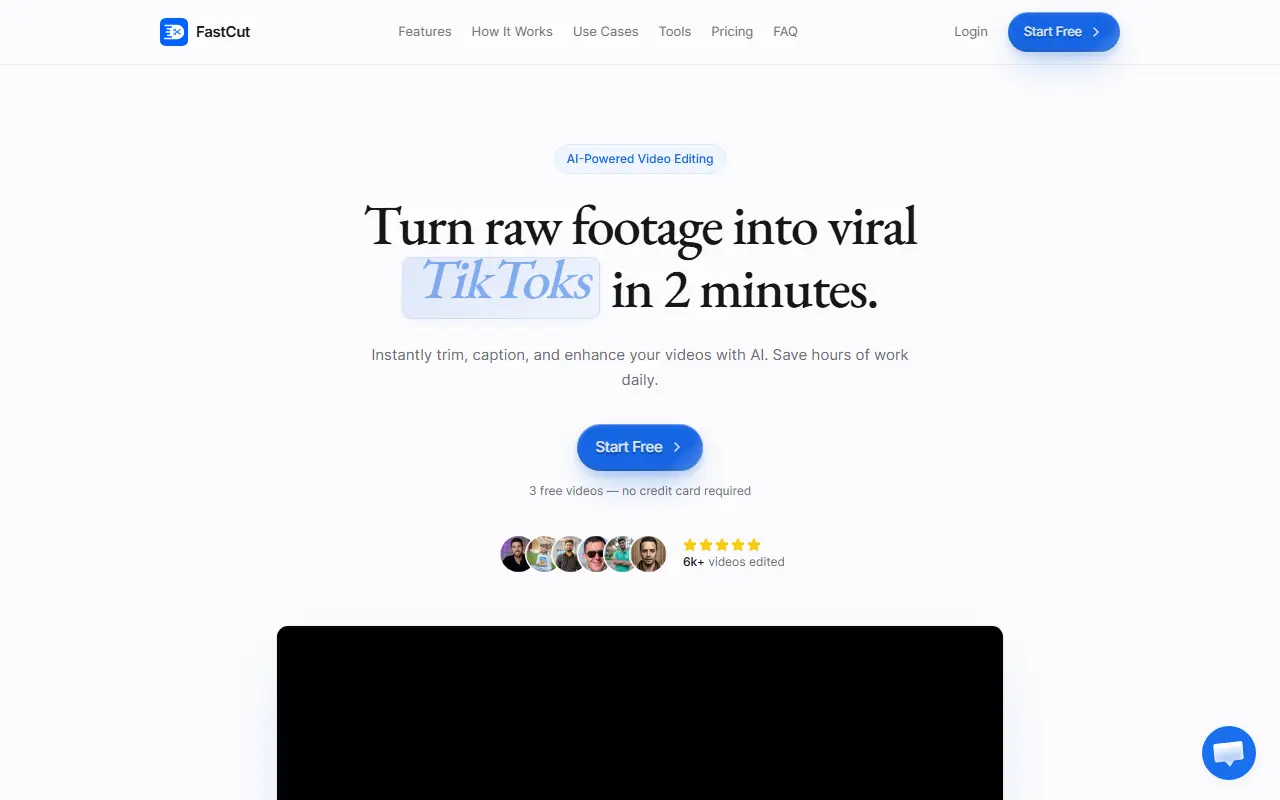
About FastCut
FastCut is a web-based AI video editor for short-form content. You upload raw footage and the tool trims it, adds captions and enhances the result, with the aim of producing a TikTok, Reel or YouTube Short in a couple of minutes without editing skills or keyframing.
Features include automatic and animated captions, text-based video trimming, silence removal, trending templates, one-click templates and automated workflows. For visuals it can add AI-powered B-roll and images, automatic GIFs, images from Google search and split-screen gameplay clips, and for audio it offers an audio enhancer, background music and sound effects.
The site has pages for features, use cases, free tools and an FAQ, and offers 3 free videos with no credit card required before choosing a paid plan. It is aimed at creators, social media marketers and anyone repurposing longer recordings into clips.
Key features
- Automatic and animated captions
- Text-based video trimming
- Automatic silence removal
- AI-powered B-roll and images
- Trending and one-click templates
- Audio enhancement and background music
- Split-screen gameplay layouts
Good fit for
- Turning long footage into short vertical clips
- Adding captions to social videos quickly
FastCut: questions and answers
- What is FastCut used for?
- FastCut is an AI editor for short vertical videos: it trims footage, adds captions and polishes audio and visuals for TikTok, Reels and YouTube Shorts with templates, B-roll and music. It is a good fit for turning long footage into short vertical clips and adding captions to social videos quickly.
- Is FastCut free?
- Yes. FastCut has a free plan. 3 free videos with no credit card required; paid plans are listed on the pricing page.
- Is FastCut open source?
- No. FastCut is proprietary (closed-source) software and can't be self-hosted. In the Video Editing category, open-source options include Shotcut, OpenShot and Kdenlive.
- What are some alternatives to FastCut?
- FastCut competes with CapCut, Opus Clip and Vizard.
Open-source alternatives to FastCut
See all
Shotcut
Video Editing
cross-platform (Qt), open-source (GPLv3) video editor
GPL-3.0vs Adobe Premiere Pro★ 15k
OpenShot
Video Editing
OpenShot Video Editor is an award-winning free and open-source video editor for Linux, Mac
OSSvs Adobe Premiere Pro★ 6.6k
Kdenlive
Video Editing
Free and open source video editor, based on MLT Framework and KDE Frameworks
GPL-3.0vs Adobe Premiere Pro★ 5.8k
OpenCut
Video Editing
The open-source CapCut alternative
MITvs CapCut★ 93k
OBS Studio
Video Editing
OBS Studio - Free and open source software for live streaming and screen recording
GPL-2.0vs vMix★ 77k
HandBrake
Video Editing
HandBrake's development repository
OSS★ 25k
SaaS alternatives to FastCut
See all
CapCut
Video Editing
Video editor for short-form clips with templates, effects and auto captions
SaaS
Opus Clip
AI Tools
Cuts long videos into short vertical clips with captions for social platforms
SaaS
Vizard
Video Editing
AI tool that turns long videos into short clips with captions
SaaS
Submagic
Video Editing
AI tool that adds captions and edits to short-form videos
SaaS
VEED
AI Tools
Browser-based video editor with auto subtitles, AI avatars and screen recording
SaaS
Scribix
Video Editing
Turns long videos into captioned vertical shorts with AI clip selection and editing
SaaS