
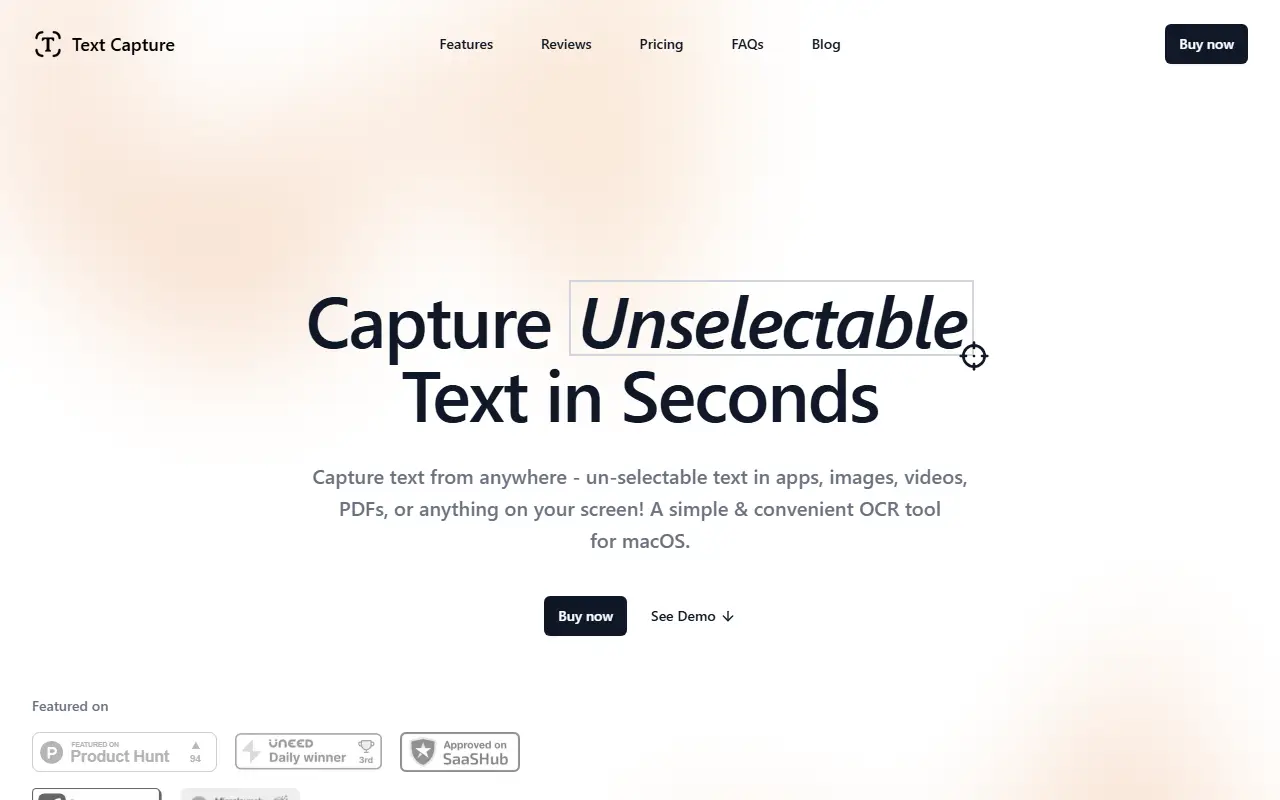
About Text Capture
Text Capture is a macOS utility for pulling out text that cannot be selected, such as text in images, videos, PDFs, app interfaces or anything else visible on the screen. You press a keyboard shortcut, drag over the area, and the recognized text is ready to paste in any app, which replaces retyping it by hand.
It runs from the menu bar with shortcuts for capturing text, scanning QR codes and barcodes, speaking captured text aloud, keeping line breaks and an additive clipboard that collects several captures so they can be pasted together. A capture history lets you view and paste earlier results. Recognition happens locally on your Mac and no data is sent to servers, and shortcuts, line-break handling, the tray icon, notifications and sounds can be customized.
Key features
- On-screen OCR for unselectable text
- QR code and barcode reading
- Text-to-speech of captured text
- Additive clipboard for multiple captures
- Capture history with paste
- Local recognition without servers
- Customizable keyboard shortcuts
Good fit for
- Copying text out of screenshots and videos
- Extracting text from non-selectable PDFs
- Reading QR codes from images on screen
Text Capture: questions and answers
- What is Text Capture used for?
- Text Capture is a macOS menu-bar OCR app that copies text from anything on screen, including images, videos and PDFs, and also reads QR codes and barcodes. It is a good fit for copying text out of screenshots and videos, extracting text from non-selectable PDFs, and reading QR codes from images on screen.
- How much does Text Capture cost?
- Text Capture is a paid product with no free plan.
- Is Text Capture open source?
- No. Text Capture is proprietary (closed-source) software. In the Productivity category, open-source options include Maccy, Stats and ShareX.
- What are some alternatives to Text Capture?
- Text Capture competes with CleanShot X and Snagit.
Open-source alternatives to Text Capture
See all
Maccy
Productivity
Lightweight clipboard manager for macOS
MITvs Paste★ 22k
Stats
Productivity
macOS system monitor in your menu bar
MIT★ 42k
ShareX
Productivity
ShareX is a free and open-source application that enables users to capture or record any a
GPL-3.0vs Snagit★ 40k
Rectangle
Productivity
Move and resize windows on macOS with keyboard shortcuts and snap areas
OSSvs BetterTouchTool★ 30k
BetterShot
Productivity
Screenshot, screen recording, and video editor for macOS. Native SwiftUI app with capture
OSSvs CleanShot X★ 2.4k
MarkerOn
Productivity
Lightweight (~1.5 MB) open-source screen annotation with click-through mode and keyboard-f
MIT★ 1.1k
SaaS alternatives to Text Capture
See all
CleanShot X
Productivity
Mac screenshot and screen recording utility with annotation and cloud sharing
SaaS
Snagit
Productivity
Screen capture and annotation tool for screenshots and short recordings
SaaSCaptriq
Productivity
Captures and organizes full-page website screenshots with OCR text search, PDF export and team workspaces
SaaS
iShot
Productivity
Screenshot tool for macOS
SaaS
Shotomatic
Productivity
Hands-free screenshot automation for macOS that captures, schedules and scripts screenshots at custom intervals
SaaS
Droplr
Productivity
Screenshot, screen recording and file sharing tool with instant links for teams
SaaS