
About Shotomatic
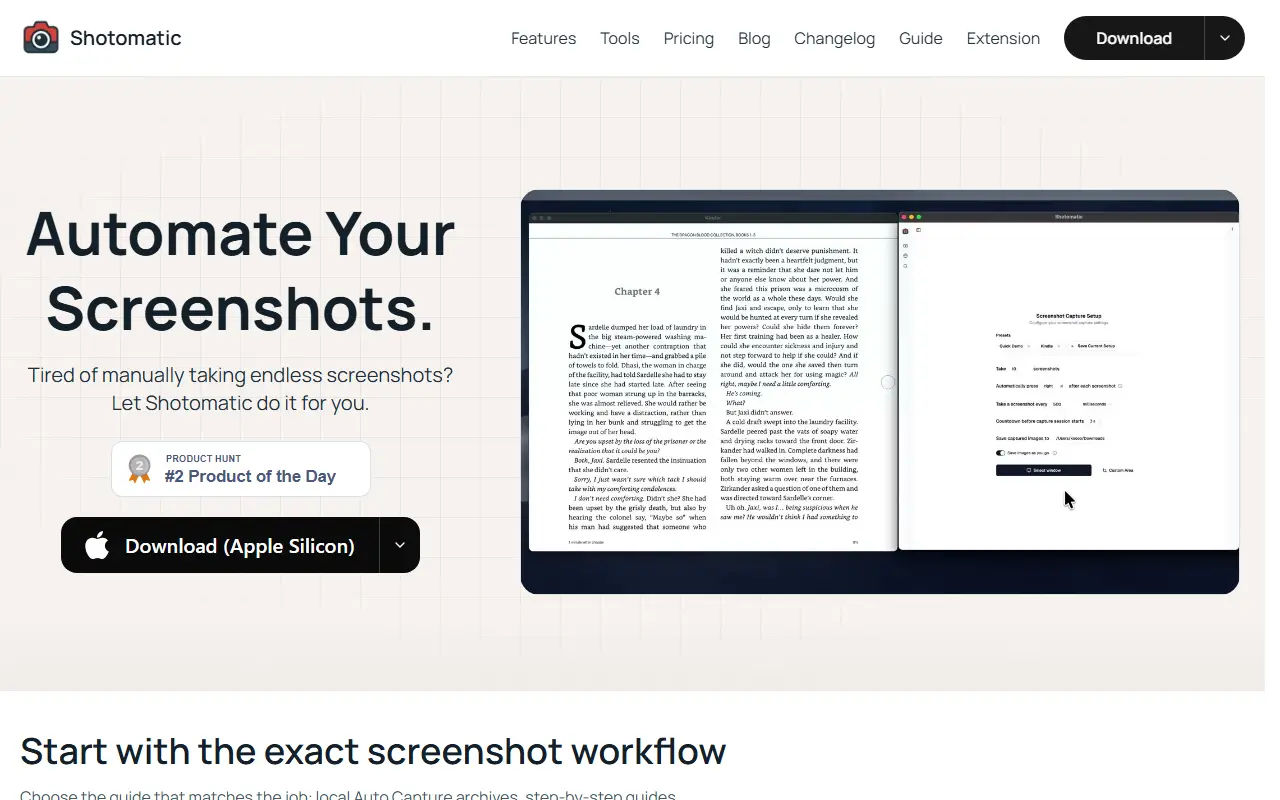
Shotomatic is a macOS app for hands-free screenshot capture. You set an interval once and it captures the whole screen, one window or a selected region on a timer, optionally simulating a keystroke between shots, which is useful for archiving e-books, webcomics or any app and for documenting work sessions.
Three workflows are highlighted: Auto Capture archives sessions locally as images, PDF, ZIP or MP4; Action Capture turns each accepted click into an ordered, editable step-by-step guide; and Website Screenshot Automation captures lists of URLs with per-URL viewport, timing, cookie, format and quality settings for audits and reports. Screenshot sessions can also be turned into MP4 timelapse videos. It requires an Apple Silicon Mac. Pro is sold as a $39 one-time license for one Mac, a $109 one-time license for three Macs, or a subscription starting at $12 a month for up to three Macs.
Key features
- Timed hands-free screen, window or area capture
- Keypress automation between shots
- Click-based step-by-step guide creation
- URL list website screenshot capture
- Export to JPG, PNG, PDF, ZIP and MP4
- Timelapse video from screenshot sessions
Good fit for
- Archiving e-books or webcomics page by page
- Documenting a process as a guide
- Capturing website screenshots for audits
Shotomatic: questions and answers
- What is Shotomatic used for?
- Shotomatic is a Mac app that automates screenshots at set intervals and from clicks and URL lists, with exports to images, PDF, ZIP and MP4 timelapse. It is a good fit for archiving e-books or webcomics page by page, documenting a process as a guide and capturing website screenshots for audits.
- How much does Shotomatic cost?
- Paid plans for Shotomatic start at $12 per month, and there is no free plan.
- Is Shotomatic open source?
- No. Shotomatic is proprietary (closed-source) software. In the Productivity category, open-source options include Rectangle, Maccy and MarkerOn.
- What are some alternatives to Shotomatic?
- Shotomatic competes with CleanShot X and Snagit.
Open-source alternatives to Shotomatic
See all
Rectangle
Productivity
Move and resize windows on macOS with keyboard shortcuts and snap areas
OSSvs BetterTouchTool★ 30k
Maccy
Productivity
Lightweight clipboard manager for macOS
MITvs Paste★ 22k
MarkerOn
Productivity
Lightweight (~1.5 MB) open-source screen annotation with click-through mode and keyboard-f
MIT★ 1.1k
RustCast
Productivity
An open source alternative to raycast, in rust!! (retired)
MITvs Raycast★ 1.1k
PowerToys
Productivity
Microsoft PowerToys is a collection of utilities that supercharge productivity and customi
MITvs Alfred★ 139k
Files
Productivity
A modern file manager that helps users organize their files and folders.
MIT★ 46k
SaaS alternatives to Shotomatic
See all
CleanShot X
Productivity
Mac screenshot and screen recording utility with annotation and cloud sharing
SaaS
Snagit
Productivity
Screen capture and annotation tool for screenshots and short recordings
SaaS
Text Capture
Productivity
macOS OCR tool that captures un-selectable text from apps, images, videos, PDFs or anything on screen
SaaSCaptriq
Productivity
Captures and organizes full-page website screenshots with OCR text search, PDF export and team workspaces
SaaS
Droplr
Productivity
Screenshot, screen recording and file sharing tool with instant links for teams
SaaS
iShot
Productivity
Screenshot tool for macOS
SaaS