
About terrific.tools
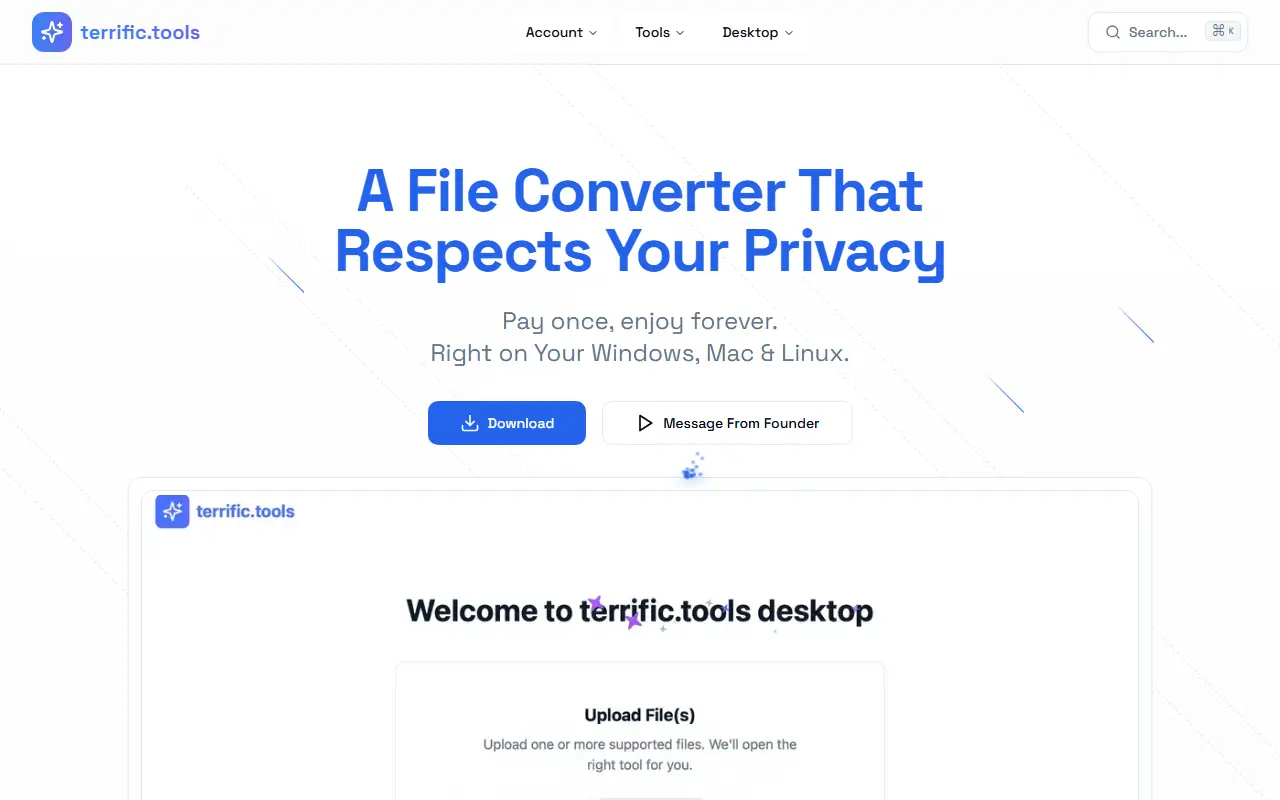
terrific.tools Desktop is a locally running file converter that handles images, audio, video and documents on Mac, Windows and Linux without an internet connection. The page describes it as a pay-once product and shows version 0.4.2 with a version history.
The audio side converts between more than 25 formats including MP3, FLAC, WAV, AAC, Opus, MIDI and MOD, with a waveform trimmer, bitrate control and batch processing. Video conversion covers more than 19 formats up to 4K, with trimming, audio extraction and GIF creation. The image tools crop, rotate, filter and convert between over 30 formats including RAW, AVIF and JPEG XL, strip metadata, and turn supported images into SVG vectors.
It also opens specialized formats such as DICOM medical scans, NIfTI neuroimaging files and DDS game textures. Everything is described as running locally on your own computer, which the page presents as both a speed and a privacy benefit. The page invites users to vote on future features.
Key features
- Offline conversion of audio, video and images
- Audio trimming with a visual waveform editor
- Video conversion up to 4K and GIF creation
- Image editing with filters and metadata stripping
- SVG vector conversion from raster images
- DICOM, NIfTI and DDS format support
- Batch processing of whole collections
Good fit for
- Converting media files without uploading them
- Making GIFs from video clips
- Converting RAW camera files and scans
terrific.tools: questions and answers
- What is terrific.tools used for?
- terrific.tools Desktop is a privacy-first file converter for Mac, Windows and Linux that converts images, audio, video and documents locally, with no uploads. It is a good fit for converting media files without uploading them, making GIFs from video clips, and converting RAW camera files and scans.
- How much does terrific.tools cost?
- terrific.tools is a paid product with no free plan.
- Is terrific.tools open source?
- No. terrific.tools is proprietary (closed-source) software. In the Productivity category, open-source options include Flameshot, BentoPDF and Zen Browser.
- What are some alternatives to terrific.tools?
- terrific.tools competes with Smallpdf and iLovePDF.
Open-source alternatives to terrific.tools
See all
Flameshot
Productivity
Powerful yet simple to use screenshot software :desktop_computer: :camera_flash:
GPL-3.0vs Snagit★ 31k
BentoPDF
Productivity
The Privacy First PDF Toolkit
AGPL-3.0vs iLovePDF★ 16k
Zen Browser
Productivity
Welcome to a calmer internet
MPL-2.0vs Google Chrome★ 45k
Rectangle
Productivity
Move and resize windows on macOS with keyboard shortcuts and snap areas
OSSvs BetterTouchTool★ 30kUngoogled Chromium
Productivity
Google Chromium, sans integration with Google
BSD-3-Clausevs Google Chrome★ 28k
Brave Browser
Productivity
Brave browser for Android, iOS, Linux, macOS, Windows.
MPL-2.0vs Google Chrome★ 24k
SaaS alternatives to terrific.tools
See all
Smallpdf
Productivity
Browser-based PDF tools for merging, compressing, editing and signing
SaaS
iLovePDF
Productivity
Online PDF tools for splitting, merging, compressing and converting
SaaS
Compresto
Productivity
macOS app that compresses images, videos, PDFs and GIFs with minimal quality loss
SaaS
Jollycat
Productivity
Native macOS file converter for images, video, audio, documents and PDFs that runs locally
SaaS
TeraConvert
Productivity
Offline Mac file converter for 800+ formats with PDF text editing, background removal, compression and batch tools
SaaS
OxygenPDF
Productivity
Private PDF toolkit that runs without uploading your files
SaaS