
About PinVari
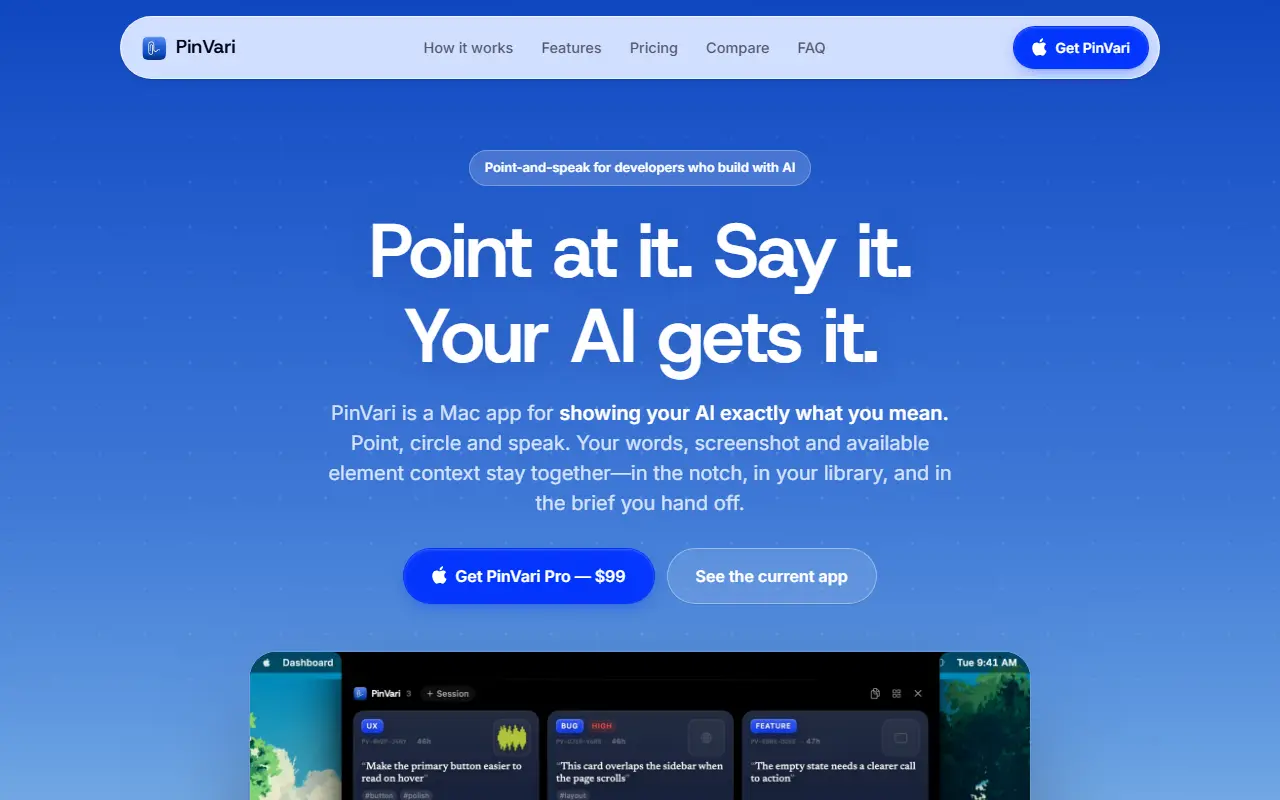
PinVari is a point-and-speak capture tool for developers who build with AI. On any app, a browser, an editor or a design tool, you draw around what you mean, hold a key and say what should change. PinVari saves your words, a screenshot and the available element context together, identifying the actual button, field or row by its name and role, so the agent does not have to guess from pixels.
Captures go to AI tools through MCP, including Claude Code, Cursor, Codex, Zed, the terminal and any MCP client, with one command to connect. Several circles can be numbered in one capture, and a capture library and a pinned shelf near the notch keep the next steps close. Review Packs export selected captures as a self-contained HTML file that opens in a browser without an account, with before and after captures paired.
It is a native macOS app for Apple Silicon and Intel, runs on-device and works without a notch. PinVari Pro is a one-time purchase of $99 with no subscription, and the site also has a comparison page and an FAQ.
Key features
- Circle and speak capture on any Mac app
- Element name and role identified
- Screenshot, words and context bundled
- MCP hand-off to Claude Code, Cursor and Codex
- Capture library and pinned shelf
- Self-contained HTML Review Packs
- On-device native macOS app
Good fit for
- Telling a coding agent exactly which button to change
- Giving design feedback with screenshots and speech
- Sharing review packs without a login
PinVari: questions and answers
- What is PinVari used for?
- PinVari is a Mac app where you circle a UI element and speak, and it hands the element, a screenshot and your words to an AI coding agent. It is a good fit for telling a coding agent exactly which button to change, giving design feedback with screenshots and speech, and sharing review packs without a login.
- Is PinVari free?
- Yes. PinVari has a free plan, and paid plans start at $29 per seat per month.
- Is PinVari open source?
- No. PinVari is proprietary (closed-source) software. In the Developer Tools category, open-source options include Docs MCP Server, CTX and iTerm2.
- What are some alternatives to PinVari?
- PinVari competes with CleanShot X and Jam.
Open-source alternatives to PinVari
See all
Docs MCP Server
Developer Tools
Grounded Docs MCP Server: Open-Source Alternative to Context7, Nia, and Ref.Tools
MIT★ 1.8kCTX
Developer Tools
CTX Fit finds the cheapest AI coding setup that reliably works on your repository, then ap
MIT★ 588
iTerm2
Developer Tools
iTerm2 is a terminal emulator for Mac OS X that does amazing things.
GPL-2.0vs Warp★ 18k
Atlas
Developer Tools
Atlas is a native macOS workspace for coding agents. Install Claude Code, Codex, OpenCode
Apache-2.0★ 9.1k
Agentation
Developer Tools
The visual feedback tool for agents.
OSS★ 4.9k
Agent Beacon
Developer Tools
The cross-harness, self-improving memory layer for AI agents.
MIT★ 1.8k
SaaS alternatives to PinVari
See all
CleanShot X
Productivity
Mac screenshot and screen recording utility with annotation and cloud sharing
SaaS
Jam
Testing & QA
Browser extension that captures bug reports with console logs and replays
SaaS
Quey
Developer Tools
Browser extension and CLI agent that leaves comments on your site and ships fixes into Claude Code
SaaSQalibr
Developer Tools
Turns bug reports posted in Slack into triaged, deduplicated tickets routed to your issue tracker
SaaS
Kirocast
Video Editing
Screen recorder built so AI agents can read recordings for debugging and demo creation
SaaS
LayerDock
Testing & QA
Browser workspace to pin feedback on live websites with auto-captured context and hand it to coding agents via MCP
SaaS