
About PDF Viewer
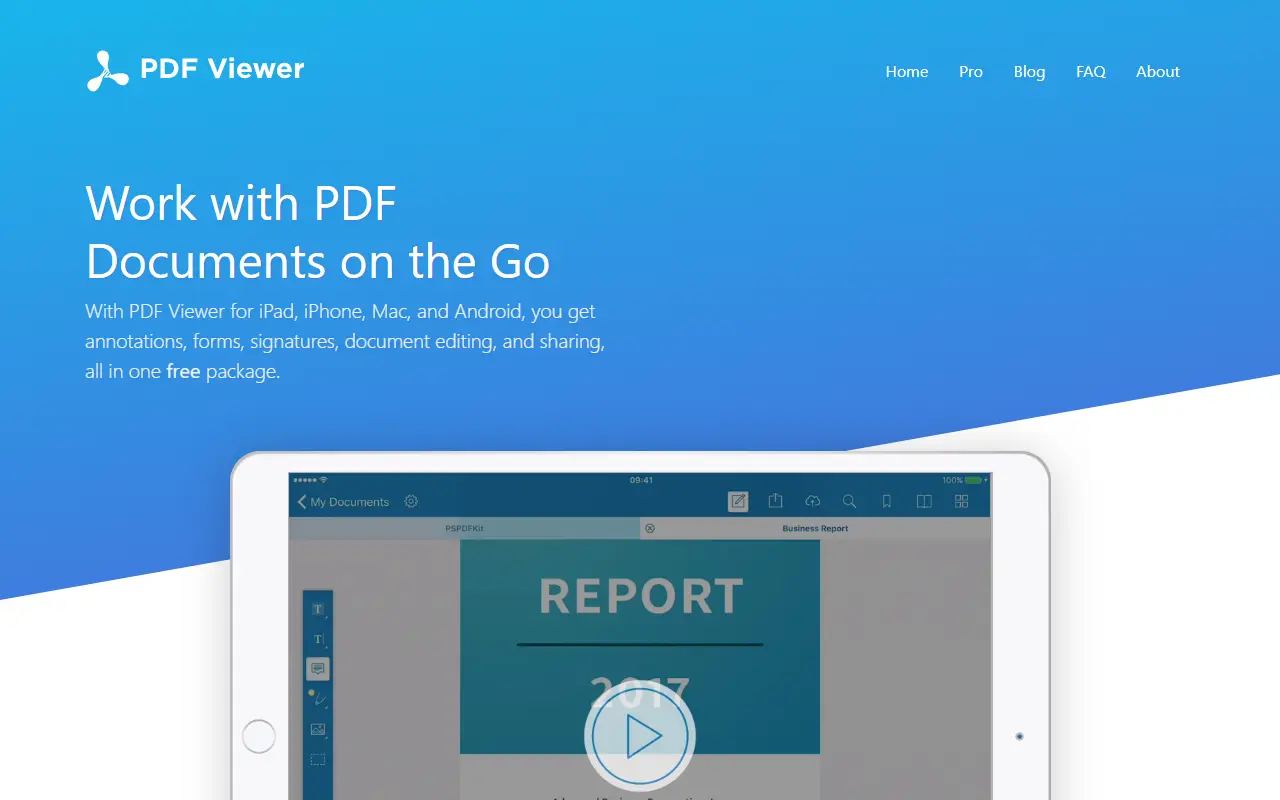
PDF Viewer is a free application for iPad, iPhone, Mac, and Android that allows users to read, review, annotate, and edit PDF documents. It supports annotations such as highlighting, freehand ink drawings, images, and notes, and includes a document editor for adding, deleting, rotating, and rearranging pages. The app also enables users to sign documents and forms, and to share or print completed files.
Key features
- Annotate PDFs with highlights, freehand ink, images, and notes
- Adjust annotation styles using the annotation inspector
- View a list of all annotations made on a document
- Edit documents by adding, duplicating, rotating, or deleting pages
- Create new documents from selected pages of other documents
- Sign documents and forms
Good fit for
- Reviewing and annotating PDFs on mobile devices
- Collaborating on document review with team members
- Filling out and signing forms on the go
PDF Viewer: questions and answers
- What is PDF Viewer used for?
- PDF Viewer is a free mobile and desktop app for reading, annotating, editing, and signing PDF documents. It is a good fit for reviewing and annotating PDFs on mobile devices, collaborating on document review with team members, and filling out and signing forms on the go.
- Is PDF Viewer open source?
- No. PDF Viewer is proprietary (closed-source) software. In the Productivity category, open-source options include Flameshot, Brave Browser and Stirling PDF.
- What are some alternatives to PDF Viewer?
- PDF Viewer competes with PDF Expert.
Open-source alternatives to PDF Viewer
See all
Flameshot
Productivity
Powerful yet simple to use screenshot software :desktop_computer: :camera_flash:
GPL-3.0vs Snagit★ 31k
Brave Browser
Productivity
Brave browser for Android, iOS, Linux, macOS, Windows.
MPL-2.0vs Google Chrome★ 24k
Stirling PDF
Productivity
A free, private PDF editor you can run on any infrastructure.
OSSvs Adobe Acrobat★ 94k
Linkwarden
Productivity
Collect, read, annotate, and fully preserve what matters. Open-source, self-hostable bookm
AGPL-3.0vs Raindrop.io★ 20k
ActivityWatch
Productivity
The best free and open-source automated time tracker. Cross-platform, extensible, privacy-
MPL-2.0vs RescueTime★ 19k
DocuSeal
Productivity
Free and Open source tool to streamline document filling and signing. Create custom PDF fo
AGPL-3.0vs DocuSign★ 19k
SaaS alternatives to PDF Viewer
See all
PDF Expert
Productivity
PDF reader, annotator and editor for Mac, iPhone and iPad
SaaS
UPDF
Productivity
PDF editor and annotator with AI features for Windows, Mac, iOS and Android
SaaS
Scanner ME
Productivity
Mobile app for scanning, saving, editing and sharing documents as PDFs
SaaS
ProperPDF
Productivity
Mobile app to edit, compress and chat with PDFs offline without uploads
SaaS
ScanlyGo
Productivity
Mobile PDF toolkit to scan, sign, merge, compress, split, lock and unlock PDFs
SaaS
Sejda PDF
Productivity
Online and desktop PDF editor with merge, split, compress and sign tools
SaaS