
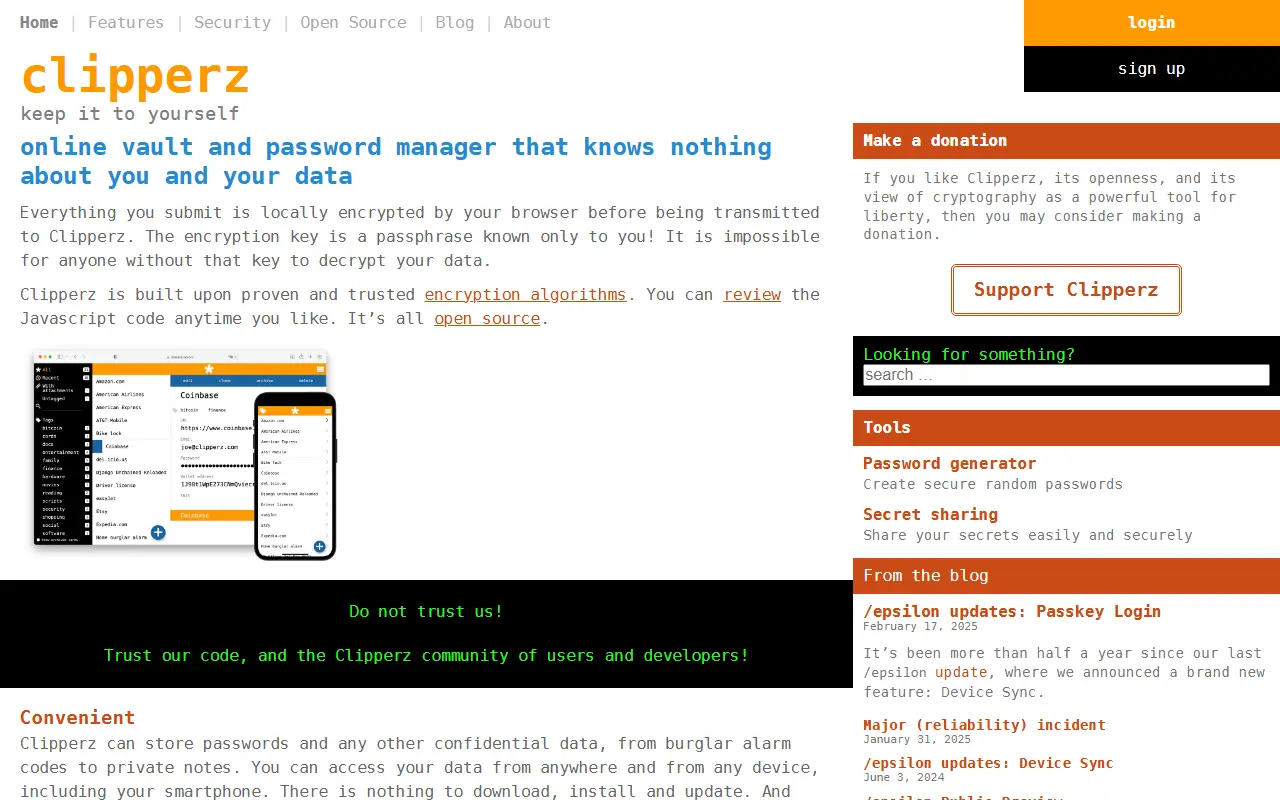
About Password Manager
Clipperz is an online vault and password manager that encrypts all user data locally in the browser before uploading it to the service. The encryption key is a passphrase known only to the user, making it impossible for Clipperz or anyone else to decrypt the data without that key. The software is built on proven encryption algorithms and its JavaScript code is open source and available for review on GitHub.
The service can store passwords and other confidential data such as burglar alarm codes and private notes. It is accessible from any device including smartphones, with no need to download or install software. An offline version is also available for use without an internet connection. Clipperz does not require an email address or any personal information to use the service.
Key features
- Locally encrypts all data in the browser before uploading
- Encryption key is a passphrase known only to the user
- Open source code available on GitHub
- No personal information required to use the service
- Offline version available
- Includes a password generator and secret sharing tool
Good fit for
- Storing passwords and other confidential data
- Accessing data from any device without installing software
Password Manager: questions and answers
- What is Password Manager used for?
- Password Manager is an online password manager that encrypts all data in the browser before transmission, so the service never has access to user data. It is a good fit for storing passwords and other confidential data, and accessing data from any device without installing software.
- Is Password Manager open source?
- Yes. Password Manager is open source under the AGPL-3.0 licence. Its source code is on GitHub at clipperz/password-manager and is written mainly in JavaScript.
- Is Password Manager free?
- Yes. Password Manager is open source, so the software itself is free to use. A managed cloud version is also available.
- Can I self-host Password Manager?
- Yes. Password Manager can be self-hosted on your own server or infrastructure.
- What is Password Manager an alternative to?
- Password Manager is an open-source alternative to LogMeOnce. Other open-source alternatives to LogMeOnce include KeePassXC, AliasVault and KeePassDX.
- Is Password Manager actively maintained?
- The most recent commit to Password Manager was on 17 February 2025. The project has 749 stars on GitHub.
Open-source alternatives to Password Manager
See all
KeePassXC
Password Management
KeePassXC is a cross-platform community-driven port of the Windows application “KeePass Pa
OSSvs Dashlane★ 29k
AliasVault
Password Management
Privacy-first password manager with built-in email aliasing. Fully encrypted and self-host
AGPL-3.0vs NordPass★ 3.2k
KeePassDX
Password Management
Lightweight vault and password manager for Android, KeePassDX allows editing encrypted dat
GPL-3.0vs Dashlane★ 7.5k
LessPass
Password Management
:key: stateless open source password manager
GPL-3.0vs Dashlane★ 6.1kVaultwarden
Password Management
Unofficial Bitwarden compatible server written in Rust, formerly known as bitwarden_rs
AGPL-3.0vs 1Password★ 69k
Bitwarden
Password Management
Bitwarden infrastructure/backend (API, database, Docker, etc).
OSSvs 1Password★ 20k
SaaS alternatives to Password Manager
See allLogMeOnce
Password Management
Password manager and single sign-on service with photo login and identity monitoring
SaaS
Bitdefender SecurePass
Password Management
Password manager from Bitdefender with passkey support and a digital wallet
SaaS
Passpack
Password Management
Password manager for businesses with shared folders and user management
SaaSSafeInCloud
Password Management
Password manager that syncs an encrypted database via your own cloud storage
SaaS
Sticky Password
Password Management
Password manager with local Wi-Fi sync option and a limited free version
SaaS
Avira Password Manager
Password Management
Password manager from Avira with a free version and paid Pro features
SaaS