
About PassiveShorts
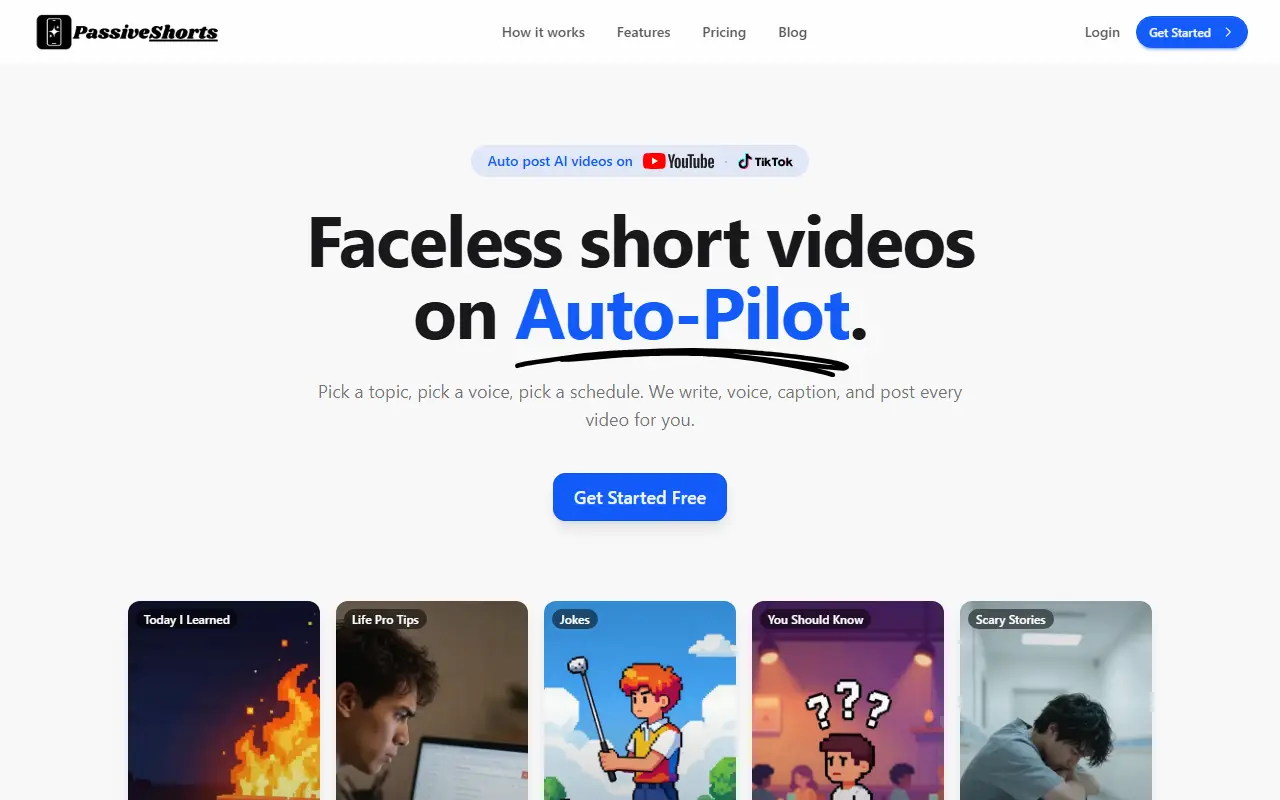
PassiveShorts is an AI video generator for channels that do not show a face. You pick a topic, a visual style and a voice, set a posting schedule, connect a YouTube or TikTok channel, and it writes the script, generates an image for each line, adds voiceover and captions, and publishes. Ready-made topics include Jokes, Scary Stories, Today I Learned, Life Pro Tips and You Should Know, or you can write a custom topic or paste your own script.
It also builds TikTok photo slideshows from uploaded or generated images with text on each slide. There are 19 visual styles, ranging from photorealistic and cinematic looks to anime and claymation, lifelike AI voices, and caption presets that can be fine-tuned. Videos can be posted public, private or sent to TikTok drafts for review.
Plans are based on posting frequency and number of series. The Basic plan is $19 per month for one series, three posts per week to one TikTok and one YouTube account, 12 videos and 240 slideshow images a month.
Key features
- Script, voice, image and caption generation
- Auto-posting to YouTube and TikTok
- 19 visual styles
- Ready-made topics or custom topics
- TikTok photo slideshow builder
- Custom caption styles
- Public, private or draft publishing
Good fit for
- Running a faceless Shorts channel on autopilot
- Posting scary story or joke series daily
- Creating TikTok slideshows from prompts
PassiveShorts: questions and answers
- What is PassiveShorts used for?
- PassiveShorts writes, voices, captions and posts faceless short videos and photo slideshows to YouTube and TikTok on a schedule you set. It is a good fit for running a faceless Shorts channel on autopilot, posting scary story or joke series daily and creating TikTok slideshows from prompts.
- How much does PassiveShorts cost?
- Paid plans for PassiveShorts start at $19 per month, and there is no free plan.
- Is PassiveShorts open source?
- No. PassiveShorts is proprietary (closed-source) software and can't be self-hosted. In the Video Editing category, open-source options include OpenCut, OBS Studio and HandBrake.
- What are some alternatives to PassiveShorts?
- PassiveShorts competes with InVideo, Pictory and Fliki.
Open-source alternatives to PassiveShorts
See all
OpenCut
Video Editing
The open-source CapCut alternative
MITvs CapCut★ 93k
OBS Studio
Video Editing
OBS Studio - Free and open source software for live streaming and screen recording
GPL-2.0vs vMix★ 77k
HandBrake
Video Editing
HandBrake's development repository
OSS★ 25k
Cap
Video Editing
Open source Loom alternative. Beautiful, shareable screen recordings.
OSSvs Loom★ 23k
Screenity
Video Editing
The free and privacy-friendly screen recorder with no limits 🎥
GPL-3.0vs Screencastify★ 19k
Shotcut
Video Editing
cross-platform (Qt), open-source (GPLv3) video editor
GPL-3.0vs Adobe Premiere Pro★ 15k
SaaS alternatives to PassiveShorts
See all
InVideo
AI Tools
Online video maker that generates videos from text prompts with stock media and voiceover
SaaS
Pictory
Video Editing
AI video generator that turns scripts and articles into short videos
SaaS
Fliki
Video Editing
AI tool that turns text into videos with voiceovers
SaaS
Lumen5
Video Editing
Video creation platform that turns articles and text into social videos
SaaS
Kapwing
Video Editing
Browser-based video editor with subtitles, templates and AI tools
SaaS
Faceless Video
Video Editing
Creates faceless videos for TikTok, YouTube Shorts and Instagram Reels without showing your face
SaaS