
About OpenKap
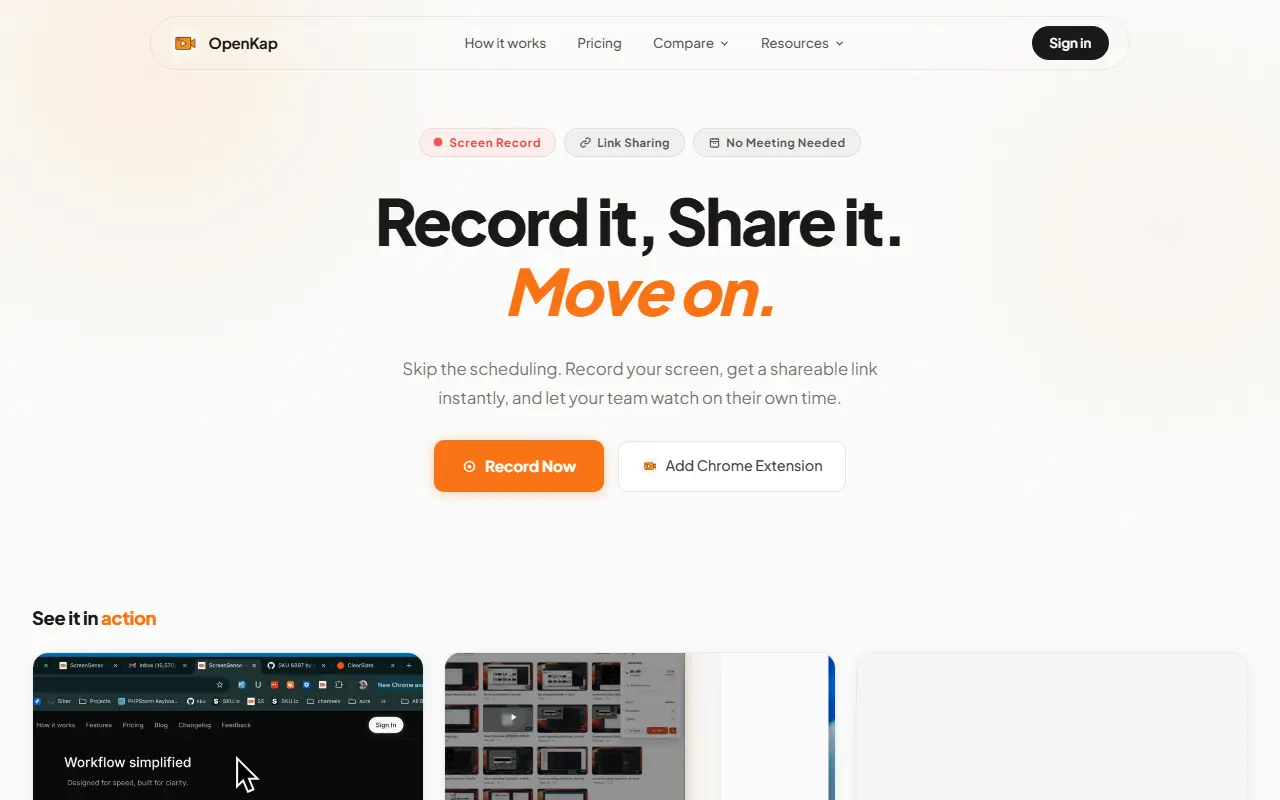
OpenKap is a screen recorder that runs as a Chrome extension. You choose a capture area, start recording, and when you stop it hands you a link you can paste into Slack, Notion, Linear or email, so teammates can watch on their own time instead of joining a meeting. It presents itself as a free, open source alternative to Loom.
Besides video, it includes a screenshot editor for annotating, highlighting and cropping images before they are shared. Recordings get AI-generated transcriptions, and viewers can leave comments. An MCP server lets Claude Code or any other MCP-compatible tool read a shared video's transcription, summary and team comments, so you can ask questions about a recording from your editor.
The code is published on GitHub and the project describes itself as self-hostable, with a hosted version available as well. The free plan covers 5 recordings of up to 5 minutes each, and a Pro plan at $8 per month removes the limits on recording count and length.
Key features
- Chrome extension with capture-area selection
- Instant shareable link after recording
- Screenshot annotation, highlighting and cropping
- AI transcriptions of recordings
- Comments on shared videos
- MCP server for Claude Code and similar tools
Good fit for
- Async video updates instead of meetings
- Bug reports with screen recordings
- Product demos shared by link
OpenKap: questions and answers
- What is OpenKap used for?
- OpenKap is a Chrome-extension screen recorder that turns each recording into a shareable link, aimed at teams who want async video instead of meetings. It is a good fit for async video updates instead of meetings, bug reports with screen recordings and product demos shared by link.
- Is OpenKap free?
- Yes. OpenKap has a free plan, and paid plans start at $8 per seat per month.
- Is OpenKap open source?
- No. OpenKap is proprietary (closed-source) software. In the Video Editing category, open-source options include Cap, Screenity and OpenCut.
- Can I self-host OpenKap?
- Yes. Although OpenKap is closed source, it can be self-hosted on your own servers, and the vendor also offers a hosted version.
- What are some alternatives to OpenKap?
- OpenKap competes with Loom, Tella and Screencastify.
Open-source alternatives to OpenKap
See all
Cap
Video Editing
Open source Loom alternative. Beautiful, shareable screen recordings.
OSSvs Loom★ 23k
Screenity
Video Editing
The free and privacy-friendly screen recorder with no limits 🎥
GPL-3.0vs Screencastify★ 19k
OpenCut
Video Editing
The open-source CapCut alternative
MITvs CapCut★ 93k
ScreenToGif
Video Editing
🎬 ScreenToGif allows you to record a selected area of your screen, edit and save it as a
MS-PLvs Snagit★ 28k
Kdenlive
Video Editing
Free and open source video editor, based on MLT Framework and KDE Frameworks
GPL-3.0vs Adobe Premiere Pro★ 5.8k
OBS Studio
Video Editing
OBS Studio - Free and open source software for live streaming and screen recording
GPL-2.0vs vMix★ 77k
SaaS alternatives to OpenKap
See all
Loom
Productivity
Loom is a screen and camera recording tool for sharing asynchronous video messages, with editing, comments, transcripts and AI features.
SaaS
Tella
Video Editing
Screen and camera recorder with editing for demos and tutorials
SaaS
Screencastify
Video Editing
Chrome-based screen recorder aimed at education and teams
SaaS
Zight
Productivity
Screen recording and screenshot sharing tool, formerly CloudApp
SaaS
Vidyard
Media & Streaming
Video platform for sales and marketing teams with hosting, recording and analytics
SaaS
Screen Studio
Video Editing
Mac screen recorder that adds automatic zooms and polished cursor animations
SaaS