
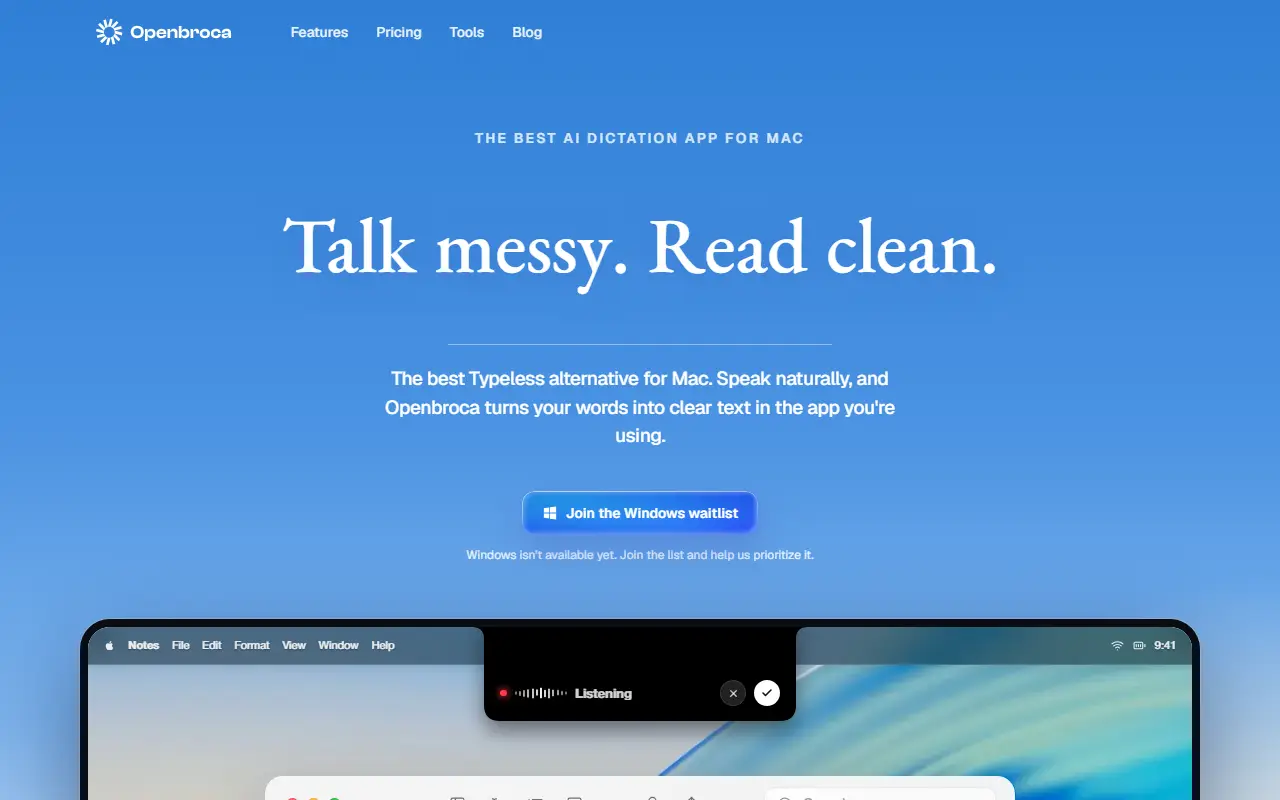
About Openbroca
Openbroca lets you speak in any Mac app and get tidy written text where your cursor is. You tap Option-Space to begin or end dictation, or hold the keys down while you speak, and the AI removes filler words and hesitations so the text reads cleanly, whether you are writing emails, messages, notes or documents.
A personal dictionary holds names, terms and preferred spellings, and the app can learn from corrections you make right after dictating. Screen Context is an optional setting, and speech can be translated into one of 28 output languages and inserted at the cursor. A shortcut brings back your previous transcript.
It is a native app for Apple silicon and Intel Macs. Processing is cloud-powered but the site says no audio is stored, and a free plan includes 3,000 text units weekly with all features and no card required.
Key features
- System-wide dictation at the cursor
- AI cleanup of filler words
- Personal dictionary that learns from corrections
- Optional Screen Context
- Translation into 28 languages
- Keyboard shortcut to start and stop
Good fit for
- Dictating emails and notes in any Mac app
- Speaking in one language and writing in another
Openbroca: questions and answers
- What is Openbroca used for?
- Openbroca is a native Mac dictation app that turns natural speech into cleaned-up text at your cursor, with a custom dictionary, screen context and translation into 28 languages. It is a good fit for dictating emails and notes in any Mac app, and speaking in one language and writing in another.
- Is Openbroca free?
- Yes. Openbroca has a free plan, and paid plans start at $6.99 per month.
- Is Openbroca open source?
- No. Openbroca is proprietary (closed-source) software and can't be self-hosted. In the Productivity category, open-source options include Rectangle, Maccy and MarkerOn.
- What are some alternatives to Openbroca?
- Openbroca competes with Wispr Flow.
Open-source alternatives to Openbroca
See all
Rectangle
Productivity
Move and resize windows on macOS with keyboard shortcuts and snap areas
OSSvs BetterTouchTool★ 30k
Maccy
Productivity
Lightweight clipboard manager for macOS
MITvs Paste★ 22k
MarkerOn
Productivity
Lightweight (~1.5 MB) open-source screen annotation with click-through mode and keyboard-f
MIT★ 1.1k
RustCast
Productivity
An open source alternative to raycast, in rust!! (retired)
MITvs Raycast★ 1.1k
PowerToys
Productivity
Microsoft PowerToys is a collection of utilities that supercharge productivity and customi
MITvs Alfred★ 139k
Files
Productivity
A modern file manager that helps users organize their files and folders.
MIT★ 46k
SaaS alternatives to Openbroca
See all
Wispr Flow
AI Tools
AI voice dictation app that types into any app
SaaS
Clabrate
Productivity
Mac voice app for dictating into any app and handing tasks to an assistant that controls windows and terminals
SaaS
Mumbly
Productivity
AI voice dictation in 100+ languages that runs privately on-device
SaaSTurbowhisper
Productivity
Voice-first writing tool for Mac that turns speech into clean text across the apps you already use
SaaS
AirSpell
Productivity
Offline macOS voice dictation using a local Whisper model that pastes formatted text into any app
SaaS
GhostWriter
Productivity
Voice-powered AI that turns speech into clean, ready-to-paste text anywhere on your Mac
SaaS