 TrackMedia
 TrackRev

 Akiflow
 Tweek
 TickTick
 Todoist
 Any.do
 Calendly
 Proton Calendar
 Microsoft Outlook
 Apple Calendar
 Zoho Calendar
About Morgen
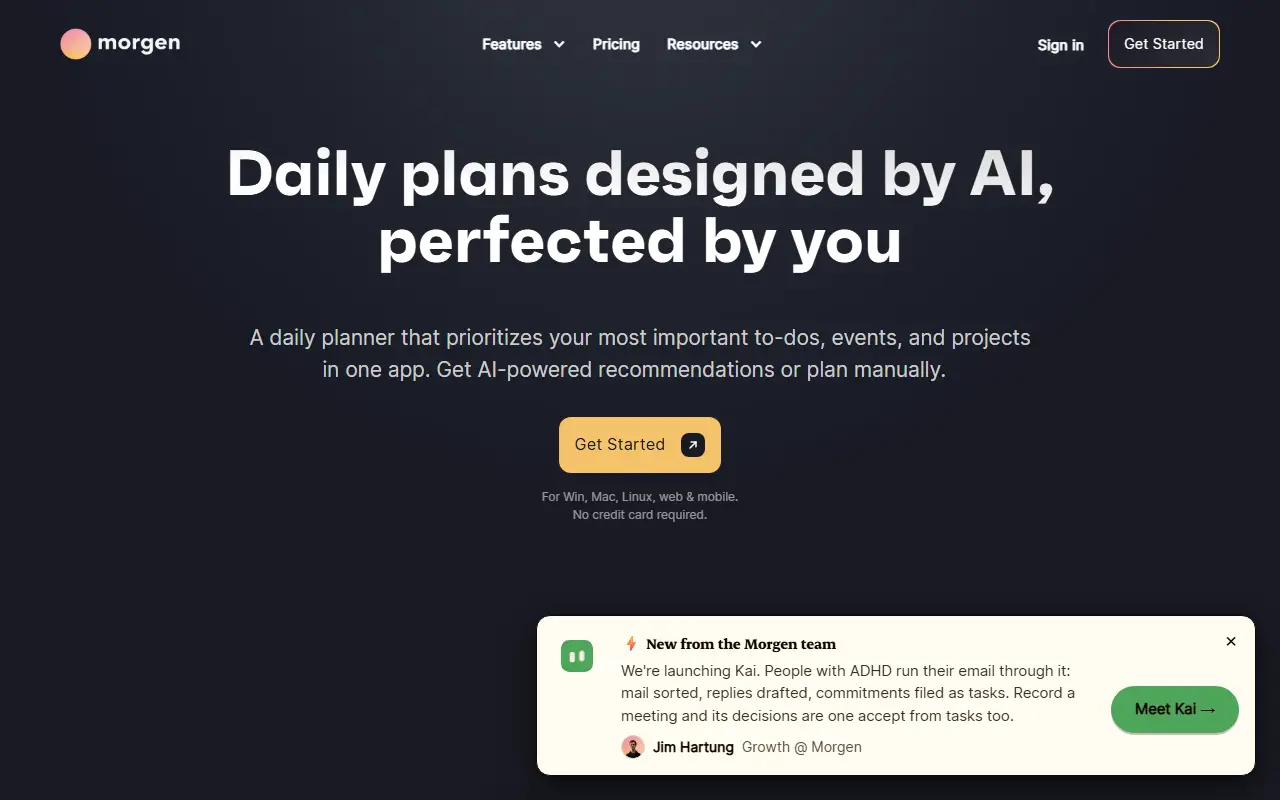
Morgen is a commercial planning app that combines calendars and tasks in one place. It connects to multiple calendars and task managers, so a person can see events and to-dos together and place work on the calendar as time blocks.
The vendor's feature set covers task management, an AI planner that proposes a daily plan which the user can adjust or replace with a manual one, calendar management, calendar automations, team workflows with auto-scheduling, and integrations. The site also introduces Kai, an AI executive assistant. The overall aim is to schedule meetings, block time and protect focus time without moving between separate apps.
Morgen is hosted, proprietary software with a pricing page and a sign-in, and it cannot be self-hosted. It suits individuals and teams who spread their work across several calendars and task tools and want one daily planning surface.
Key features
- Multiple calendars in one view
- Task management with time blocking
- AI daily planner
- Calendar automations for repeat tasks
- Team auto-scheduling workflows
- Integrations with task managers
- AI executive assistant
Good fit for
- Individuals combining calendars and to-do lists
- Teams scheduling shared work automatically
- Professionals protecting focus time
Morgen: questions and answers
- What is Morgen used for?
- Morgen is a calendar and task planner that connects several calendars and task managers, with an AI planner for time blocking and focus time. It is a good fit for individuals combining calendars and to-do lists, teams scheduling shared work automatically, and professionals protecting focus time.
- How much does Morgen cost?
- Paid plans for Morgen start at $25 per seat per month, and there is no free plan. A free trial is available.
- Is Morgen open source?
- No. Morgen is proprietary (closed-source) software and can't be self-hosted. Open-source alternatives to Morgen include Skiff Apps, Manage My Damn Life and Tuta.
- What are some alternatives to Morgen?
- Morgen competes with Fantastical, Reclaim.ai and Motion. For open-source options, see Enlisted's ranked list of open-source Morgen alternatives.
Open-source alternatives to Morgen
See all
Skiff Apps
Scheduling
Privacy-first, end-to-end encrypted Mail, Pages, Drive, and Calendar.
OSSvs Morgen★ 1k
Manage My Damn Life
Productivity
Manage My Damn Life (MMDL) is a self-hosted frontend for managing your CalDAV tasks and ca
GPL-3.0vs TickTick★ 647
Tuta
Email Clients & Servers
Tuta is an email service with a strong focus on security and privacy that lets you encrypt
GPL-3.0vs Gmail★ 8.2k
Thunderbird for Android
Email Clients & Servers
Thunderbird for Android – Open Source Email App for Android (fka K-9 Mail)
Apache-2.0vs Gmail★ 14k
Cal.diy
Scheduling
Scheduling infrastructure for absolutely everyone.
MITvs Calendly★ 50k
Thunderbird Appointment
Scheduling
Invite others to grab times on your calendar. Choose a date. Make appointments as easy as
MPL-2.0vs Calendly★ 557
SaaS alternatives to Morgen
See all
Fantastical
Scheduling
Calendar app for Apple devices with natural-language entry and scheduling links
SaaS
Reclaim.ai
Scheduling
Calendar assistant that schedules tasks, habits and focus time automatically
SaaS
Motion
Productivity
AI planner that auto-schedules tasks and meetings on the calendar
SaaSClockwise
Scheduling
Calendar tool that rearranges meetings to protect focus time
SaaS
Vimcal
Scheduling
Fast calendar app with keyboard shortcuts and availability sharing
SaaS
Sunsama
Productivity
Daily planner that pulls tasks from other tools into a time-blocked schedule
SaaS