
About Vimcal
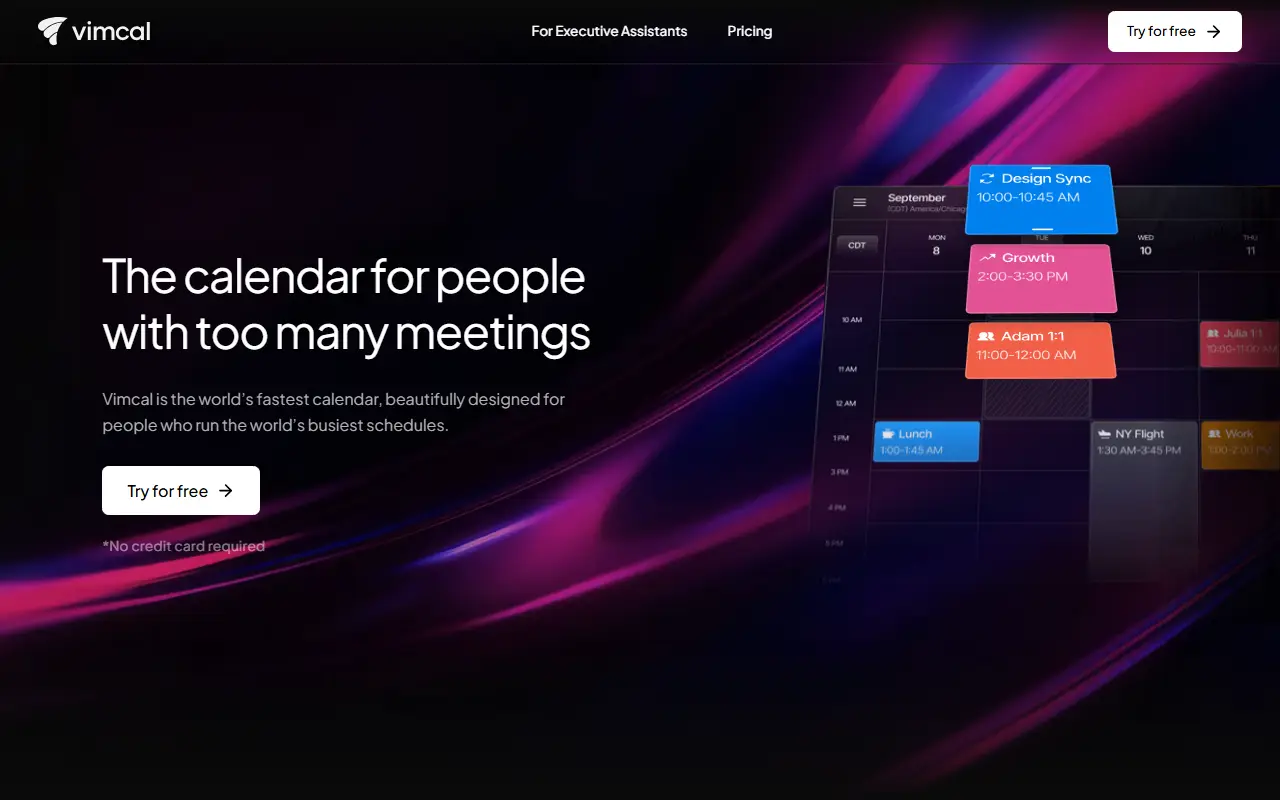
Vimcal is a commercial calendar application designed for people who spend their day in meetings, including founders, executives and executive assistants. It combines Google and Outlook calendars in one view and emphasizes speed, with keyboard shortcuts for most actions.
A central idea is sharing availability without sending booking links or typing out times by hand: a user can drag across free slots, or simply type a request and have it scheduled. A time zone feature shows overlapping working hours with people in any region, which removes mental arithmetic. The vendor also offers AI scheduling features and dedicated information for executive assistants. A free trial is offered without a credit card.
Vimcal is hosted, proprietary software with a pricing page, and it is not self-hosted. It suits busy professionals and assistants managing several calendars across time zones, and teams who want faster scheduling than a typical calendar app offers.
Key features
- Keyboard-driven calendar interface
- Drag to share availability
- Natural-language scheduling with AI
- Combined Google and Outlook calendars
- Time zone overlap view
- Plan designed for executive assistants
Good fit for
- →Executives with packed schedules
- →Executive assistants managing several calendars
- →Distributed teams across time zones
- Tags
- calendar
- keyboard-shortcuts
- availability-sharing
- time-zones
- ai-scheduling
- executive-assistants
Vimcal: questions and answers
- What is Vimcal used for?
- Vimcal is a fast calendar app with keyboard shortcuts, easy availability sharing, multi-time-zone views and AI scheduling for people with busy calendars. It is a good fit for executives with packed schedules, executive assistants managing several calendars and distributed teams across time zones.
- Is Vimcal free?
- Yes. Vimcal has a free plan, and paid plans start at $35 per month. A free trial is also available.
- Is Vimcal open source?
- No. Vimcal is proprietary (closed-source) software and can't be self-hosted. In the Scheduling category, open-source options include Cal.diy, Thunderbird Appointment and Someday.
- What are some alternatives to Vimcal?
- Vimcal competes with Fantastical, Google Calendar and Morgen.
Open-source alternatives to Vimcal
See all
Cal.diy
Scheduling
Scheduling infrastructure for absolutely everyone.
MITvs Calendly★ 49k
Thunderbird Appointment
Scheduling
Invite others to grab times on your calendar. Choose a date. Make appointments as easy as
MPL-2.0vs Calendly★ 553Someday
Scheduling
Free to host calendar availability picker - open-source cal.com / calendly alternative bui
MITvs Calendly★ 1.1k
Radicale
Scheduling
A simple CalDAV (calendar) and CardDAV (contact) server.
GPL-3.0vs Google Calendar★ 5.1k
Baïkal
Scheduling
Baïkal is a Calendar+Contacts server
GPL-3.0vs Google Calendar★ 3.3k
QloApps
Scheduling
QloApps is a Free and Open-source hotel management and reservation system to take a hotel
OSL-3.0★ 14k
SaaS alternatives to Vimcal
See all
Fantastical
Scheduling
Calendar app for Apple devices with natural-language entry and scheduling links
SaaS
Google Calendar
Scheduling
Web and mobile calendar with events, reminders and scheduling features
SaaS
Morgen
Scheduling
Calendar and task planner that connects multiple calendars
SaaS
Calendly
Scheduling
Calendly is a meeting scheduling tool that lets people book time from shared availability, now adding AI notetaking, contacts and payments around meetings.
SaaS
SavvyCal
Scheduling
Scheduling links that overlay the invitee's calendar to make picking a time easier
SaaS
Notion Calendar
Scheduling
Calendar app that syncs with Google Calendar and links events to Notion pages
SaaS