
About MAC+
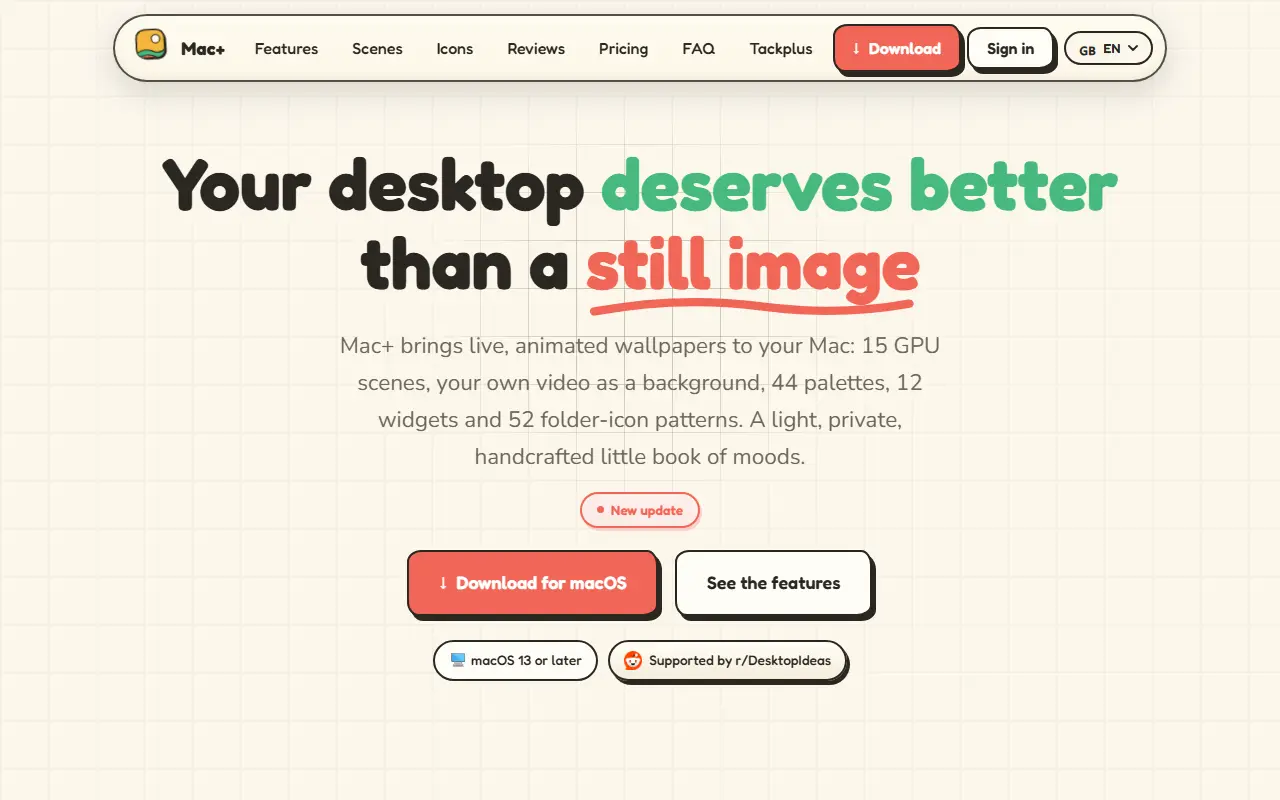
MAC+ brings live wallpapers to the Mac. It offers 15 GPU-rendered animated scenes in four families, atmosphere, fluid, geometry and weather, with 44 color palettes plus a custom color creator, and you can also play your own video on a loop or use a still image. Rendering is adjustable to 30, 60 or 120 frames per second, pauses automatically when an app goes full screen and can be enabled per display for multi-monitor setups.
Beyond wallpapers, it adds 12 desktop widgets such as clock, date, focus and timer in three sizes and four shapes, and 52 folder icon patterns drawn in 24 families and shaped to fit the real macOS folder, with the option to import your own image and apply it to several folders at once. Everything is controlled from the menu bar, and the app is described as light and private. It requires macOS 13 or later.
MAC+ is free to download, with a free tier of six scenes, eight palettes, an image background, six folder icons and two widgets. A monthly plan costs 1.99 euros after a 7-day trial, and lifetime access costs 9.99 euros as a launch price.
Key features
- 15 GPU-rendered animated scenes
- 44 palettes and a custom color creator
- Video or image as wallpaper
- 52 folder icon patterns with import
- 12 desktop widgets
- Support for several displays
- 30, 60 and 120 FPS options with auto-pause
Good fit for
- Mac users who want an animated desktop
- Customizing folder icons and desktop widgets
MAC+: questions and answers
- What is MAC+ used for?
- MAC+ is a lightweight macOS app that animates your desktop with GPU-rendered wallpapers or your own video, plus widgets and custom folder icons. It is a good fit for Mac users who want an animated desktop, and customizing folder icons and desktop widgets.
- Is MAC+ free?
- Yes. MAC+ has a free plan, and paid plans start at €1.99 per month. A free trial is also available.
- Is MAC+ open source?
- No. MAC+ is proprietary (closed-source) software. In the Productivity category, open-source options include Stats, Maccy and Ice.
- What are some alternatives to MAC+?
- Other SaaS products in the Productivity category include Lucky Dangle, Bartender and ClaudeUsageBar.
Open-source alternatives to MAC+
See all
Stats
Productivity
macOS system monitor in your menu bar
MIT★ 42k
Maccy
Productivity
Lightweight clipboard manager for macOS
MITvs Paste★ 22k
Ice
Productivity
Powerful menu bar manager for macOS
GPL-3.0vs Bartender★ 30k
PowerToys
Productivity
Microsoft PowerToys is a collection of utilities that supercharge productivity and customi
MITvs Alfred★ 139k
Zen Browser
Productivity
Welcome to a calmer internet
MPL-2.0vs Google Chrome★ 45k
Homepage
Productivity
A modern, fully static, fast, secure, fully proxied, highly customizable application dashb
GPL-3.0★ 33k
SaaS alternatives to MAC+
See all
Lucky Dangle
Productivity
Mac menu bar app that hangs a swaying lucky charm from the top of your screen
SaaS
Bartender
Productivity
Menu bar organizer for macOS that hides and rearranges menu bar icons
SaaS
ClaudeUsageBar
Productivity
macOS menu bar app that shows your Claude and Claude Code usage limits at a glance
SaaS
Cooldock
Productivity
Mac app that adds a live dock of music, todos, events, weather and quick-action widgets beside the Dock
SaaS
DeskUtils
Productivity
macOS menu bar app with clipboard history, screenshots, OCR, color picker and display controls
SaaS
DisplaySpan
Productivity
Mac menu bar app that lets the cursor cross blocked screen edges and restores saved display layouts
SaaS