
About Leap
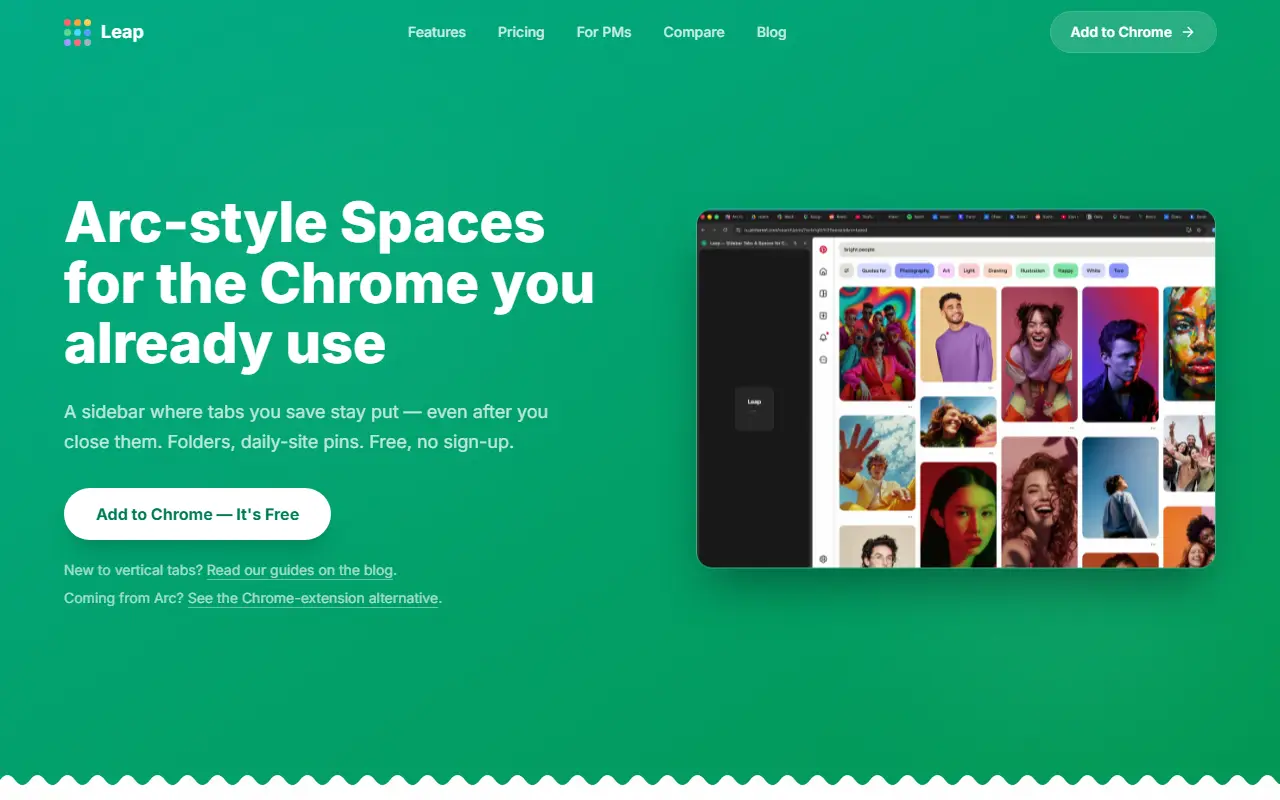
Leap brings the sidebar and spaces idea from the Arc browser into Chrome. It lives in Chrome's side panel and keeps tabs you save in place even after you close them in the normal tab bar, so one click reopens them. Each space groups tabs, folders and pinned sites for a context such as work, a side project or personal browsing, and switching between spaces takes a single click.
Folders can be nested three levels deep, tabs can be dragged between spaces, and a right-click menu offers copying links, renaming, duplicating and muting. Each space can have its own theme with light or dark mode and accent colors. Spaces, saved tabs, folders, pins and settings sync through the vendor's server, with sign-in by email for other Chromium browsers.
Leap runs in Chrome and in Chromium-based browsers including Edge, Brave and Vivaldi, but not in Firefox or Safari. The vendor is open about limits: as an extension it cannot hide Chrome's horizontal tab bar, and its spaces are built on tab groups, so they share one set of logins. It is free for everyone with no sign-up needed to start.
Key features
- Vertical sidebar in Chrome's side panel
- Saved tabs that persist after closing
- Spaces with their own tabs, folders and pins
- Nested folders three levels deep
- Per-space themes with dark mode
- Drag and drop between spaces
- Cloud sync of spaces and settings
Good fit for
- People moving from Arc to Chrome
- Separating work and personal browsing contexts
Leap: questions and answers
- What is Leap used for?
- Leap is a Chrome extension that adds an Arc-style vertical tab sidebar with saved tabs, spaces, nested folders and cloud sync. It is a good fit for people moving from Arc to Chrome, and separating work and personal browsing contexts.
- Is Leap free?
- Yes. Leap has a free plan.
- Is Leap open source?
- No. Leap is proprietary (closed-source) software and can't be self-hosted. In the Productivity category, open-source options include Vimium, Ferdium and PowerToys.
- What are some alternatives to Leap?
- Leap competes with Arc and Vivaldi.
Open-source alternatives to Leap
See allVimium
Productivity
The hacker's browser.
MIT★ 27k
Ferdium
Productivity
All your services in one place, built by the community
Apache-2.0vs Beeper★ 4.7k
PowerToys
Productivity
Microsoft PowerToys is a collection of utilities that supercharge productivity and customi
MITvs Alfred★ 139k
Ladybird
Productivity
Truly independent web browser
BSD-2-Clausevs Google Chrome★ 66k
Files
Productivity
A modern file manager that helps users organize their files and folders.
MIT★ 46k
Zen Browser
Productivity
Welcome to a calmer internet
MPL-2.0vs Google Chrome★ 45k
SaaS alternatives to Leap
See all
Arc
Productivity
iOS app that finds your chronotype and schedules focus time and caffeine around your natural energy peaks
SaaS
Vivaldi
Productivity
Customizable web browser with tab stacking, built-in notes and mail client
SaaS
Pola Browser
Productivity
Browser built for organized workflows, smart tab management and distraction-free browsing
SaaS
SupaSidebar
Productivity
Arc-style sidebar for Mac that works across all browsers
SaaS
Uncluttr
Productivity
Sidebar-first browser tab manager that organizes and detaches tabs
SaaS
Pola Browser
Productivity
WebKit-based macOS browser with floating tabs, extensions support and cloud sync via Google Drive
SaaS