
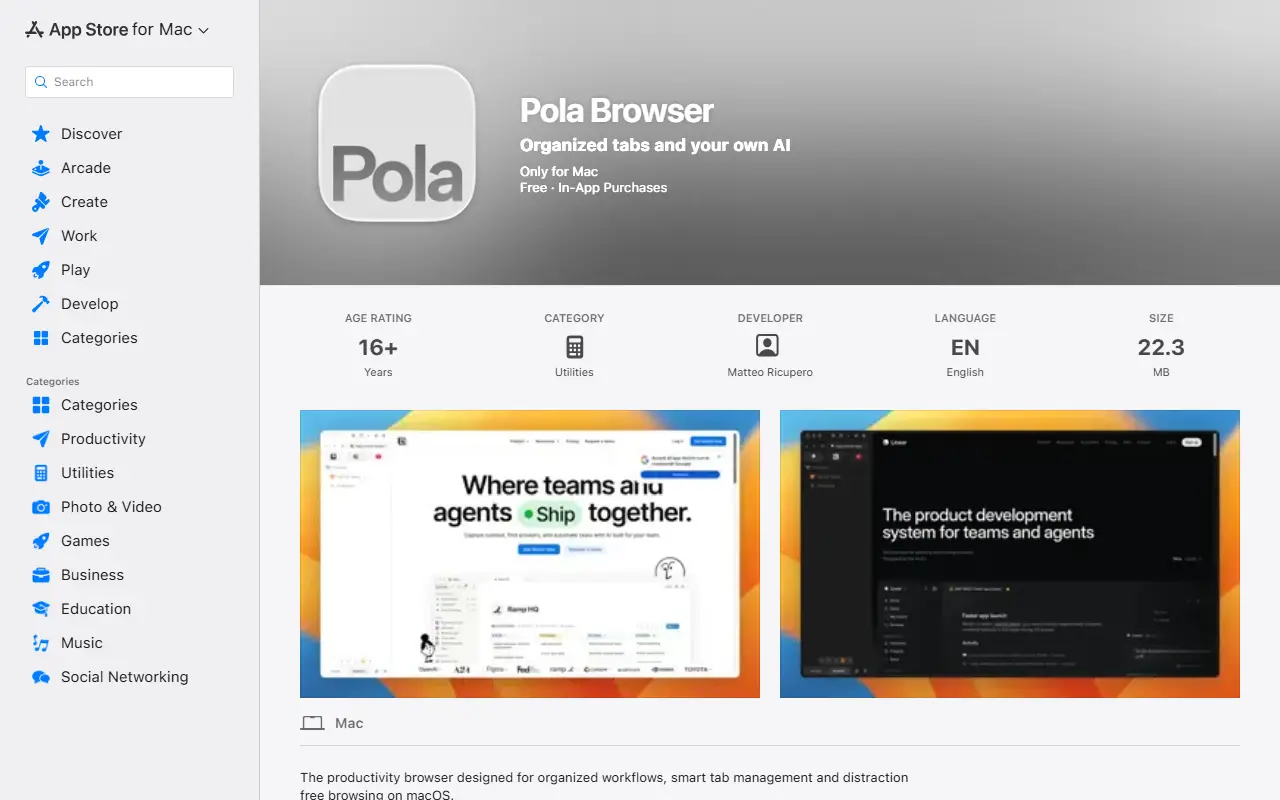
About Pola Browser
The Mac App Store version of Pola Browser describes a productivity browser for professionals, researchers and power users. It uses persistent sidebar tabs and folders, spaces for separate workspaces, a research mode that builds a visual tree of browsing, project profiles that switch per tab, floating resizable tabs and favorites that appear across spaces.
It also lets you plug in AI services you already pay for to summarize and analyze pages without another subscription, unloads inactive tabs to save memory, offers experimental extensions including uBlock Origin Lite, Bitwarden, Proton Pass and Keepa, and syncs tabs, bookmarks and settings through Google Drive. Password management uses Apple Keychain, and media controls and keyboard shortcuts are included.
The listing states no tracking and no data selling, with only privacy-preserving app analytics hosted in the EU, and that it is developed in Italy. Pricing is a 10-day trial then a 19.99 euro yearly subscription or a 49.99 euro lifetime license.
Key features
- Sidebar tabs and folders
- Spaces and project profiles
- Research mode browsing tree
- Floating always-on-top tabs
- Connect your own AI services
- Memory management for inactive tabs
- Experimental extension support
- Google Drive sync
Good fit for
- Managing many research tabs on a Mac
- Using your own AI service to summarize pages
- Reducing browser memory use with heavy workflows
Pola Browser: questions and answers
- What is Pola Browser used for?
- Pola Browser on the Mac App Store is a WebKit-based browser with sidebar tabs, spaces, floating tabs, memory management and your own AI tools. It is a good fit for managing many research tabs on a Mac, using your own AI service to summarize pages and reducing browser memory use with heavy workflows.
- How much does Pola Browser cost?
- Paid plans for Pola Browser start at €19.99 per seat per year, and there is no free plan. A free trial is available.
- Is Pola Browser open source?
- No. Pola Browser is proprietary (closed-source) software. In the Productivity category, open-source options include Ungoogled Chromium, Brave Browser and Neko.
- What are some alternatives to Pola Browser?
- Pola Browser competes with Arc, Vivaldi and Opera.
Open-source alternatives to Pola Browser
See allUngoogled Chromium
Productivity
Google Chromium, sans integration with Google
BSD-3-Clausevs Google Chrome★ 28k
Brave Browser
Productivity
Brave browser for Android, iOS, Linux, macOS, Windows.
MPL-2.0vs Google Chrome★ 24k
Neko
Productivity
A self hosted virtual browser that runs in docker and uses WebRTC.
Apache-2.0★ 22k
Firefox
Productivity
The official repository of Mozilla's Firefox web browser.
OSSvs Google Chrome★ 13k
Floorp
Productivity
All of source code of Floorp 12, the most Advanced and Fastest Firefox derivative 🦊
MPL-2.0vs Google Chrome★ 8.4k
Waterfox
Productivity
The official Waterfox 💧 source code repository
OSSvs Google Chrome★ 6.3k
SaaS alternatives to Pola Browser
See all
Arc
Productivity
iOS app that finds your chronotype and schedules focus time and caffeine around your natural energy peaks
SaaS
Vivaldi
Productivity
Customizable web browser with tab stacking, built-in notes and mail client
SaaS
Opera
Productivity
Web browser with a built-in VPN, ad blocker and sidebar messengers
SaaS
Safari
Productivity
Apple web browser for macOS, iOS and iPadOS with iCloud tab and password sync
SaaS
Dia
AI Tools
AI-first web browser with a built-in chat assistant, from The Browser Company
SaaS
Pola Browser
Productivity
Browser built for organized workflows, smart tab management and distraction-free browsing
SaaS