
About Keptbits
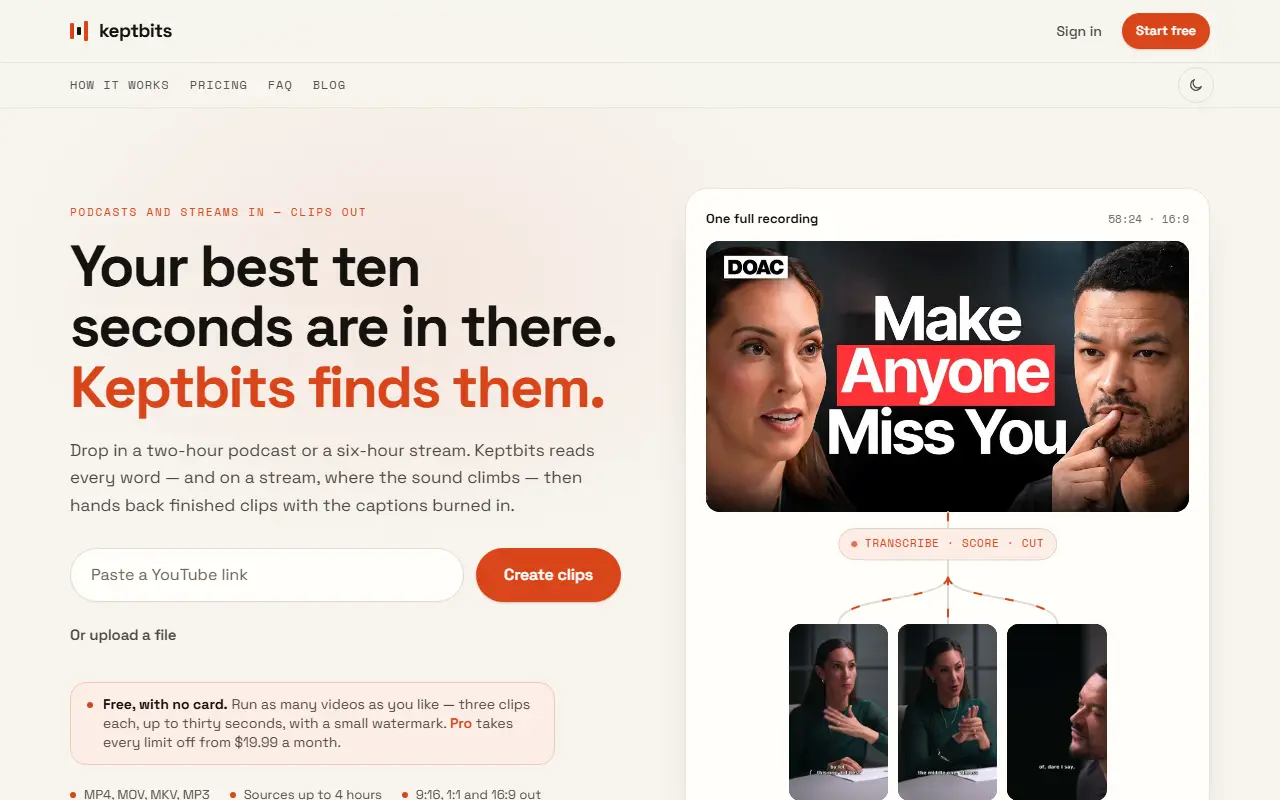
Keptbits takes a long recording, from podcast episodes to multi-hour streams, and cuts it into finished short clips with captions burned in. You paste a link or upload a file in MP4, MOV, MKV or MP3 format, up to four hours long, and tell it whether the video is talking content or a stream. Clips can be exported at 9:16, 1:1 or 16:9.
For talking content such as podcasts, interviews and lectures, it makes a word-level transcript with speaker separation and scores each candidate moment on whether it opens and resolves within itself, so clips do not depend on earlier context. Auto-reframe follows whoever is speaking. For streams, it also measures audio level and keeps moments where the sound rises above the video's own baseline, such as a shout or a cheer. Cut points land on real word timings.
The editor adds caption styles word by word, silence removal, transition effects and color grading. Keptbits is a hosted web service with a free plan limited to three clips per run, up to thirty seconds each and a small watermark, plus a Pro plan that removes those limits.
Key features
- Word-level transcripts with speaker separation
- Separate clip selection for talking and stream videos
- Audio-level detection for stream highlights
- Auto-reframe that follows the active speaker
- Burned-in captions with selectable styles
- Export in 9:16, 1:1 and 16:9
- Silence removal, transitions and color grading on Pro
Good fit for
- Podcasters cutting episodes into social clips
- Streamers saving highlight moments
- Teams repurposing interviews and lectures
Keptbits: questions and answers
- What is Keptbits used for?
- Keptbits turns podcasts, streams and long videos into captioned short clips that begin and end on complete thoughts, for creators posting to social media. It is a good fit for podcasters cutting episodes into social clips, streamers saving highlight moments, and teams repurposing interviews and lectures.
- Is Keptbits free?
- Yes. Keptbits has a free plan, and paid plans start at $19.99 per month. A free trial is also available.
- Is Keptbits open source?
- No. Keptbits is proprietary (closed-source) software and can't be self-hosted. In the Video Editing category, open-source options include OBS Studio, FFmpeg and OpenCut.
- What are some alternatives to Keptbits?
- Keptbits competes with Opus Clip, Vizard and Klap.
Open-source alternatives to Keptbits
See all
OBS Studio
Video Editing
OBS Studio - Free and open source software for live streaming and screen recording
GPL-2.0vs vMix★ 77k
FFmpeg
Video Editing
Mirror of https://git.ffmpeg.org/ffmpeg.git
OSS★ 65k
OpenCut
Video Editing
The open-source CapCut alternative
MITvs CapCut★ 93k
HandBrake
Video Editing
HandBrake's development repository
OSS★ 25k
Cap
Video Editing
Open source Loom alternative. Beautiful, shareable screen recordings.
OSSvs Loom★ 23k
Screenity
Video Editing
The free and privacy-friendly screen recorder with no limits 🎥
GPL-3.0vs Screencastify★ 19k
SaaS alternatives to Keptbits
See all
Opus Clip
AI Tools
Cuts long videos into short vertical clips with captions for social platforms
SaaS
Vizard
Video Editing
AI tool that turns long videos into short clips with captions
SaaS
Klap
Video Editing
AI tool that converts long videos into short clips for social media
SaaS
Submagic
Video Editing
AI tool that adds captions and edits to short-form videos
SaaS
Autoclip
Video Editing
AI tool that turns YouTube videos into short clips for TikTok, Reels and Shorts
SaaS
BlitzReels
Video Editing
Turns podcasts, webinars and long videos into ready-to-post clips with captions and speaker-aware reframing
SaaS