
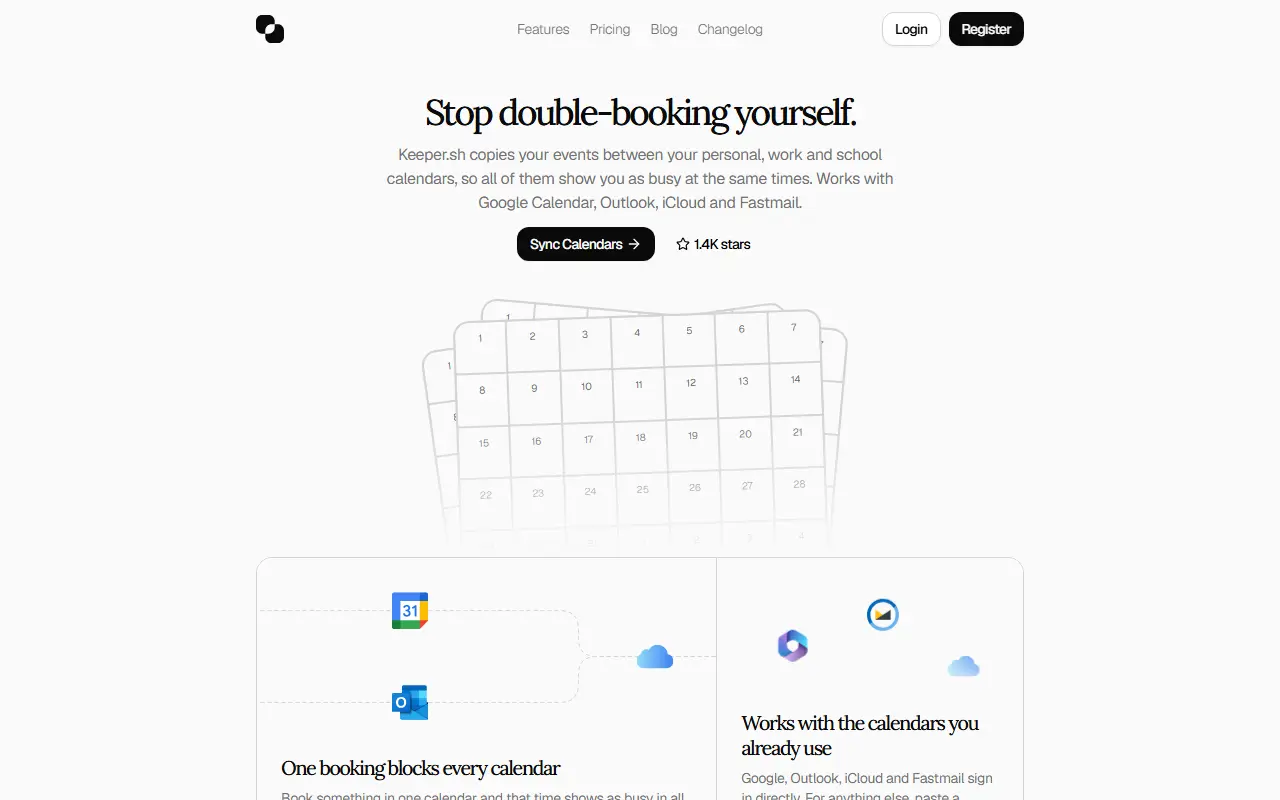
About Keeper.sh
Keeper.sh mirrors events across personal, work and school calendars so that a booking in one place blocks the same time in all the others. It works with Google Calendar, Outlook, iCloud and Fastmail through direct sign-in, and other calendars can be linked by pasting a calendar link. The aim is to stop double bookings across separate accounts.
Each copy starts as a busy block named after its source calendar, so titles, descriptions, locations and guest lists stay private. Paid users can turn those details back on and add filters to skip certain events. After you connect calendars once and point each one at a destination, the service keeps the copies current in the background.
Keeper.sh also exposes your calendar to AI agents: Claude or any MCP client can check your week, book events and reschedule. The code is public, so you can inspect what is sent to your calendars or host it yourself. A hosted version with a free plan and a Pro plan is available, and the free plan checks for updates every 30 minutes.
Key features
- Copies events between Google, Outlook, iCloud and Fastmail
- Busy blocks that hide titles and guest lists
- Link any calendar by pasting its URL
- Optional sync of title, description and location
- Filters to skip selected events
- MCP server for AI agents to manage calendars
- Open code you can run on your own server
Good fit for
- Keeping personal and work calendars from double-booking
- Letting an AI assistant schedule and reschedule events
Keeper.sh: questions and answers
- What is Keeper.sh used for?
- Keeper.sh is a calendar sync service that copies events between Google, Outlook, iCloud and Fastmail so every calendar shows you as busy. It is a good fit for keeping personal and work calendars from double-booking, and letting an AI assistant schedule and reschedule events.
- Is Keeper.sh free?
- Yes. Keeper.sh has a free plan, and paid plans start at $5 per seat per month.
- Is Keeper.sh open source?
- No. Keeper.sh is proprietary (closed-source) software. In the Scheduling category, open-source options include Easy!Appointments, Cal.diy and Rallly.
- Can I self-host Keeper.sh?
- Yes. Although Keeper.sh is closed source, it can be self-hosted on your own servers, and the vendor also offers a hosted version.
- What are some alternatives to Keeper.sh?
- Keeper.sh competes with Reclaim.ai, Clockwise and Morgen.
Open-source alternatives to Keeper.sh
See all
Easy!Appointments
Scheduling
:date: Easy!Appointments - Self Hosted Appointment Scheduler
GPL-3.0vs Calendly★ 4.4k
Cal.diy
Scheduling
Scheduling infrastructure for absolutely everyone.
MITvs Calendly★ 49k
Rallly
Scheduling
Rallly is an open-source scheduling and collaboration tool designed to make organizing eve
AGPL-3.0vs Doodle★ 5.3k
Thunderbird Appointment
Scheduling
Invite others to grab times on your calendar. Choose a date. Make appointments as easy as
MPL-2.0vs Calendly★ 553
QloApps
Scheduling
QloApps is a Free and Open-source hotel management and reservation system to take a hotel
OSL-3.0★ 14k
Hi.Events
Scheduling
Open-source event management and ticket selling platform — perfect for concerts, conferenc
OSSvs Eventbrite★ 4k
SaaS alternatives to Keeper.sh
See all
Reclaim.ai
Scheduling
Calendar assistant that schedules tasks, habits and focus time automatically
SaaSClockwise
Scheduling
Calendar tool that rearranges meetings to protect focus time
SaaS
Morgen
Scheduling
Calendar and task planner that connects multiple calendars
SaaS
Vimcal
Scheduling
Fast calendar app with keyboard shortcuts and availability sharing
SaaS
Notion Calendar
Scheduling
Calendar app that syncs with Google Calendar and links events to Notion pages
SaaS
0sec
Scheduling
Voice-controlled calendar app that schedules events and manages time from spoken commands
SaaS