About Glance Switch
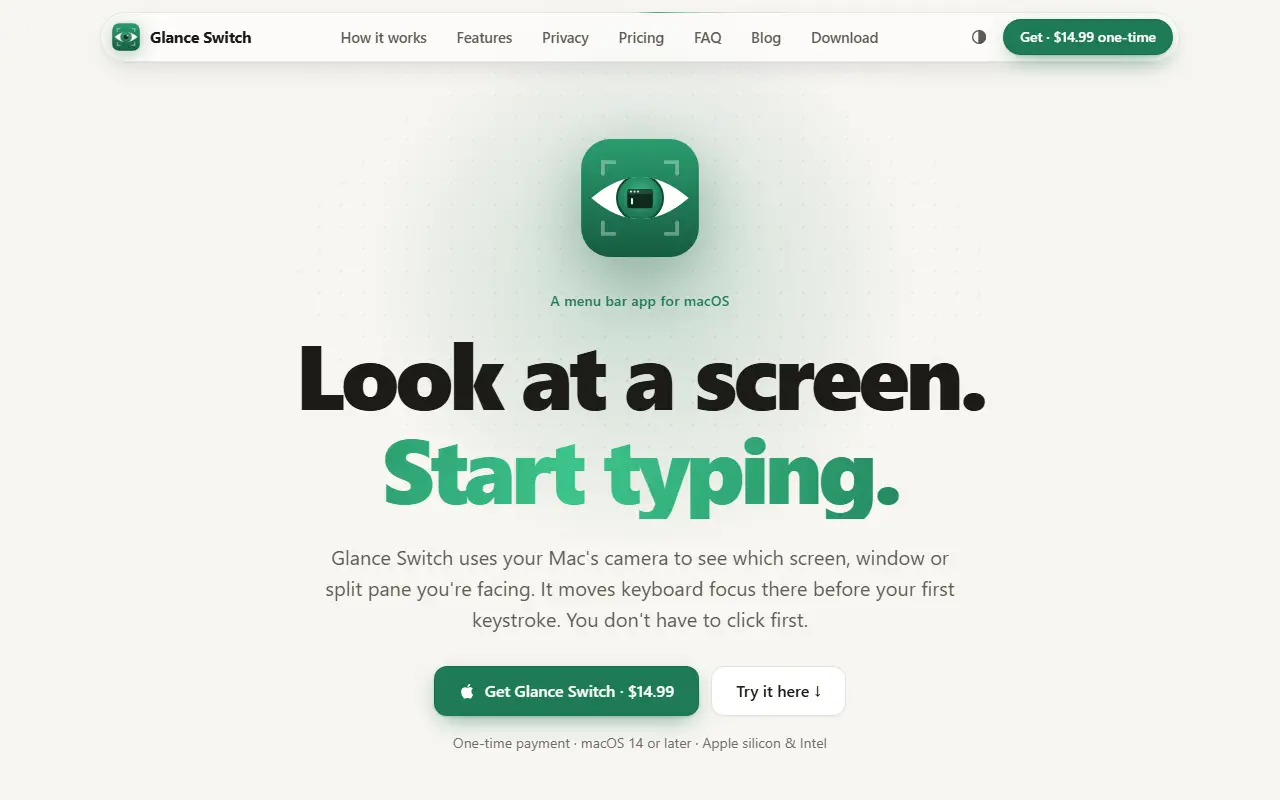
Glance Switch is a macOS menu bar app for multi-monitor setups. The Mac's camera tells it which display, window or terminal split you are facing, and it moves typing focus there before your first keystroke, so you do not have to click first.
A short calibration teaches it your screens: you look at nine spots on each display, about 20 seconds per screen. Settings include a delay so quick glances are ignored, how far the head must turn before the other screen takes over, and a mode that focuses the window or terminal pane you look at within the same screen. It requires macOS 14 or later, runs on Apple silicon and Intel, and the homepage has an interactive demo and a privacy section.
Key features
- Head and eye tracking with the Mac camera
- Focus follows the screen you look at
- Window and split-pane focus
- Calibration of about 20 seconds per screen
- Adjustable switching delay and head-turn threshold
- Menu bar pause and recalibrate controls
Good fit for
- Developers typing across several monitors
- Switching terminal panes without a click
Glance Switch: questions and answers
- What is Glance Switch used for?
- Glance Switch is a Mac menu bar app that tracks your head and eyes with the camera and shifts typing focus to whichever display, window or terminal split holds your gaze. It is a good fit for developers typing across several monitors and switching terminal panes without a click.
- How much does Glance Switch cost?
- Paid plans for Glance Switch start at $14.99 as a one-time payment, and there is no free plan. A free trial is available.
- Is Glance Switch open source?
- No. Glance Switch is proprietary (closed-source) software. In the Productivity category, open-source options include Maccy, Stats and Rectangle.
- What are some alternatives to Glance Switch?
- Other SaaS products in the Productivity category include DockLockr, StopThat and Bartender.
Open-source alternatives to Glance Switch
See all
Maccy
Productivity
Lightweight clipboard manager for macOS
MITvs Paste★ 22k
Stats
Productivity
macOS system monitor in your menu bar
MIT★ 42k
Rectangle
Productivity
Move and resize windows on macOS with keyboard shortcuts and snap areas
OSSvs BetterTouchTool★ 30k
Moodist
Productivity
Ambient sounds for focus and calm.
MIT★ 3.9k
MarkerOn
Productivity
Lightweight (~1.5 MB) open-source screen annotation with click-through mode and keyboard-f
MIT★ 1.1k
RustCast
Productivity
An open source alternative to raycast, in rust!! (retired)
MITvs Raycast★ 1.1k
SaaS alternatives to Glance Switch
See all
DockLockr
Productivity
Menu bar app that locks your macOS Dock in place against accidental drags and resizes
SaaS
StopThat
Productivity
Mac app that blocks distracting sites and heckles you by voice and chat to get you back to work
SaaS
Bartender
Productivity
Menu bar organizer for macOS that hides and rearranges menu bar icons
SaaS
DisplaySpan
Productivity
Mac menu bar app that lets the cursor cross blocked screen edges and restores saved display layouts
SaaS
DockFlow
Productivity
Mac app that switches you into the right workflow when moving between coding, design and other tasks
SaaS
FocusNod
Productivity
Mac focus app that notices when you drift from your task by reading window titles, not your screen
SaaS