#1
Espanso is a privacy-first, cross-platform text expander written in Rust that replaces typed keywords with snippets, scripts and more.
- GitHub stars
- 15k
- Last commit
- 5 days ago
- Latest release
- v2.4.1
- Licence
- GPL-3.0
- Self-hosted
- Yes
espanso.org
Espanso is a text expander, a program that detects when you type a specific keyword and replaces it with something else. That can save typing by expanding common sentences, provide system-wide code snippets, run custom scripts, insert emojis and act as a personal autocorrect. It is written in Rust and released under the GPL-3.0 license.
It runs on Windows, macOS and Linux, with experimental Wayland support, and works with almost any program. Features include image and date expansion, shell commands, regex triggers, app-specific configurations and forms, along with a built-in search bar. Configuration is file-based using YAML, and a package manager installs shared packages from the espanso hub.
The project is privacy-first, working entirely locally with no tracking. It was created by Federico Terzi and is now maintained by a team of volunteers, supported by donations, with code signing for the Windows binaries provided by SignPath.io. Community help is available through Discord, a subreddit, the documentation and the issue tracker.
Key features
- Keyword-triggered text expansion
- Windows, macOS and Linux support
- Shell commands and custom scripts
- Forms, regex triggers and app-specific configs
- Package manager with espanso hub
- YAML file-based configuration
Pricing: Free and open source under the GPL-3.0 license; donations are accepted.
#2
AutoKey is a Linux desktop automation utility for X11 that provides text abbreviations, hotkeys and Python scripting for keyboard and mouse actions.
- GitHub stars
- 3.9k
- Last commit
- 2 days ago
- Latest release
- v0.96.0
- Licence
- GPL-3.0
- Self-hosted
- Yes
autokey.github.io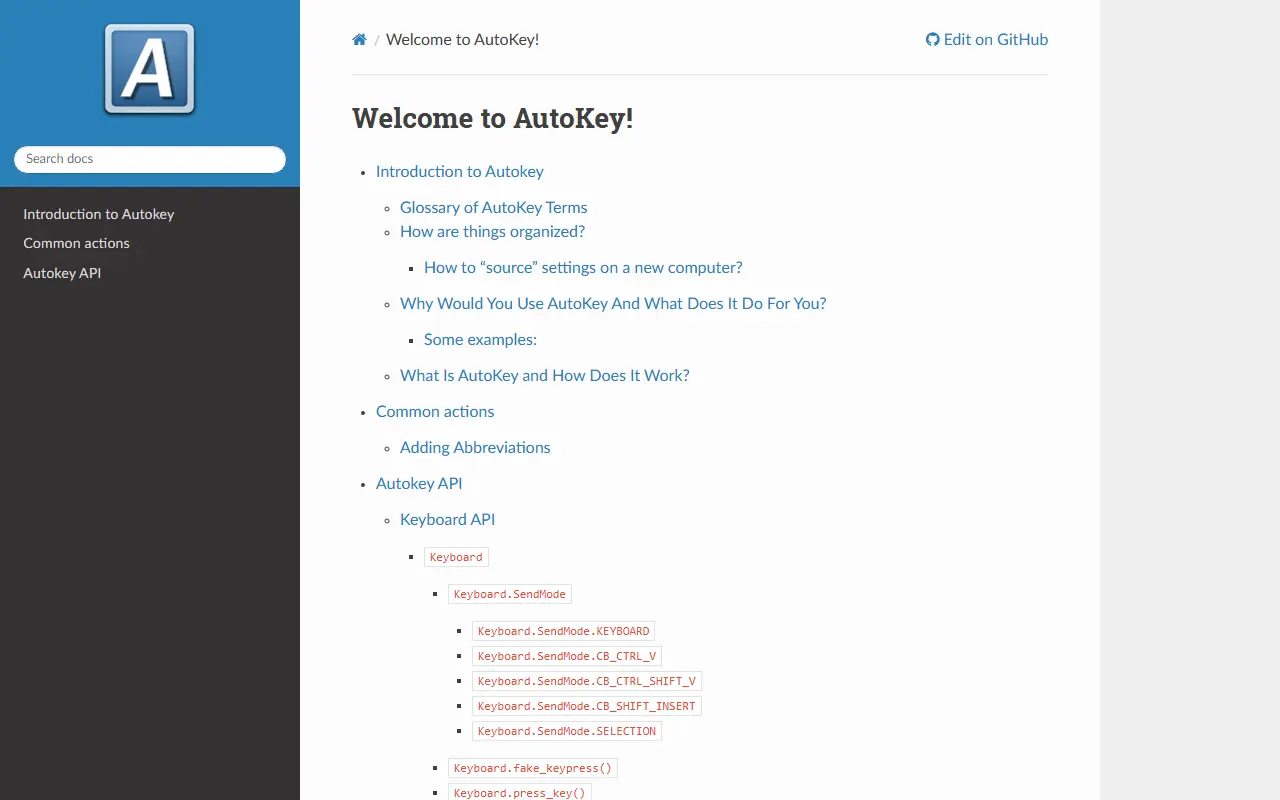
AutoKey is a desktop automation utility for Linux and X11. It lets users define abbreviations that expand into text, assign hotkeys to actions and write Python scripts that control the keyboard and perform other desktop tasks, which saves time on repetitive typing and routine operations.
The documentation describes an introduction and glossary, how settings are organized and moved to a new computer, common actions such as adding abbreviations, and an API reference that includes a keyboard interface with different send modes. The application is written in Python and offers both Qt and GTK front ends, according to the repository topics. The project seeks contributors, as the help-wanted topic suggests.
AutoKey is licensed under GPL-3.0 and runs locally on your own machine, with no cloud component. It suits Linux users on X11 who want something similar to text expanders and scripting tools available on other platforms.
Key features
- Text abbreviations and phrase expansion
- Actions triggered by hotkeys
- Python scripting API
- Keyboard API with multiple send modes
- Qt and GTK front ends
- Portable settings between computers
Pricing: Free and open source under GPL-3.0.
#3
Beeftext is an open-source Windows application that lets users define text shortcuts, called combos, which automatically replace keywords with longer snippets in any application supporting copy/paste.
- GitHub stars
- 1.3k
- Last commit
- 2 yr ago
- Latest release
- v16.0
- Licence
- MIT
beeftext.org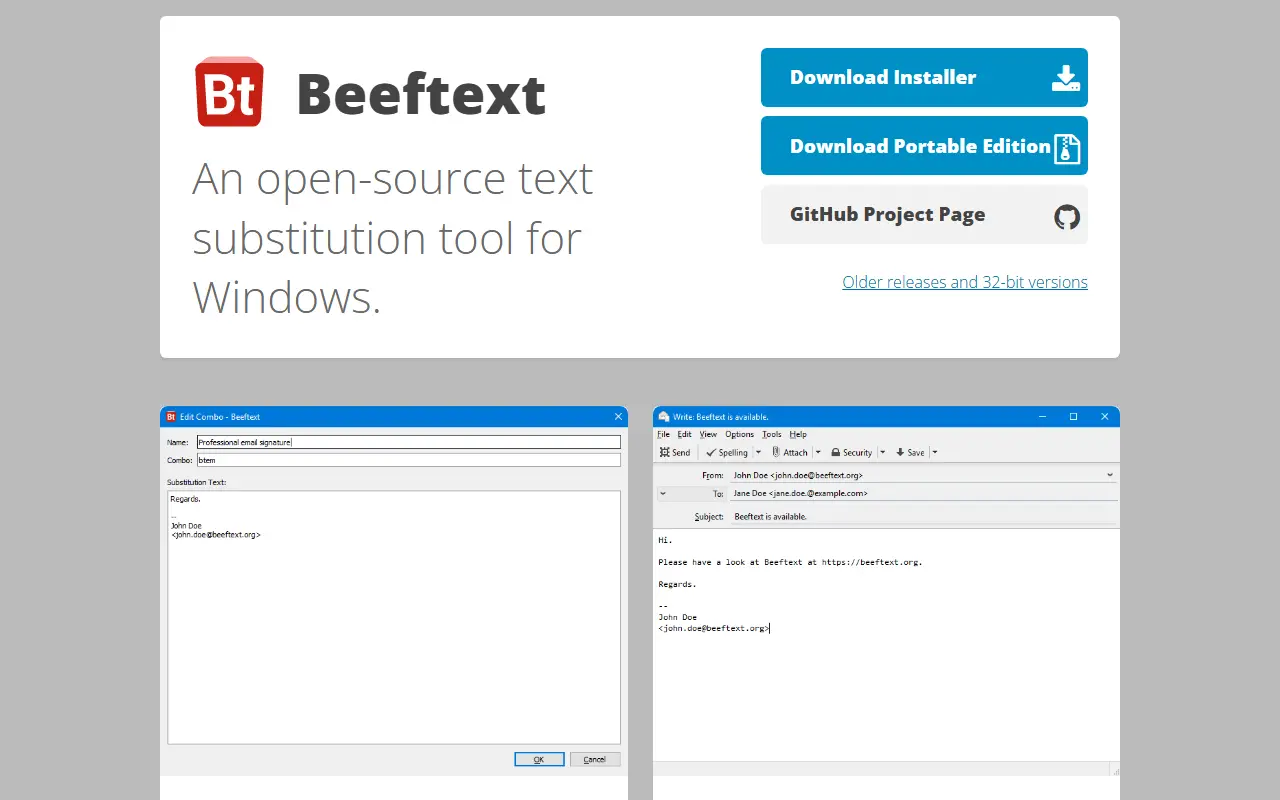
Beeftext is a text snippet management tool for Windows. It allows users to create combos, which pair a short keyword with a longer snippet of text. When the keyword is typed in any application that supports copy/paste, Beeftext automatically replaces it with the associated snippet.
The tool is open-source and free, with no ads or malware. It respects user privacy by not storing typing information or sending data to servers, except for a daily version check that can be disabled. It is built with C++ and Qt.
Key features
- Create combos that associate keywords with substitution text
- Works in any application that supports copy/paste
- Supports Unicode text, including exotic characters
- Open-source with source code hosted on GitHub
- No ads or malware
- Daily version check that can be disabled in preferences
Noto is a minimal, ad-free Android note-taking app that stores notes and folders locally on the device.
- GitHub stars
- 571
- Last commit
- 2 yr ago
- Latest release
- v2.3.2
- Licence
- Apache-2.0
play.google.com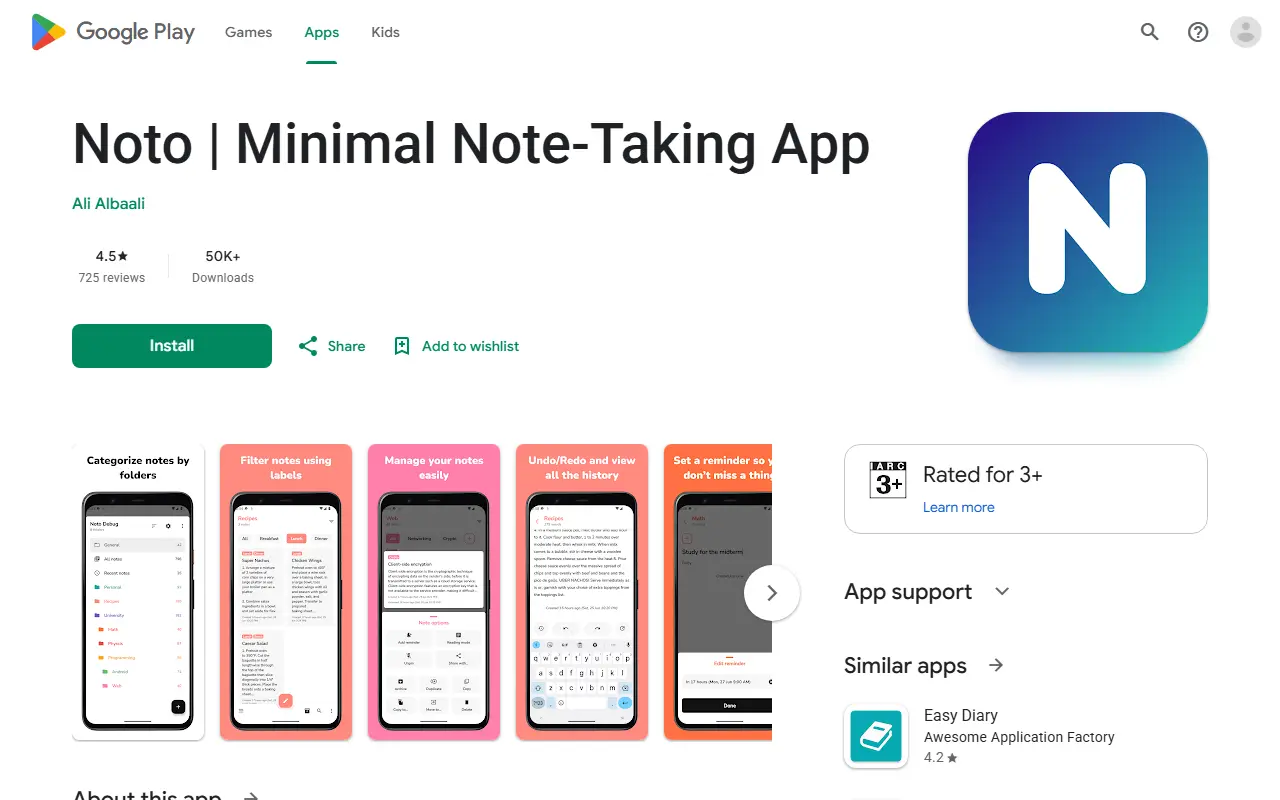
Noto is an open source note-taking app for Android, built in Kotlin and released under the Apache License 2.0. The developer describes the goal as a minimalistic, free note-taking application that meets users' expectations with privacy in mind, and the app has no ads.
All notes and folders are stored locally on the device, and the Play Store listing reports that no data is collected or shared with third parties. Notes live in colourful folders that can be pinned, archived, sorted and placed in a vault locked by passcode, fingerprint or face recognition.
Editing features include auto save, undo and redo with a history view, reminders, word count, labels for filtering, and a reading mode with paging. Home screen widgets and export or import of all app data are included. The APK is around 5 MB and the app supports Android 5.0 (API 21) and up.
Key features
- Folders vault locked with passcode or biometrics
- Undo and redo with a browsable history
- Reminders attached to notes
- Per-folder labels with inclusive or exclusive filtering
- Reading mode with book-style paging
- Export and import of all app data
- Folder and note widgets for the home screen
- Light, dark, black and system themes
TextExpander alternatives: questions
- What is the best open-source alternative to TextExpander?
- Espanso is the top-ranked open-source alternative to TextExpander on Enlisted: Espanso is a privacy-first, cross-platform text expander written in Rust that replaces typed keywords with snippets, scripts and more. Other strong options are AutoKey, Beeftext and Noto.
- What are the best commercial alternatives to TextExpander?
- Alfred, Keyboard Maestro, NexoPad, Raycast and Pastely are among the hosted, closed-source alternatives to TextExpander listed on Enlisted, which lists 11 in total. Compare their pricing and features on each tool page.
- Are these TextExpander alternatives free?
- All 4 are open source, so the code is free to use under its licence, and all of them can be self-hosted on your own server or computer.
- How is this list of TextExpander alternatives ranked?
- By a score built from GitHub stars, star growth over the last 30 days and how recently the code changed. 2 of these projects shipped code in the last 30 days. Data is refreshed daily, and nobody can pay to move up.
 TrackMedia
 TrackRev