
About Palette
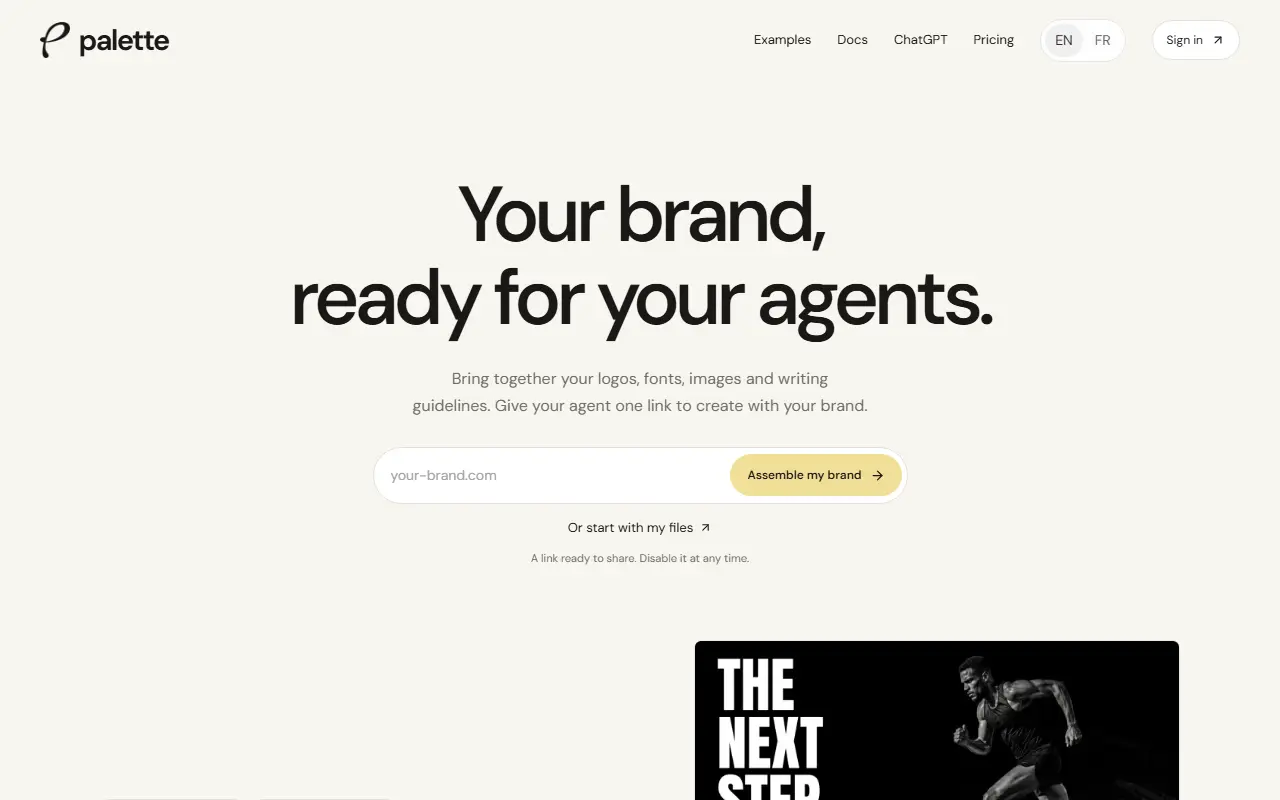
Palette is a brand context tool for working with AI agents. You bring together logos, fonts, images, PDFs, slide templates and writing guidelines, either by pointing it at your brand website or by uploading files, and edit them. An agent then gets the brand through a shareable link, an API or MCP, or by attaching a file kit to a conversation, so it can produce material that follows your brand.
The kit hands the agent your logos, images, fonts sorted by role, colors and tone-of-voice rules, with direct links and usage rules for approved files, and missing material is never invented. A new brand is reachable only through its secret link, which is not indexed by search engines and can be disabled in settings, and confidential brands can use private, authenticated access. The tool can re-check your website for changes, and paid plans can schedule those checks, with updates suggested rather than published without approval.
Public demo brands show example kits and AI-made concept deliverables, with a note that they are independent and not affiliated with the brands. The interface is available in English and French, and the documentation covers each way of connecting an agent.
Key features
- Brand import from a website or files
- Logos, fonts, colors and guidelines in one kit
- Sharing through link, API or MCP
- Secret links that can be disabled
- Private brands with authenticated access
- Website re-checks with suggested updates
- Usage rules for approved files
Good fit for
- Letting an AI agent make on-brand presentations
- Keeping brand guidelines in one shareable place
- Detecting brand changes on your website
Palette: questions and answers
- What is Palette used for?
- Palette gathers a brand's logos, fonts, files and writing guidelines into one kit that AI agents can read through a link, API or MCP. It is a good fit for letting an AI agent make on-brand presentations, keeping brand guidelines in one shareable place and detecting brand changes on your website.
- Is Palette free?
- Yes. Palette has a free plan, and paid plans start at €24 per month.
- Is Palette open source?
- No. Palette is proprietary (closed-source) software and can't be self-hosted. In the Design category, open-source options include Doop, Penpot and Graphite.
- What are some alternatives to Palette?
- Palette competes with Canva, Photoroom and Adobe Express.
Open-source alternatives to Palette
See all
Doop
Design
The open-source alternative to Paper.design. A multiplayer design canvas where humans and
AGPL-3.0vs Figma★ 810
Penpot
Design
Penpot: The open-source design platform for Product teams that need scalable collaboration
MPL-2.0vs Figma★ 61k
Graphite
Design
Community-built comprehensive 2D content creation appplication for graphic design, digital
Apache-2.0vs Affinity★ 27k
OpenPencil
Design
Generate complete, multi-screen product interfaces on a live canvas. Refine every layer wi
MITvs Figma★ 6.1k
vue-fabric-editor
Design
快图设计-基于fabric.js和Vue的开源图片编辑器,可自定义字体、素材、设计模板。fabric.js and Vue based image editor, can cust
MITvs Photopea★ 8k
Synfig Studio
Design
This is the Official source code repository of Synfig Studio animation software
GPL-3.0vs Adobe After Effects★ 2.3k
SaaS alternatives to Palette
See all
Canva
Design
Online design tool for social graphics, presentations, video and print
SaaS
Photoroom
AI Tools
Product photo editor with AI background removal, scenes and batch editing
SaaS
Adobe Express
Design
Browser and mobile design tool for social graphics and short videos
SaaS
Adobe Firefly
AI Tools
Adobe's generative AI for images, video, audio and vectors, built into Creative Cloud
SaaS
Picsart
Design
Mobile and web photo, video and design editor
SaaSBoard.ad
Design
AI tool that creates display ads, product photos and social media content for brands
SaaS