
About NexoPad
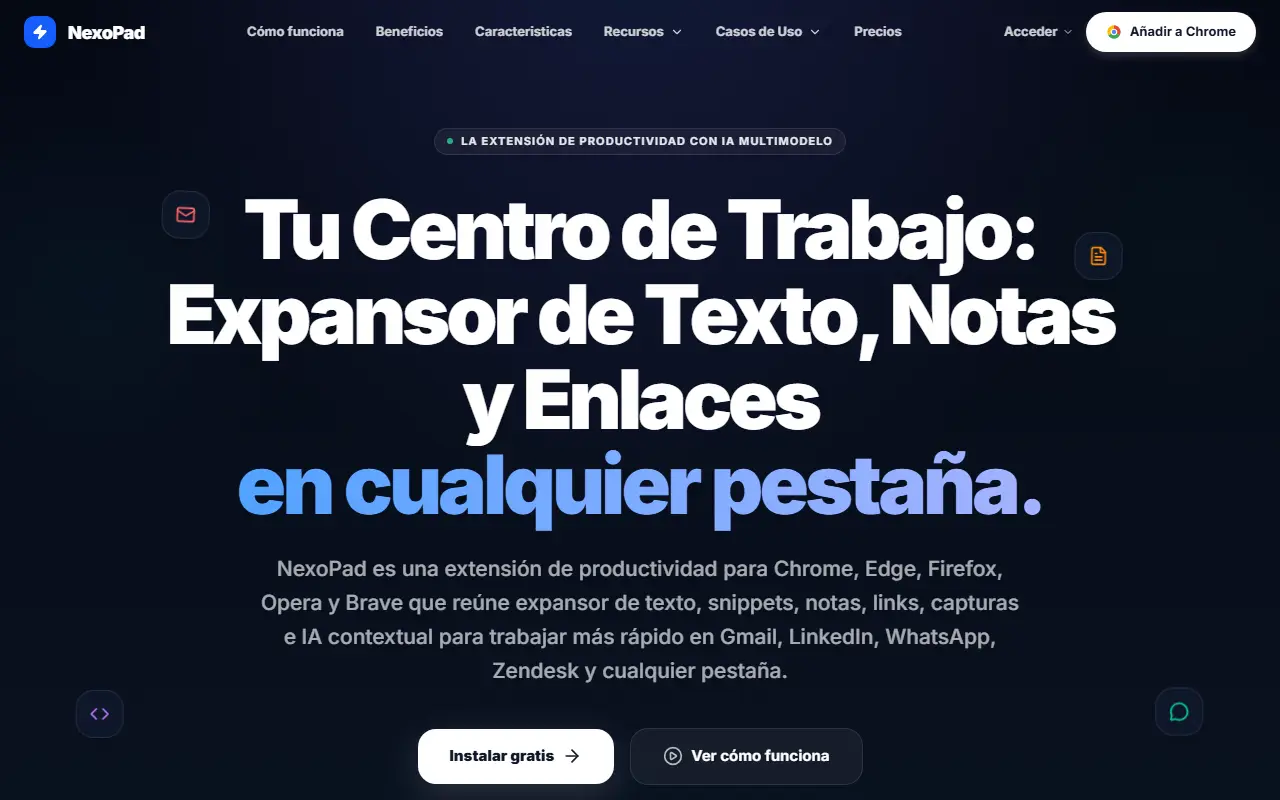
NexoPad is a productivity extension for Chrome, Edge, Firefox, Opera and Brave that brings a text expander, snippets, notes, links, screenshots and contextual AI into any browser tab. Typing a slash shortcut, such as /propuesta or /followup, inserts a saved snippet, and keyboard shortcuts open the panel for quick access.
The site targets people who write the same replies repeatedly: freelancers sending quotes and invoices, support teams using Zendesk, Intercom or WhatsApp, outreach teams inserting pitches and scheduling links, recruiters doing LinkedIn outreach, and engineers standardizing pull request templates and commands. It describes AI that works with multiple models, and team plans positioned as a company second brain. A free plan is available with no credit card, and the site is offered in Spanish, English, Portuguese, French and German with docs, a quick start and use case pages.
Key features
- Text expander with slash shortcuts
- Snippets and notes in the browser
- Saved links and screenshots
- Contextual AI assistant with multiple models
- Works across Gmail, LinkedIn, WhatsApp and Zendesk
- Team plans for shared snippets
Good fit for
- Support agents reusing standard replies
- Recruiters and account reps sending outreach faster
NexoPad: questions and answers
- What is NexoPad used for?
- NexoPad is a browser extension that combines a text expander, notes, saved links, screenshots and contextual AI for Gmail, LinkedIn, WhatsApp and Zendesk. It is a good fit for support agents reusing standard replies, and recruiters and account reps sending outreach faster.
- Is NexoPad free?
- Yes. NexoPad has a free plan, and paid plans start at $4.08 per seat per month. A free trial is also available.
- Is NexoPad open source?
- No. NexoPad is proprietary (closed-source) software and can't be self-hosted. In the Productivity category, open-source options include Espanso, Vimium and Organice.
- What are some alternatives to NexoPad?
- NexoPad competes with TextExpander, Raycast and Alfred.
Open-source alternatives to NexoPad
See all
Espanso
Productivity
A Privacy-first, Cross-platform Text Expander written in Rust
GPL-3.0vs TextExpander★ 15kVimium
Productivity
The hacker's browser.
MIT★ 27k
Organice
Productivity
An implementation of Org mode without the dependency of Emacs - built for mobile and deskt
AGPL-3.0vs WorkFlowy★ 2.7k
PowerToys
Productivity
Microsoft PowerToys is a collection of utilities that supercharge productivity and customi
MITvs Alfred★ 139k
Files
Productivity
A modern file manager that helps users organize their files and folders.
MIT★ 46k
Zen Browser
Productivity
Welcome to a calmer internet
MPL-2.0vs Google Chrome★ 45k
SaaS alternatives to NexoPad
See all
TextExpander
Productivity
Snippet tool that expands short abbreviations into reusable text
SaaS
Raycast
Productivity
Launcher for macOS and Windows with extensions, snippets and an AI assistant
SaaS
Alfred
Productivity
macOS launcher with workflows, clipboard history and snippets
SaaS
Notchclip
Productivity
Notch-based clipboard manager for macOS that keeps everything you copy
SaaS
Paste
Productivity
Clipboard manager for Mac and iOS with a searchable history
SaaS
Supaste
Productivity
Saves your clipboard and screenshots in a searchable visual history grouped by type, app and category
SaaS