About Vela Motion Graphics
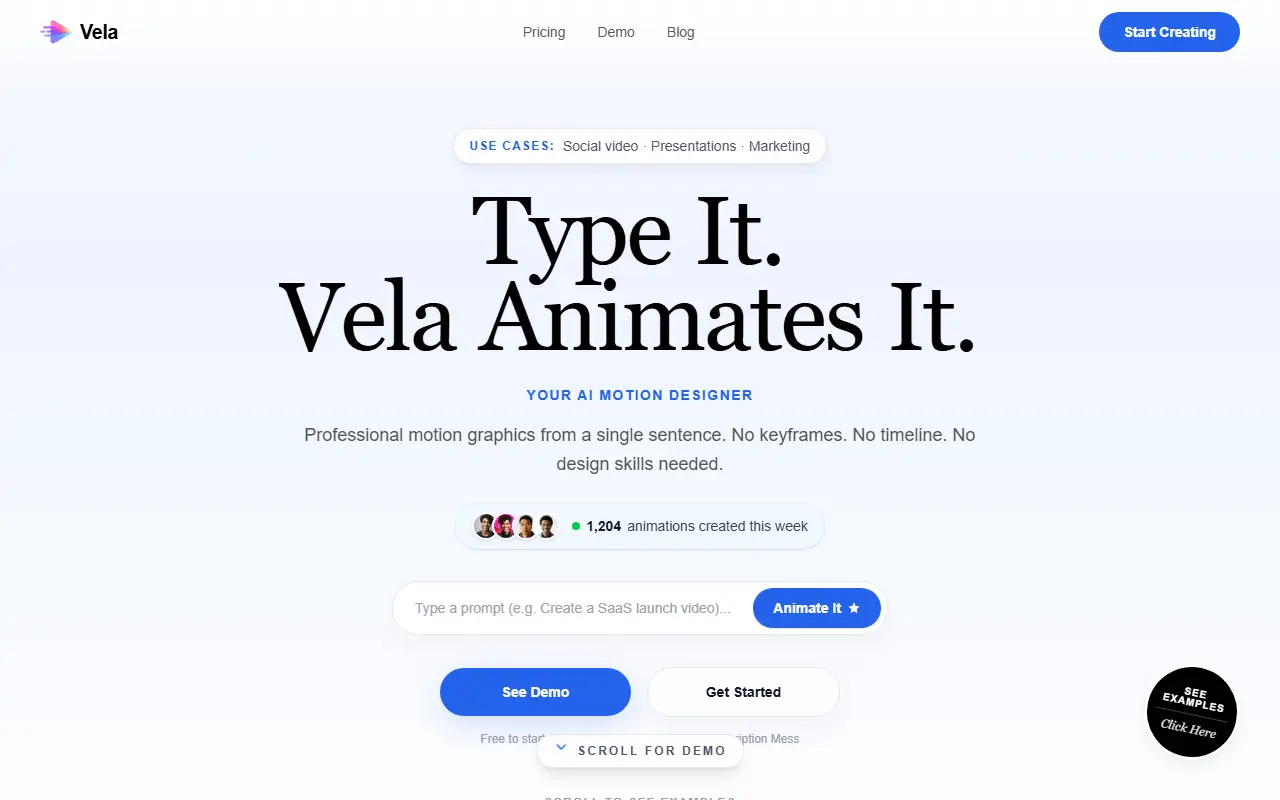
Vela Motion Graphics turns a sentence into an animated video. You describe what you want, choose a format such as landscape for YouTube or vertical for TikTok among six formats, and the AI designs and animates it, typically in under three minutes, with no keyframes or timeline. You then refine by chatting, for example changing the background, adding an animated route or swapping colors, and can adjust duration, format, themes and colors.
Example categories include corporate infographics, data visualization, map animation, social promos and SaaS launch videos, and listed uses include product demos, travel reels, educational explainers, training, event promotions, brand stories and social ads. Exports are available in 720p and 1080p.
Pricing is one-time credit packs rather than subscriptions: a Starter pack at a launch price of $9 for 100 credits, about 14 videos, and a pack at $24 for 300 credits, about 42 videos, which adds a full commercial license, no watermarks and priority rendering, plus a larger team pack. Starting is free with no credit card.
Key features
- Plain-English prompt to animated video
- Chat-based refinement of animations
- Six aspect ratio formats
- Themes and color changes
- 720p and 1080p exports
- Commercial license on higher packs
Good fit for
- Making SaaS launch videos without After Effects
- Creating animated explainers for social posts
Vela Motion Graphics: questions and answers
- What is Vela Motion Graphics used for?
- Vela Motion Graphics is an AI motion graphics generator that creates animated videos from a plain-English description and refines them through chat, sold as one-time credit packs. It is a good fit for making SaaS launch videos without After Effects and creating animated explainers for social posts.
- How much does Vela Motion Graphics cost?
- Paid plans for Vela Motion Graphics start at $9 as a one-time payment, and there is no free plan.
- Is Vela Motion Graphics open source?
- No. Vela Motion Graphics is proprietary (closed-source) software and can't be self-hosted. In the Video Editing category, open-source options include OpenShot, OpenCut and OBS Studio.
- What are some alternatives to Vela Motion Graphics?
- Vela Motion Graphics competes with Runway, Jitter and Adobe After Effects.
Open-source alternatives to Vela Motion Graphics
See all
OpenShot
Video Editing
OpenShot Video Editor is an award-winning free and open-source video editor for Linux, Mac
OSSvs Adobe Premiere Pro★ 6.6k
OpenCut
Video Editing
The open-source CapCut alternative
MITvs CapCut★ 93k
OBS Studio
Video Editing
OBS Studio - Free and open source software for live streaming and screen recording
GPL-2.0vs vMix★ 77k
HandBrake
Video Editing
HandBrake's development repository
OSS★ 25k
Cap
Video Editing
Open source Loom alternative. Beautiful, shareable screen recordings.
OSSvs Loom★ 23k
Screenity
Video Editing
The free and privacy-friendly screen recorder with no limits 🎥
GPL-3.0vs Screencastify★ 19k
SaaS alternatives to Vela Motion Graphics
See all
Runway
AI Tools
AI video, image and audio generation and editing for creative teams
SaaS
Jitter
Design
Browser-based motion design tool for animated graphics and videos
SaaS
Adobe After Effects
Video Editing
Motion graphics and compositing software from Adobe
SaaS
Dora Studio
Video Editing
Chat-based tool that turns text prompts into motion graphics videos
SaaS
Apple Motion
Video Editing
Motion graphics software for Mac that works with Final Cut Pro
SaaS
Bazaar
Video Editing
Motion graphics video creator with an API to build and automate video content
SaaS