
About Transl8ly
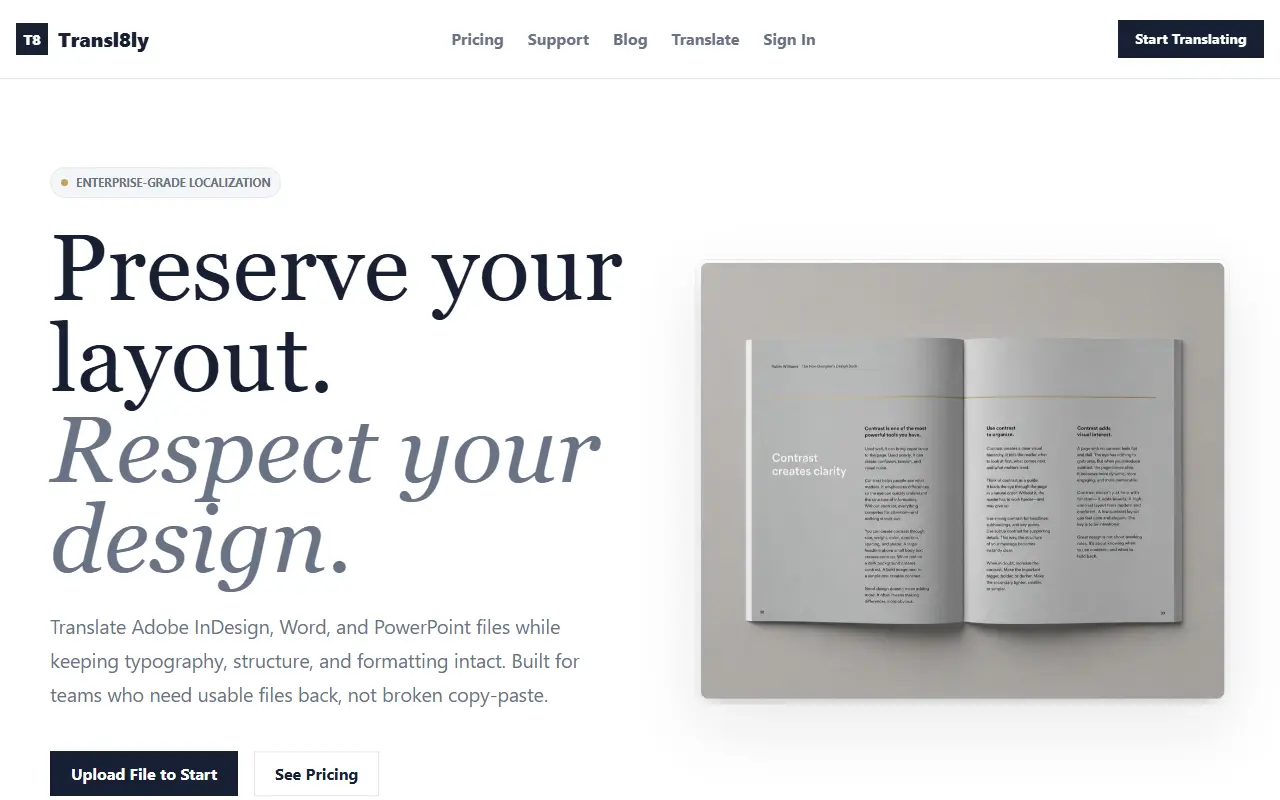
Transl8ly translates Adobe InDesign (IDML), Microsoft Word (DOCX) and PowerPoint (PPTX) files while keeping typography, structure and formatting in place. You upload a source file, pick the target languages, preview a sample translation of your own file before creating an account, and download a finished document with layout and styles preserved. Everything happens in the browser, with no plugins and no InDesign license needed for the translation step.
The tool maps translated content back into the document structure, which is aimed at agencies, marketers and translators who need usable production files rather than text pasted back by hand. It supports XLIFF 2.1 for translation workflows, encrypts uploads and downloads in transit, handles files in isolated processing flows and describes itself as GDPR compliant. Translation is done with large language models.
New users can try 3 free translations. After that you can use trial credits, buy a single translation credit at 9 EUR, or subscribe for recurring work, with details on the pricing page. It is a hosted commercial service from a company called Meesoft.
Key features
- Translates IDML, DOCX and PPTX files
- Preserves typography, styles and layout
- Free sample preview before signing up
- XLIFF 2.1 workflow support
- Runs in the browser without plugins
- Encrypted upload and download
Good fit for
- Localizing InDesign brochures for new markets
- Translating Word and PowerPoint documents without reformatting
Transl8ly: questions and answers
- What is Transl8ly used for?
- Transl8ly is browser-based translation of InDesign, Word and PowerPoint files that maps translated text back into the document so typography, structure and layout survive. It is a good fit for localizing InDesign brochures for new markets, and translating Word and PowerPoint documents without reformatting.
- How much does Transl8ly cost?
- Paid plans for Transl8ly start at €39 per month, and there is no free plan.
- Is Transl8ly open source?
- No. Transl8ly is proprietary (closed-source) software and can't be self-hosted. In the Localization category, open-source options include LibreTranslate, Weblate and Lingo.dev.
- What are some alternatives to Transl8ly?
- Transl8ly competes with DeepL, Trados Studio and memoQ.
Open-source alternatives to Transl8ly
See all
LibreTranslate
Localization
Free and Open Source Machine Translation API. Self-hosted, offline capable and easy to set
AGPL-3.0vs Google Translate★ 17k
Weblate
Localization
Web based localization tool with tight version control integration.
GPL-3.0vs Crowdin★ 6.1k
Lingo.dev
Localization
Open-source localization engineering tools. Connects to Lingo.dev localization engineering
Apache-2.0vs Lokalise★ 5.4k
Pontoon
Localization
Mozilla's Localization Platform
BSD-3-Clausevs Transifex★ 1.7k
Tolgee
Localization
Developer & translator friendly web-based localization platform
OSSvs Crowdin★ 4.1kArgos Translate
Localization
Open-source offline translation library written in Python
MITvs Google Translate★ 6.5k
SaaS alternatives to Transl8ly
See all
DeepL
Localization
Neural machine translation and AI writing assistant for text and documents
SaaS
Trados Studio
Localization
Desktop translation memory and CAT tool from RWS
SaaS
memoQ
Localization
Translation memory and CAT software for translators and agencies
SaaS
Smartcat
Localization
Translation platform pairing AI translation with a freelancer marketplace
SaaS
Matecat
Localization
Free web-based computer-assisted translation tool
SaaS
Wordfast
Localization
Translation memory tool for translators and agencies
SaaS