
About Tower
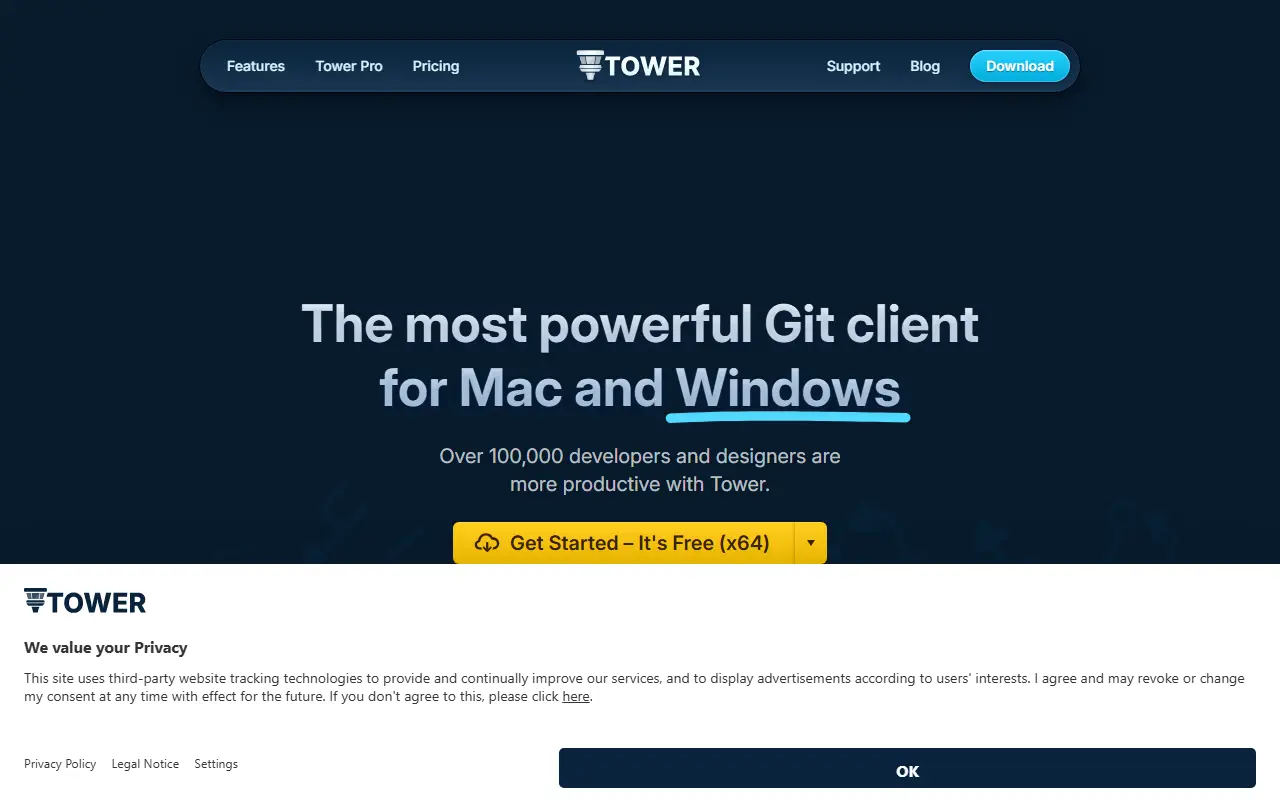
Tower is a commercial Git desktop client for macOS and Windows. It aims to make everyday Git work approachable through a graphical interface, with drag-and-drop operations and the ability to undo most actions with a keyboard shortcut, while still exposing the underlying capabilities of Git.
The app supports pull requests, single-line staging, interactive rebase, conflict resolution and visual history, as well as AI-assisted commits and automatic branch management. A Pro tier adds stacked branches, custom workflows, Graphite support, branch cleanup, connections to self-hosted repository servers and detection of merges that Git alone cannot see.
Tower is proprietary software and publishes release notes, a beta channel, a pricing page and learning material such as a video course, an online book and cheat sheets. The download is free to start with, and paid licensing details are on the vendor's pricing page.
Key features
- Drag-and-drop Git operations
- Undo for most actions with a shortcut
- Interactive rebase and single-line staging
- Pull request support
- Conflict resolution tools
- Stacked branches and custom workflows in Pro
- AI-assisted commit messages
Good fit for
- →Replacing the command line for daily Git work
- →Managing stacked branches
- →Resolving merge conflicts visually
- Tags
- git
- git-client
- macos
- windows
- desktop-app
- version-control
- rebase
Tower: questions and answers
- What is Tower used for?
- Tower is a Git client for Mac and Windows with drag-and-drop operations, undo for most actions, visual history, conflict resolution and stacked branches. It is a good fit for replacing the command line for daily Git work, managing stacked branches and resolving merge conflicts visually.
- How much does Tower cost?
- Paid plans for Tower start at $69 per seat per year, and there is no free plan. A free trial is available.
- Is Tower open source?
- No. Tower is proprietary (closed-source) software. Open-source alternatives to Tower include GitHub Desktop.
- Can I self-host Tower?
- Yes. Although Tower is closed source, it can be self-hosted on your own servers.
- What are some alternatives to Tower?
- Tower competes with GitKraken and Sourcetree. For open-source options, see Enlisted's ranked list of open-source Tower alternatives.
Open-source alternatives to Tower
See all
GitHub Desktop
Developer Tools
Focus on what matters instead of fighting with Git.
MITvs GitKraken★ 22k
Windows Terminal
Developer Tools
The new Windows Terminal and the original Windows console host, all in the same place!
MITvs Warp★ 105k
Ventoy
Developer Tools
A new bootable USB solution.
GPL-3.0★ 80k
Rufus
Developer Tools
The Reliable USB Formatting Utility
GPL-3.0★ 38k
balenaEtcher
Developer Tools
Flash OS images to SD cards & USB drives, safely and easily.
Apache-2.0★ 34k
Notepad++
Developer Tools
Notepad++ official repository
OSSvs Sublime Text★ 29k
SaaS alternatives to Tower
See all
GitKraken
Developer Tools
Cross-platform Git desktop client with a visual commit graph and pull request tools
SaaSSourcetree
Developer Tools
Free Atlassian Git GUI client for Mac and Windows
SaaS
Fork
Developer Tools
Git client for Mac and Windows with history, merge conflict and rebase tools
SaaS
Sublime Merge
Developer Tools
Git client and merge tool from the makers of Sublime Text
SaaS
1DevTool
Developer Tools
Desktop workspace for running several AI coding agents side by side across multiple projects
SaaS
Araxis Merge
Developer Tools
Visual comparison and merging tool for files, folders and documents
SaaS