
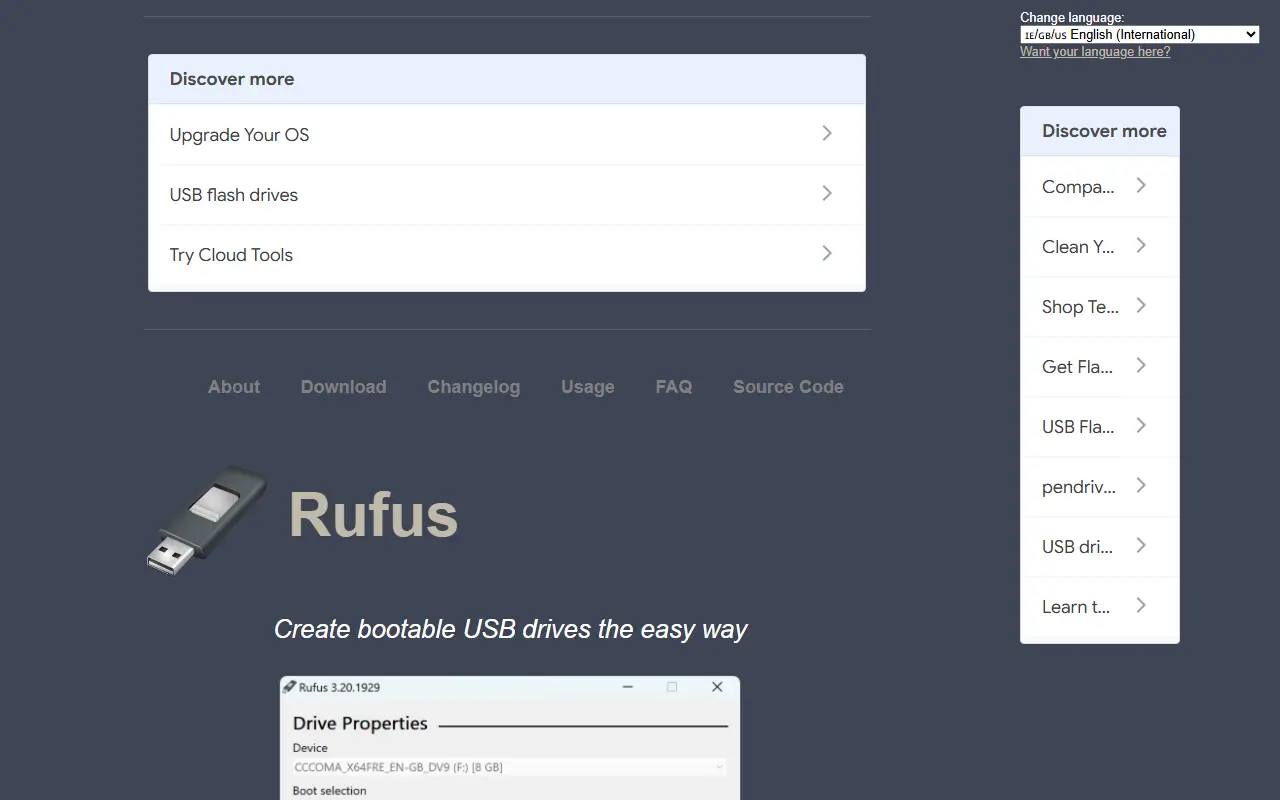
About Rufus
Rufus is a tool for formatting USB flash drives and making them bootable. It is written in C, released under the GPL-3.0 license, and designed to be small, portable and free of installation. It can format USB sticks, memory cards and virtual drives with file systems such as FAT32, NTFS, UDF, exFAT, ReFS, ext2 and ext3.
Its main job is creating bootable media: from ISO images for Windows, Linux and others, from compressed disk images, for DOS using FreeDOS or MS-DOS, and for BIOS or UEFI boot including UEFI bootable NTFS. It can create Windows To Go drives and Windows 11 installation media for PCs without TPM or Secure Boot, set up persistent Linux partitions, and produce VHD, DD, VHDX and FFU images of existing drives.
Extra tools calculate SHA-512, SHA-256, SHA-1 and MD5 checksums, perform bad block checks that include detecting fake flash drives, and validate UEFI bootable media at runtime. Rufus can also download official Microsoft Windows retail ISOs and UEFI Shell images, and the interface is available in 38 languages. It suits IT technicians and enthusiasts who regularly prepare installation media.
Key features
- Create bootable USB drives from ISO images
- BIOS and UEFI boot support, including Secure Boot
- Windows To Go and Windows 11 install media
- Persistent Linux partitions
- Checksum and bad block checking
- Download official Windows ISOs
- Portable with no installation
Good fit for
- →Preparing Windows or Linux installers
- →Formatting USB drives
- →Creating rescue and DOS boot media
- Built with
- C
- Tags
- usb
- bootable-usb
- iso
- uefi
- windows
- formatting
- utilities
- secure-boot
Rufus: questions and answers
- What is Rufus used for?
- Rufus is a small Windows utility for formatting USB drives and creating bootable media from ISO images, with UEFI, Secure Boot and Windows To Go support. It is a good fit for preparing Windows or Linux installers, formatting USB drives, and creating rescue and DOS boot media.
- Is Rufus open source?
- Yes. Rufus is open source under the GPL-3.0 licence. Its source code is on GitHub at pbatard/rufus and is written mainly in C.
- Is Rufus free?
- Yes. Rufus is open source, so the software itself is free to use.
- What are some alternatives to Rufus?
- Similar open-source tools in the Developer Tools category include Ventoy, balenaEtcher and Windows Terminal. SaaS products in the same category include Araxis Merge, DBC Utility and Fork.
- Is Rufus actively maintained?
- Yes. The most recent commit to Rufus was on 28 September 2026, and the latest release is v4.15, published on 30 June 2026. The project has 38k stars on GitHub.
Open-source alternatives to Rufus
See all
Ventoy
Developer Tools
A new bootable USB solution.
GPL-3.0★ 80k
balenaEtcher
Developer Tools
Flash OS images to SD cards & USB drives, safely and easily.
Apache-2.0★ 34k
Windows Terminal
Developer Tools
The new Windows Terminal and the original Windows console host, all in the same place!
MITvs Warp★ 105k
IT Tools
Developer Tools
Collection of handy online tools for developers, with great UX.
GPL-3.0★ 41k
Notepad++
Developer Tools
Notepad++ official repository
OSSvs Sublime Text★ 29k
Visual Studio Code
Developer Tools
Visual Studio Code
MITvs Sublime Text★ 193k
SaaS alternatives to Rufus
See all
Araxis Merge
Developer Tools
Visual comparison and merging tool for files, folders and documents
SaaS
DBC Utility
Developer Tools
Desktop workspace to inspect, edit, compare and review CAN and CAN FD DBC files
SaaS
Fork
Developer Tools
Git client for Mac and Windows with history, merge conflict and rebase tools
SaaS
RPG Maker
Developer Tools
Game development software for building role-playing games without code
SaaS
Tower
Developer Tools
Git client for Mac and Windows with visual history and conflict resolution
SaaS
1DevTool
Developer Tools
Desktop workspace for running several AI coding agents side by side across multiple projects
SaaS