 TrackMedia
 TrackRev

About Ventoy
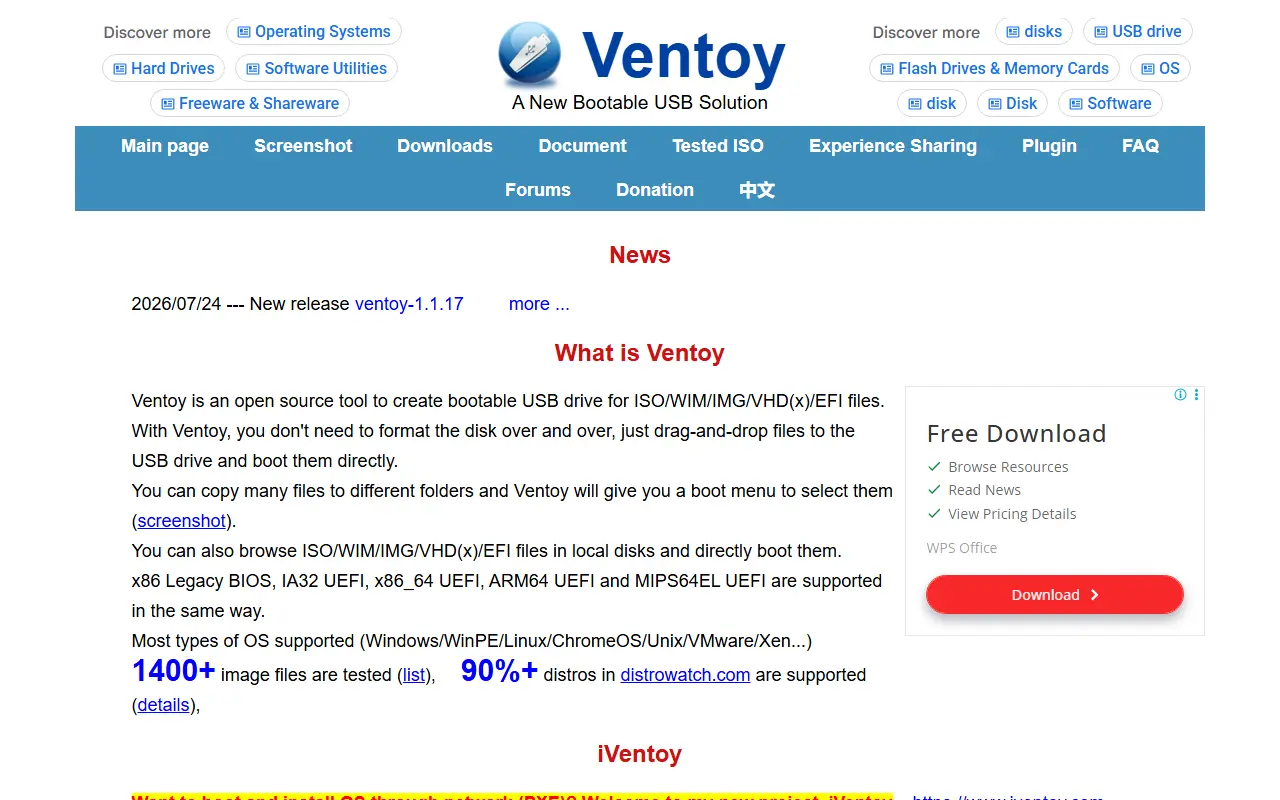
Ventoy is an open-source tool for creating bootable USB drives. Instead of reformatting the drive for every operating system, you install Ventoy once and then copy image files such as ISO, WIM, IMG, VHD(x) and EFI onto it. It is written in C and released under the GPL-3.0 license.
When you boot from the drive, Ventoy shows a menu listing the images you copied, so one stick can hold many installers or live systems. You can also browse and boot image files stored on a local disk. It supports x86 legacy BIOS, 32-bit and 64-bit x86 UEFI, ARM64 UEFI and MIPS64EL UEFI, along with both MBR and GPT partition styles, and its topics mention Secure Boot, persistence and unattended installs.
The README says most operating system types work, including Windows, WinPE, Linux, Unix, ChromeOS, VMware and Xen, with more than 1,300 ISO files tested. It suits IT technicians, system administrators and hobbyists who install or repair many different machines and want one multi-boot USB drive.
Key features
- Boot ISO, WIM, IMG, VHD and EFI files
- Copy images to the drive without reformatting
- Boot menu for many images on one drive
- Legacy BIOS and UEFI support
- MBR and GPT partition support
- Windows, Linux, Unix and ChromeOS compatibility
Good fit for
- Multi-boot installer USB for IT technicians
- Trying Linux distributions without reflashing
- Rescue and recovery media
Ventoy: questions and answers
- What is Ventoy used for?
- Ventoy is an open-source tool that makes a USB drive bootable for many ISO, WIM, IMG, VHD and EFI files, which you simply copy onto the drive. It is a good fit for multi-boot installer USB for IT technicians, trying Linux distributions without reflashing, and rescue and recovery media.
- Is Ventoy open source?
- Yes. Ventoy is open source under the GPL-3.0 licence. Its source code is on GitHub at ventoy/Ventoy and is written mainly in C.
- Is Ventoy free?
- Yes. Ventoy is open source, so the software itself is free to use.
- What are some alternatives to Ventoy?
- Similar open-source tools in the Developer Tools category include Rufus, balenaEtcher and Termux. SaaS products in the same category include DBC Utility, Araxis Merge and Fork.
- Is Ventoy actively maintained?
- Yes. The most recent commit to Ventoy was on 22 October 2026, and the latest release is v1.1.18, published on 9 October 2026. The project has 81k stars on GitHub, with 835 added in the last 30 days.
Open-source alternatives to Ventoy
See all
Rufus
Developer Tools
The Reliable USB Formatting Utility
GPL-3.0★ 38k
balenaEtcher
Developer Tools
Flash OS images to SD cards & USB drives, safely and easily.
Apache-2.0★ 35k
Termux
Developer Tools
Termux - a terminal emulator application for Android OS extendible by variety of packages.
OSSvs Termius★ 65k
Notepad++
Developer Tools
Notepad++ official repository
OSSvs Sublime Text★ 30kwitr
Developer Tools
Why is this running? Trace any process, port, container, or file back to what started it -
Apache-2.0★ 23k
Distrobox
Developer Tools
Use any linux distribution inside your terminal. Enable both backward and forward compatib
GPL-3.0★ 13k
SaaS alternatives to Ventoy
See all
DBC Utility
Developer Tools
Desktop workspace to inspect, edit, compare and review CAN and CAN FD DBC files
SaaS
Araxis Merge
Developer Tools
Visual comparison and merging tool for files, folders and documents
SaaS
Fork
Developer Tools
Git client for Mac and Windows with history, merge conflict and rebase tools
SaaS
PrettyMD
Developer Tools
App for reading the Markdown files your AI writes, such as specs, plans, skills and agents
SaaS
Project Wraith
Developer Tools
Agentic development environment that keeps all your AI CLIs in one place, locally or on a remote server
SaaS
RPG Maker
Developer Tools
Game development software for building role-playing games without code
SaaS