About Sourcetree
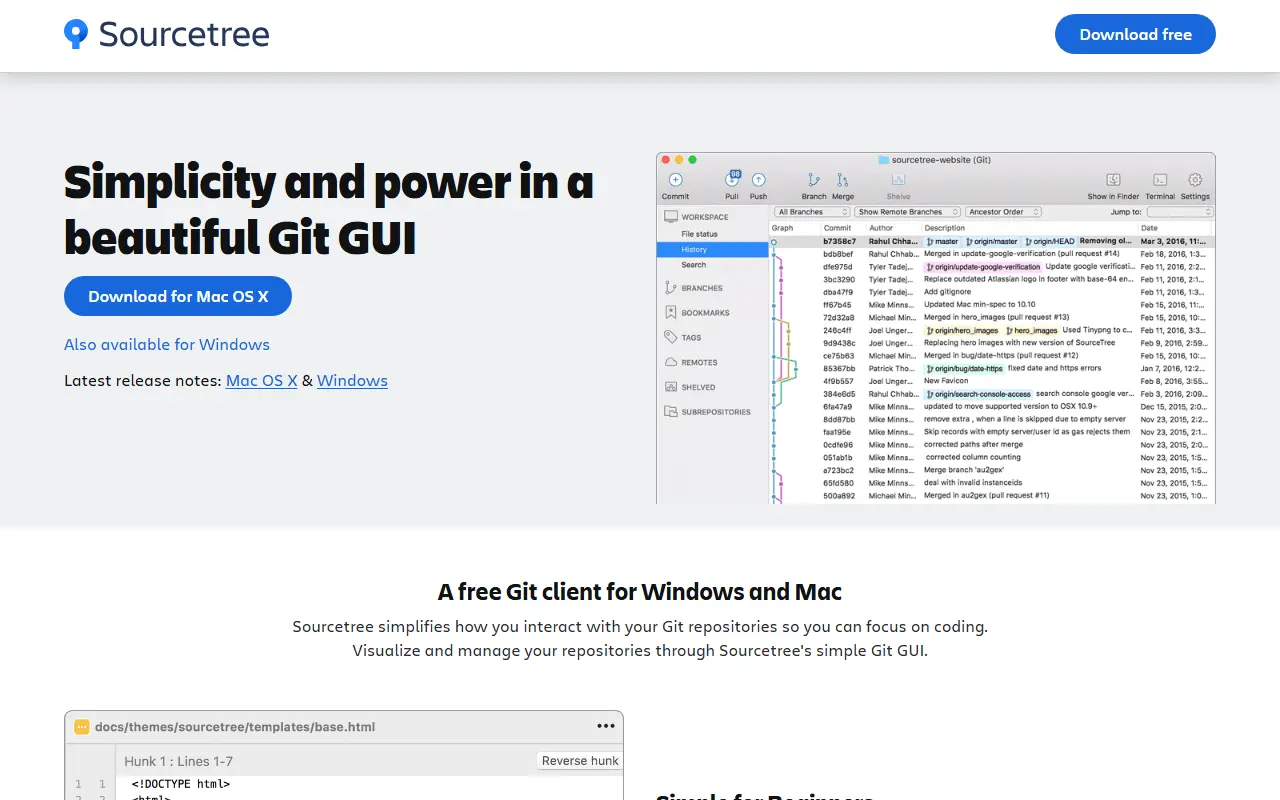
Sourcetree is a free desktop client from Atlassian for working with Git repositories on Mac and Windows. It is meant to replace command-line Git for many everyday tasks, letting developers browse repositories, commit changes and manage branches through a graphical interface.
The app visualizes branches and commits in detailed diagrams and lets users inspect any commit with a click. It supports staging and discarding changes by file, hunk or line, stashing, cherry-picking between branches and reviewing changesets. It also works with Mercurial, supports Git Large File Storage for big assets, and includes git-flow branching out of the box, alongside tutorials on branching and merging. Sourcetree is proprietary software distributed at no cost. It suits beginners who want to avoid the command line as well as experienced developers who like a visual view of their history.
Key features
- Visual branching diagrams and commit inspection
- Stage or discard changes by file, hunk or line
- Supports both Git and Mercurial
- Git LFS support for large files
- Built-in git-flow workflow
- Stash and cherry-pick between branches
Good fit for
- →Learning Git without the command line
- →Reviewing and staging changes line by line
- →Following git-flow in a team
- Tags
- git
- mercurial
- git-client
- atlassian
- desktop-app
- git-flow
- version-control
Sourcetree: questions and answers
- What is Sourcetree used for?
- Sourcetree is a free Atlassian desktop client for Git and Mercurial on Mac and Windows, with branch diagrams, staging by line and built-in git-flow support. It is a good fit for learning Git without the command line, reviewing and staging changes line by line, and following git-flow in a team.
- Is Sourcetree free?
- Yes. Sourcetree is free to use.
- Is Sourcetree open source?
- No. Sourcetree is proprietary (closed-source) software. Open-source alternatives to Sourcetree include GitHub Desktop.
- Can I self-host Sourcetree?
- Yes. Although Sourcetree is closed source, it can be self-hosted on your own servers.
- What are some alternatives to Sourcetree?
- Sourcetree competes with GitKraken and Tower. For open-source options, see Enlisted's ranked list of open-source Sourcetree alternatives.
Open-source alternatives to Sourcetree
See all
GitHub Desktop
Developer Tools
Focus on what matters instead of fighting with Git.
MITvs GitKraken★ 22k
balenaEtcher
Developer Tools
Flash OS images to SD cards & USB drives, safely and easily.
Apache-2.0★ 34k
Atlas
Developer Tools
Atlas is a native macOS workspace for coding agents. Install Claude Code, Codex, OpenCode
Apache-2.0★ 8.7kVS Code Project Manager
Developer Tools
Project Manager Extension for Visual Studio Code
GPL-3.0★ 2.7k
Workflowr
Developer Tools
Organize your project into a research website
OSS★ 907
Visual Studio Code
Developer Tools
Visual Studio Code
MITvs Sublime Text★ 193k
SaaS alternatives to Sourcetree
See all
GitKraken
Developer Tools
Cross-platform Git desktop client with a visual commit graph and pull request tools
SaaS
Tower
Developer Tools
Git client for Mac and Windows with visual history and conflict resolution
SaaS
Fork
Developer Tools
Git client for Mac and Windows with history, merge conflict and rebase tools
SaaS
Sublime Merge
Developer Tools
Git client and merge tool from the makers of Sublime Text
SaaS
1DevTool
Developer Tools
Desktop workspace for running several AI coding agents side by side across multiple projects
SaaS
CodeMote
Developer Tools
iPhone and iPad app that connects to your dev machine for terminals, git and AI coding agents
SaaS