
About ThinLinc
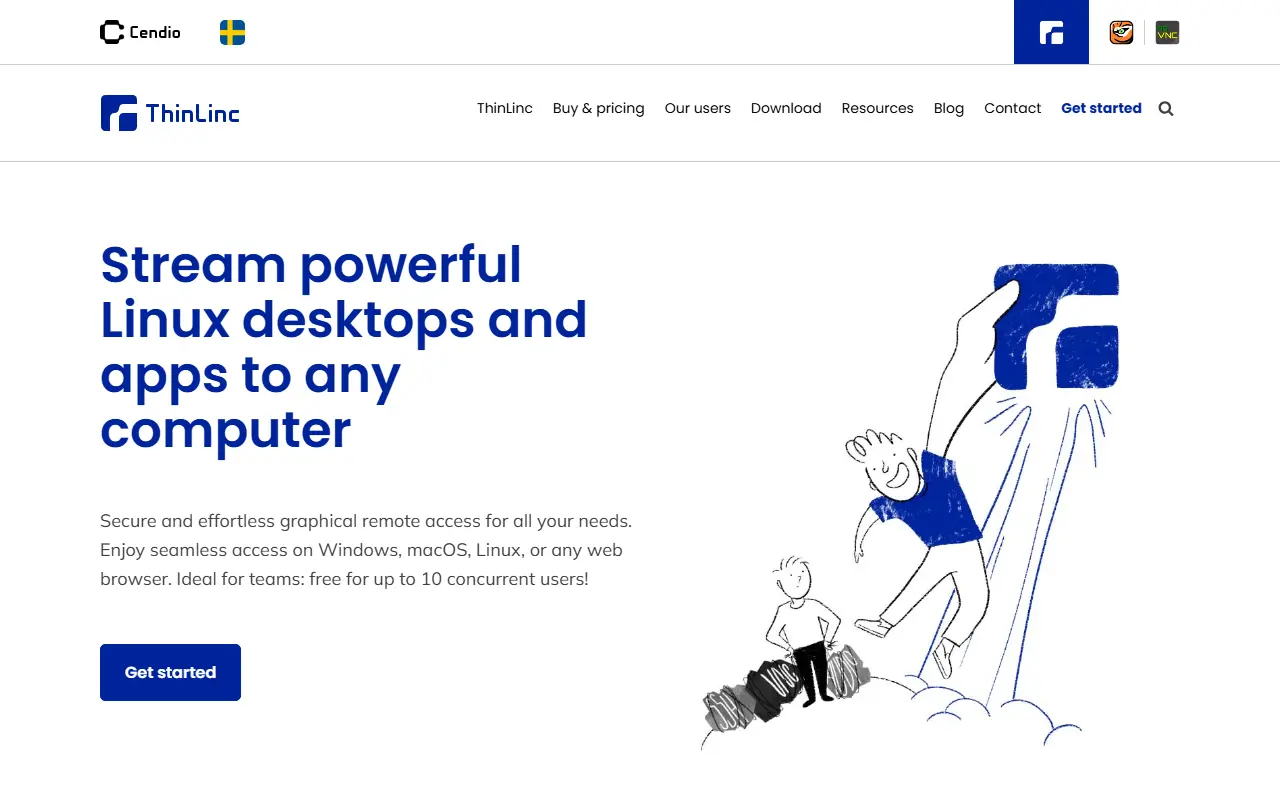
ThinLinc is a Linux remote desktop solution that allows users to access Linux desktops and applications remotely. It works from Windows, macOS, Linux, or any web browser. The software is free for up to 10 concurrent users.
Key features
- Secure graphical remote access
- Works from Windows, macOS, Linux, or web browser
- Free for up to 10 concurrent users
- Supports audio and video streaming
- Easy to set up
Good fit for
- Linux access for Microsoft- and Apple-centric organizations
- Centralized graphical Linux workspaces
- Intuitive graphical access to HPC
ThinLinc: questions and answers
- What is ThinLinc used for?
- ThinLinc provides secure graphical remote access to Linux desktops and applications from Windows, macOS, Linux, or a web browser. It is a good fit for Linux access for Microsoft- and Apple-centric organizations, centralized graphical Linux workspaces, and intuitive graphical access to HPC.
- Is ThinLinc open source?
- No. ThinLinc is proprietary (closed-source) software. In the Developer Tools category, open-source options include Ventoy, Termux and Distrobox.
- What are some alternatives to ThinLinc?
- ThinLinc competes with AnyDesk.
Open-source alternatives to ThinLinc
See all
Ventoy
Developer Tools
A new bootable USB solution.
GPL-3.0★ 80k
Termux
Developer Tools
Termux - a terminal emulator application for Android OS extendible by variety of packages.
OSSvs Termius★ 63k
Distrobox
Developer Tools
Use any linux distribution inside your terminal. Enable both backward and forward compatib
GPL-3.0★ 13k
Flatpak
Developer Tools
Linux application sandboxing and distribution framework
LGPL-2.1★ 5.1k
Wakapi
Developer Tools
📊 A minimalist, self-hosted WakaTime-compatible backend for coding statistics
MITvs WakaTime★ 4.4k
Sourcerer
Developer Tools
🦄 Sourcerer app makes a visual profile from your GitHub and git repositories.
MIT★ 6.7k
SaaS alternatives to ThinLinc
See all
AnyDesk
Networking & VPN
Remote desktop software for support, administration and file transfer
SaaS
Tuple
Video Conferencing
Low-latency screen sharing built for remote pair programming
SaaS
DBC Utility
Developer Tools
Desktop workspace to inspect, edit, compare and review CAN and CAN FD DBC files
SaaS
UltraEdit
Developer Tools
Text, code and hex editor for large files, complex data and sensitive workflows
SaaS
1DevTool
Developer Tools
Desktop workspace for running several AI coding agents side by side across multiple projects
SaaS
3 Pixel Grid
Developer Tools
Library of tiny animated 3x3 grid indicators with copyable configs for use in your own project
SaaS