
About SubScene
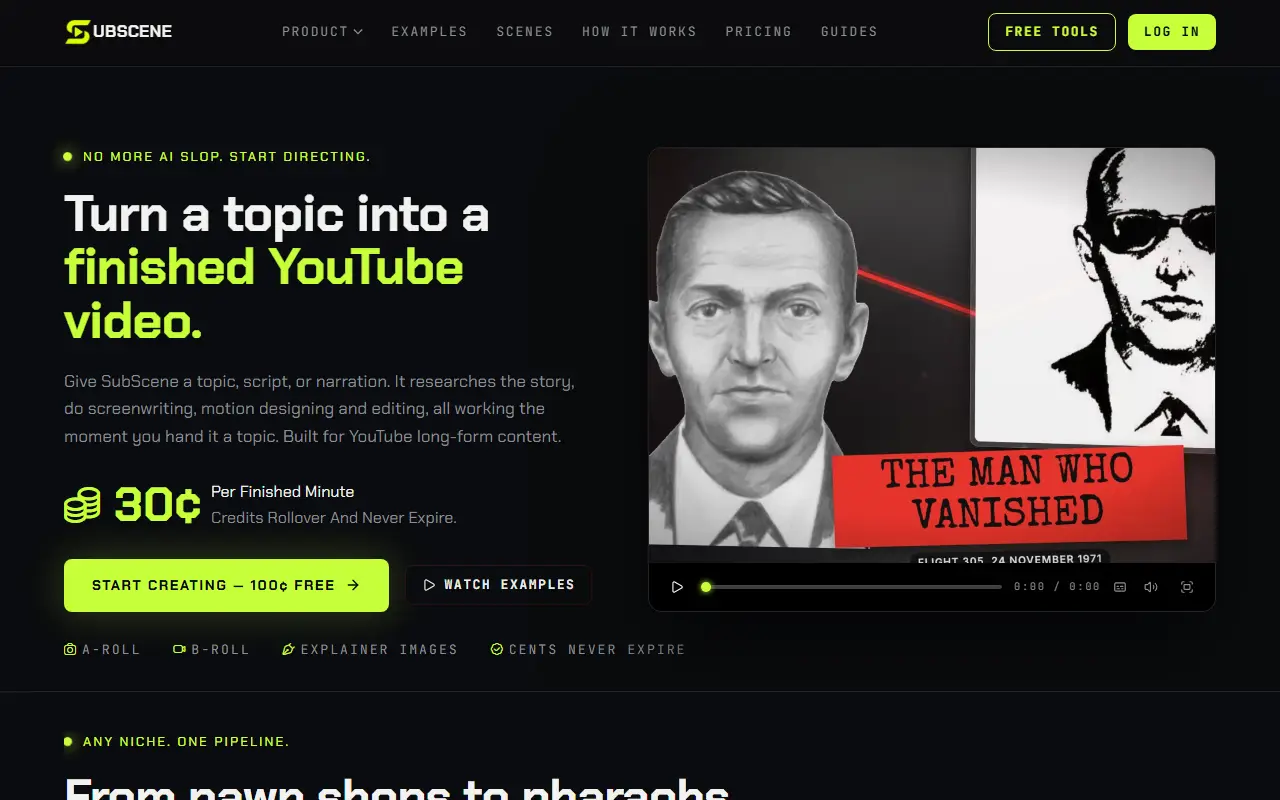
SubScene makes videos for faceless YouTube channels and positions itself against tools that assemble generic clips. You give it a topic, script or recorded narration, and it researches the story, plans scenes around what the narration says, finds real photos, b-roll, maps and typography, creates explainer diagrams where footage is not enough, and cuts the video scene by scene with transitions and sound. Visual styles and hook intros are matched to niches such as true crime, history, science, finance and sports.
The user stays in the director's seat: scenes can be reviewed, swapped and re-cut before export. Pricing is by finished minute at 30 cents, so a 10-minute video costs $3, with credits that never expire and no charge for failed work. Monthly plans start with Basic at $39.99 for about 133 minutes of finished video, then Pro at $89.99 and Ultimate at $199.99, and new users get 100 cents of free credit.
Key features
- Video built from a topic, script or narration
- Real photos, b-roll, maps and typography
- Explainer diagrams for ideas without footage
- Visual styles matched to each niche
- Scene review, swap and re-cut before export
- Billed per finished minute
Good fit for
- Producing a faceless history or finance channel
- Turning a narrated script into a finished video
- Making explainers with diagrams and archival photos
SubScene: questions and answers
- What is SubScene used for?
- SubScene is an AI tool that turns a topic, script or narration into a faceless long-form YouTube video with real photos, diagrams and b-roll, billed per finished minute. It is a good fit for producing a faceless history or finance channel, turning a narrated script into a finished video, and making explainers with diagrams and archival photos.
- How much does SubScene cost?
- Paid plans for SubScene start at $39.99 per month, and there is no free plan.
- Is SubScene open source?
- No. SubScene is proprietary (closed-source) software and can't be self-hosted. In the Video Editing category, open-source options include Nexrender, OpenCut and OBS Studio.
- What are some alternatives to SubScene?
- SubScene competes with InVideo, Fliki and Pictory.
Open-source alternatives to SubScene
See all
Nexrender
Video Editing
📹 Data-driven render automation for After Effects
MIT★ 1.9k
OpenCut
Video Editing
The open-source CapCut alternative
MITvs CapCut★ 93k
OBS Studio
Video Editing
OBS Studio - Free and open source software for live streaming and screen recording
GPL-2.0vs vMix★ 77k
HandBrake
Video Editing
HandBrake's development repository
OSS★ 25k
Cap
Video Editing
Open source Loom alternative. Beautiful, shareable screen recordings.
OSSvs Loom★ 23k
Screenity
Video Editing
The free and privacy-friendly screen recorder with no limits 🎥
GPL-3.0vs Screencastify★ 19k
SaaS alternatives to SubScene
See all
InVideo
AI Tools
Online video maker that generates videos from text prompts with stock media and voiceover
SaaS
Fliki
Video Editing
AI tool that turns text into videos with voiceovers
SaaS
Pictory
Video Editing
AI video generator that turns scripts and articles into short videos
SaaS
Lumen5
Video Editing
Video creation platform that turns articles and text into social videos
SaaS
Canvasvid
Video Editing
AI tool that writes the script, illustrates each scene and delivers an explainer video from a short idea
SaaS
StoryShort
Video Editing
Creates short videos with AI from text prompts for faceless channels
SaaS