
About Spark Mail
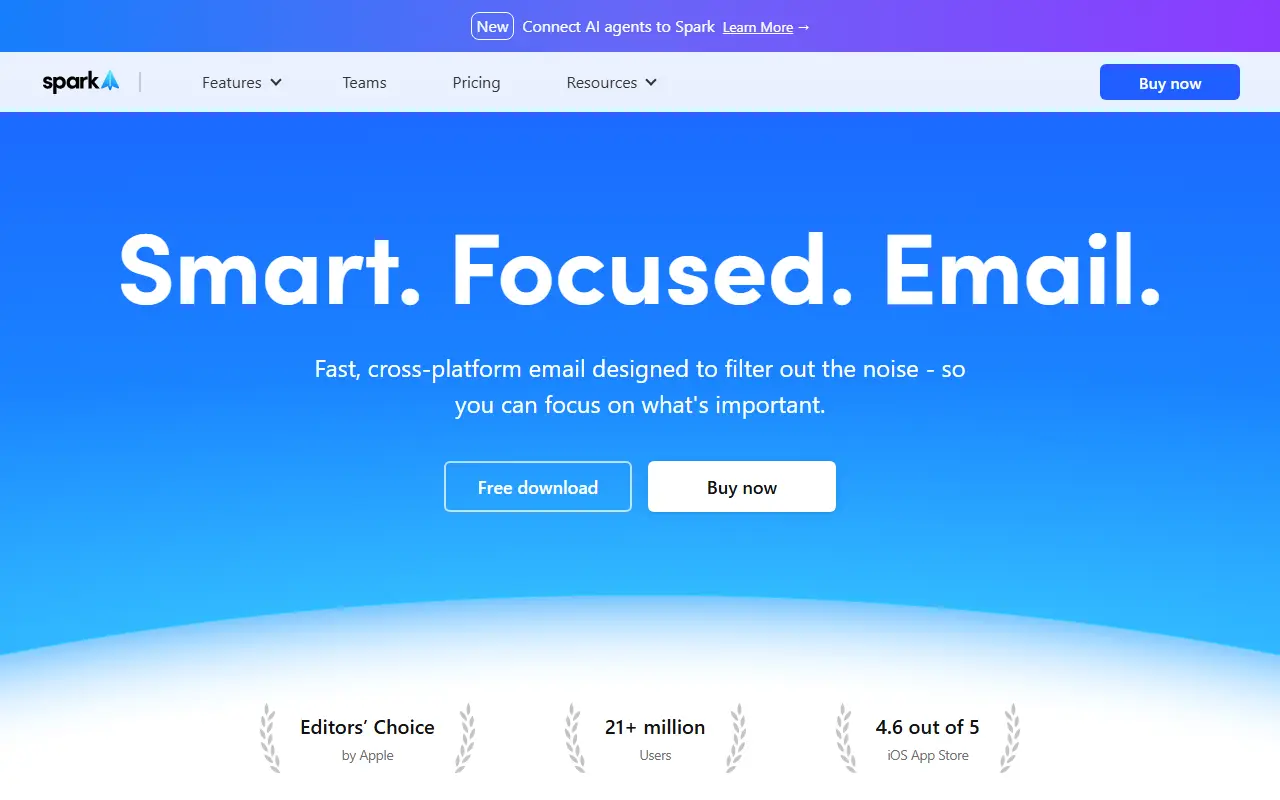
Spark Mail is a commercial email client that aims to cut the noise in a busy inbox. Its smart inbox puts important contacts first with Priority and Pin functions, groups messages by sender, and files newsletters and notifications into their own automated inboxes so people can focus on mail that matters.
Organizing tools include Done and Set Aside markers, Send Later, snooze, follow-up reminders, a Gatekeeper for new senders and email signatures. An AI assistant can find, summarize and act on anything in the inbox, an AI writing assistant drafts replies, and translation and summary features help with long or foreign-language threads. There is also a calendar with meeting notes, and a recent option to connect AI agents to Spark.
For teams, Spark offers shared inboxes and email delegation, so colleagues can collaborate on messages before sending. The client runs on Apple platforms and Windows. A free download is available, with paid plans listed on the pricing page.
Key features
- Smart inbox with priority and pinned senders
- Shared inboxes for team email
- AI assistant to find and summarize email
- AI writing assistant for drafting replies
- Send later, snooze and follow-up reminders
- Automated newsletter and notification inboxes
- Translation of email messages
Good fit for
- →Teams collaborating on shared inboxes
- →Reducing inbox overload for busy professionals
- →Drafting and summarizing email with AI
- Tags
- email-client
- shared-inbox
- ai-writing
- productivity
- teams
- mobile
Spark Mail: questions and answers
- What is Spark Mail used for?
- Spark Mail is a cross-platform email client with a smart inbox, shared team inboxes, email delegation and AI features for writing and summarizing messages. It is a good fit for teams collaborating on shared inboxes, reducing inbox overload for busy professionals, and drafting and summarizing email with AI.
- Is Spark Mail free?
- Yes. Spark Mail has a free plan, and paid plans start at $10 per seat per month. A free trial is also available.
- Is Spark Mail open source?
- No. Spark Mail is proprietary (closed-source) software and can't be self-hosted. Open-source alternatives to Spark Mail include Mailspring, Inbox Zero and FairEmail.
- What are some alternatives to Spark Mail?
- Spark Mail competes with Shortwave, HEY and Mailbird. For open-source options, see Enlisted's ranked list of open-source Spark Mail alternatives.
Open-source alternatives to Spark Mail
See all
Mailspring
Email Clients & Servers
:love_letter: A beautiful, fast and fully open source mail client for Mac, Windows and Lin
GPL-3.0vs Microsoft Outlook★ 18k
Inbox Zero
Email Clients & Servers
The world's best AI personal assistant for email. Open source app to help you reach inbox
OSSvs Superhuman★ 12k
FairEmail
Email Clients & Servers
Fully featured, open source, privacy friendly email app for Android
GPL-3.0vs Gmail★ 4.7k
Thunderbird for Android
Email Clients & Servers
Thunderbird for Android – Open Source Email App for Android (fka K-9 Mail)
Apache-2.0vs Gmail★ 14k
Mailpile
Email Clients & Servers
A free & open modern, fast email client with user-friendly encryption and privacy features
OSSvs Spark Mail★ 8.8k
Proton Mail Bridge
Email Clients & Servers
Proton Mail Bridge application
GPL-3.0★ 1.6k
SaaS alternatives to Spark Mail
See all
Shortwave
Email Clients & Servers
Gmail-based email client with AI summaries and a split inbox
SaaS
HEY
Email Clients & Servers
Email service from Basecamp with sender screening and inbox bundles
SaaS
Mailbird
Email Clients & Servers
Windows email client that merges multiple accounts and apps
SaaS
Spike
Email Clients & Servers
Email-based team chat that turns inbox threads into conversations
SaaS
Missive
Email Clients & Servers
Shared inbox that combines team email, chat and collaborative drafts
SaaS
Fastmail
Email Clients & Servers
Paid email provider with custom domains, calendars and contacts
SaaS