
About Snapframe Pro
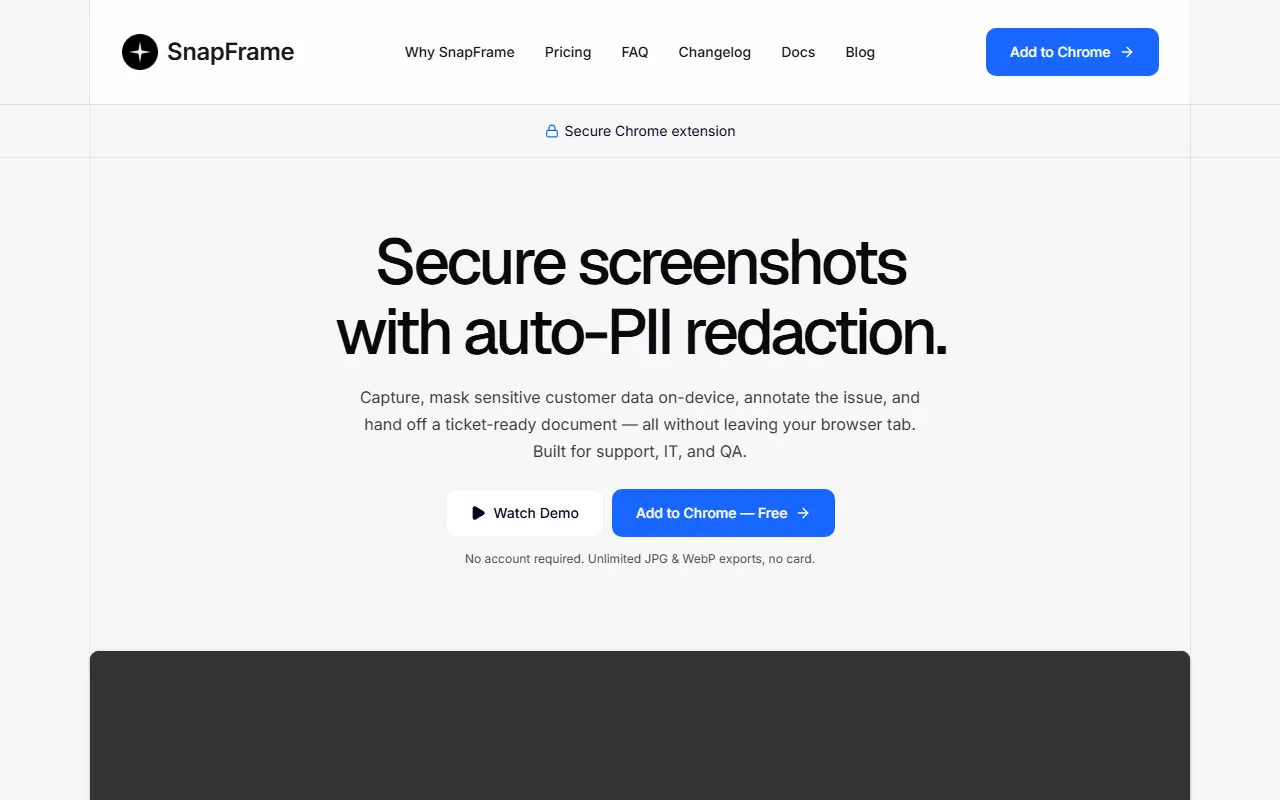
SnapFrame is a browser extension for taking screenshots that are safe to share. You capture the full page, the visible area, a drawn region or an element (long dashboards are stitched into one image), mask sensitive data, annotate the problem and pass on an image ready for a ticket, all without leaving the tab.
Redaction runs entirely on-device with heuristics and no AI upload: it masks emails, credit cards, phone numbers and other personal data, including Stripe checkout fields. Numbered callouts guide readers through steps, and each capture can append the source URL, viewport size and timestamp as an audit trail. Output can be pasted into Slack, Notion, Jira or documents, and on Pro attached directly to a Zendesk ticket. JPG and WebP exports are free, PNG and PDF are on Pro, and no account is required to start.
Key features
- Full-page, region and element screenshot capture
- On-device redaction of emails and card numbers
- Numbered callouts for bug reports and guides
- Source URL, viewport and timestamp audit trail
- Copy to Slack, Notion or Jira
- Zendesk ticket attachment on Pro
Good fit for
- Support agents sharing screenshots without leaking customer data
- QA engineers documenting bugs with annotated captures
Snapframe Pro: questions and answers
- What is Snapframe Pro used for?
- Snapframe Pro is a Chrome extension for support, IT and QA teams that captures full-page screenshots, redacts personal data on-device, adds numbered callouts and exports images. It is a good fit for support agents sharing screenshots without leaking customer data and QA engineers documenting bugs with annotated captures.
- Is Snapframe Pro open source?
- No. Snapframe Pro is proprietary (closed-source) software. In the Productivity category, open-source options include Flameshot, Dark Reader and Linkwarden.
- What are some alternatives to Snapframe Pro?
- Snapframe Pro competes with CleanShot X, Snagit and Zight.
Open-source alternatives to Snapframe Pro
See all
Flameshot
Productivity
Powerful yet simple to use screenshot software :desktop_computer: :camera_flash:
GPL-3.0vs Snagit★ 31k
Dark Reader
Productivity
Dark Reader Chrome and Firefox extension
MIT★ 22k
Linkwarden
Productivity
Collect, read, annotate, and fully preserve what matters. Open-source, self-hostable bookm
AGPL-3.0vs Raindrop.io★ 20k
Zotero
Productivity
Zotero is a free, easy-to-use tool to help you collect, organize, annotate, cite, and shar
OSSvs Readwise★ 15kVimium
Productivity
The hacker's browser.
MIT★ 27k
BetterShot
Productivity
Screenshot, screen recording, and video editor for macOS. Native SwiftUI app with capture
OSSvs CleanShot X★ 2.4k
SaaS alternatives to Snapframe Pro
See all
CleanShot X
Productivity
Mac screenshot and screen recording utility with annotation and cloud sharing
SaaS
Snagit
Productivity
Screen capture and annotation tool for screenshots and short recordings
SaaS
Zight
Productivity
Screen recording and screenshot sharing tool, formerly CloudApp
SaaS
Droplr
Productivity
Screenshot, screen recording and file sharing tool with instant links for teams
SaaS
Hndmark
Productivity
Screenshot markup tool for sharing work in progress
SaaSCaptriq
Productivity
Captures and organizes full-page website screenshots with OCR text search, PDF export and team workspaces
SaaS