
 Zalo
Zalo KakaoTalk
 imo
imo Kik
Kik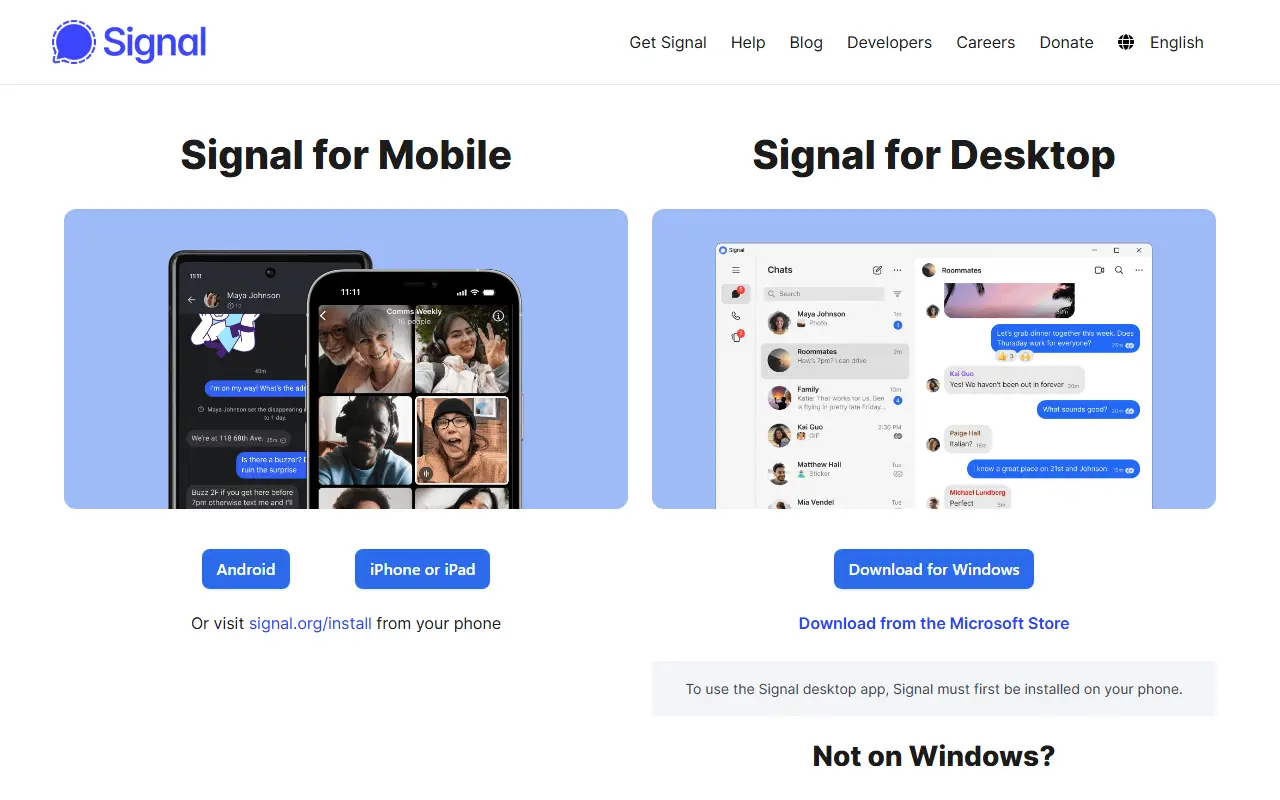
About Signal Desktop
Signal Desktop is the desktop version of the Signal private messenger for Windows, macOS and Linux. It links to the Signal app on an Android or iOS phone, which lets you send and read messages from your computer. It is written in TypeScript and released under the AGPL-3.0 license.
Both a production version and a beta version can be installed. Support is provided through a support site with answers to common questions and a community forum, which is also where feature requests and questions go, while bugs are reported as GitHub issues. Contributions are welcome, including non-code ones, and the repository has a contributing guide.
Signal is run by an independent 501(c)(3) nonprofit, the Signal Technology Foundation, and donations can be made from inside the apps or on the web. The repository includes a cryptography notice explaining that the software contains encryption and may be subject to import, possession and export rules in some countries.
Key features
- Links with Signal on Android or iOS
- Messaging from Windows, macOS and Linux
- Production and beta release channels
- Open-source TypeScript codebase
- Support site and community forum
Good fit for
- →Using Signal from a desktop computer
- →Continuing phone conversations while at work
- Built with
- TypeScript
- Tags
- messaging
- private-messenger
- encryption
- desktop
- signal
- privacy
- typescript
- nonprofit
Signal Desktop: questions and answers
- What is Signal Desktop used for?
- Signal Desktop is the open-source desktop client that links with Signal on Android or iOS so you can message from Windows, macOS and Linux. It is a good fit for using Signal from a desktop computer and continuing phone conversations while at work.
- Is Signal Desktop open source?
- Yes. Signal Desktop is open source under the AGPL-3.0 licence. Its source code is on GitHub at signalapp/Signal-Desktop and is written mainly in TypeScript.
- Is Signal Desktop free?
- Yes. Signal Desktop is open source, so the software itself is free to use. A managed cloud version is also available.
- What is Signal Desktop an alternative to?
- Signal Desktop is an open-source alternative to WhatsApp, Telegram, Messenger and Viber. Other open-source alternatives to WhatsApp include Signal Android, Signal iOS and SimpleX Chat.
- Is Signal Desktop actively maintained?
- Yes. The most recent commit to Signal Desktop was on 1 October 2026, and the latest release is v8.29.0, published on 1 October 2026. The project has 17k stars on GitHub.
Open-source alternatives to Signal Desktop
See all
Signal Android
Team Chat
A private messenger for Android.
AGPL-3.0vs WhatsApp★ 29k
Signal iOS
Team Chat
A private messenger for iOS.
AGPL-3.0vs WhatsApp★ 12k
SimpleX Chat
Team Chat
SimpleX - the first messaging network operating without user identifiers of any kind - 100
AGPL-3.0vs WhatsApp★ 20k
Telegram Desktop
Team Chat
Telegram Desktop messaging app
GPL-3.0vs WhatsApp★ 33kTelegram for Android
Team Chat
Telegram for Android source
GPL-2.0vs WhatsApp★ 30k
Session
Team Chat
Session Desktop - A Decentralized, Onion Routed, Private Messenger
GPL-3.0vs Signal★ 585
SaaS alternatives to Signal Desktop
See all
WhatsApp
Team Chat
Messaging and calling app with a Business version for customer chats
SaaS
Telegram
Team Chat
Cloud-based messenger with large groups, channels and bots
SaaS
Messenger
Team Chat
Meta's chat and video calling service for Facebook contacts
SaaS
Viber
Team Chat
Messaging and calling app with communities and business messaging
SaaS
LINE
Team Chat
Messenger and super-app popular in Japan, Taiwan and Thailand
SaaS
WeChat
Team Chat
Tencent's messaging and mobile payments app
SaaS