7,380 open-source and SaaS tools, with GitHub stats refreshed every day.

8 alternatives ranked by real activity

Open-source Tencent QQ alternatives

A curated, ranked list of the 8 best open-source alternatives to Tencent QQ.

The best open-source alternative to Tencent QQ is Telegram Desktop. If that doesn't suit you, other good options are Telegram for Android, Signal Android, Signal Desktop and Element.

Tencent QQ alternatives are mainly team chat tools. 8 of them shipped code in the last 30 days, 4 can be self-hosted, and none uses a permissive licence.

Last updated October 3, 2026 · ranked by GitHub stars, growth and recent commits

Telegram Desktop

Telegram Desktop is the official open-source desktop client for the Telegram messenger, available for Windows, macOS and Linux.

GitHub stars
33k
Last commit
today
Latest release
v7.2.9
Licence
GPL-3.0
Self-hosted
No
Hosted version
Available
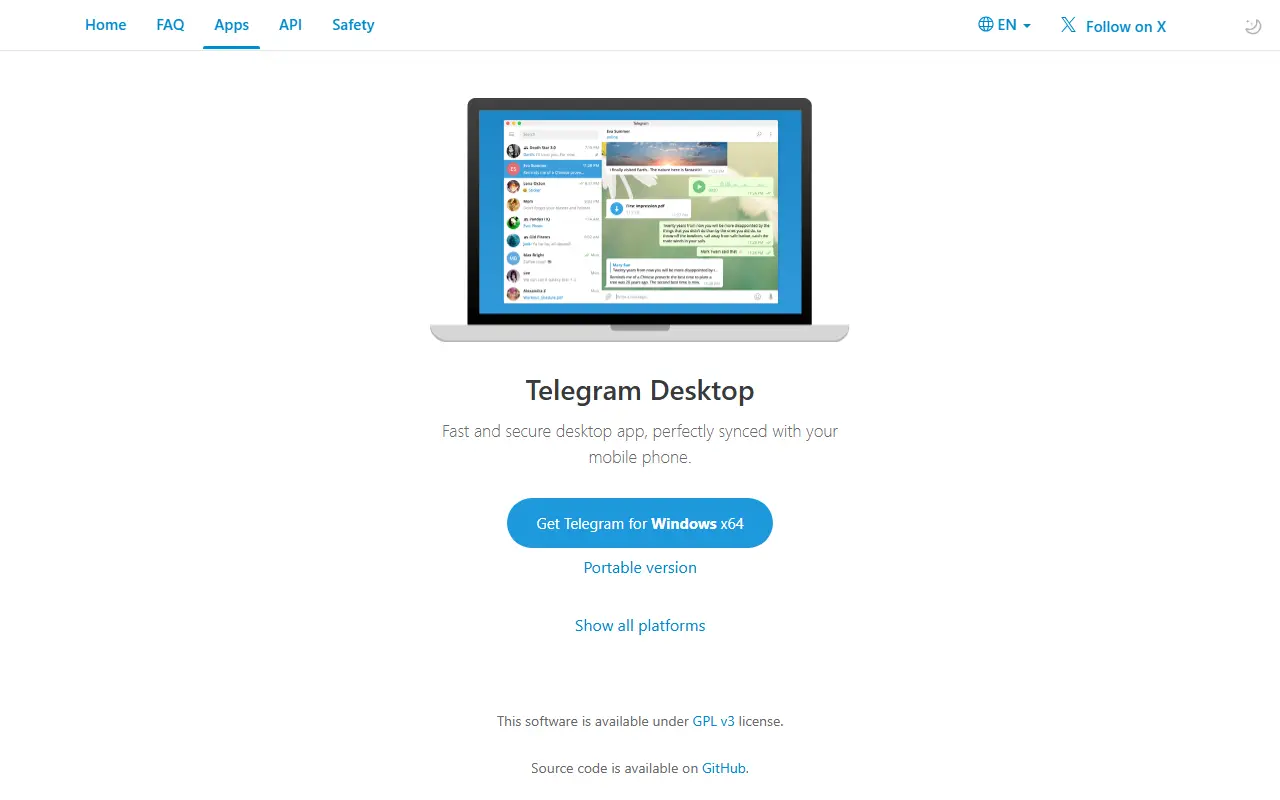
desktop.telegram.orgTelegram Desktop homepage screenshot

Telegram Desktop is the official desktop client for the Telegram messaging service. The repository holds the complete source code and build instructions for an app built on the Telegram API and the MTProto secure protocol. It is written in C++, and the license is GPLv3 with an OpenSSL exception.

Builds are published for 64-bit and 32-bit Windows 7 and above, including portable versions, for macOS 10.13 and above, and for Linux as a static 64-bit build, a Snap and a Flatpak. Older systems are served by version 4.9.9, the last release that supports macOS 10.12 and older Linux with glibc. The client connects to Telegram's hosted service rather than a server you run yourself, so using it means having a Telegram account.

Key features

  • Official Telegram desktop messenger
  • Built on the Telegram API and MTProto
  • Portable Windows builds
  • macOS and Linux static, Snap and Flatpak packages
  • Full source code and build instructions
  • GPLv3 with OpenSSL exception

Telegram for Android

This repository contains the official source code of the Telegram messenger app for Android.

GitHub stars
30k
Last commit
2 days ago
Latest release
release-11.4.2-5469
Licence
GPL-2.0
Self-hosted
No
Hosted version
Available

This repository holds the official source code for the Telegram messaging app on Android. Telegram describes itself as a messenger focused on speed and security that is free to use. The code is written in Java and published under the GPL-2.0 license, alongside compilation instructions for developers.

Developers are invited to use Telegram's API and this code to make their own applications, subject to conditions: obtain your own API id, avoid using the Telegram name or standard logo, follow the security guidelines, and publish your code to comply with the licenses. The build supports reproducible builds with dummy keystore and Firebase files that must be replaced before releasing your own APKs. Compiling needs Android Studio, the Android NDK and SDK, and cloning with submodules. Protocol documentation is available for the Telegram API and MTProto.

Key features

  • Official Android client source for Telegram
  • Instructions for compiling the app
  • Reproducible builds with placeholder keys
  • Uses the Telegram API and MTProto protocol
  • Terms for building your own client
  • Java code under the GPL-2.0 license

Signal Android

Signal Android is the open-source Android client of the Signal private messenger, offering encrypted messages and voice or video calls.

GitHub stars
29k
Last commit
today
Latest release
v8.28.4
Licence
AGPL-3.0
Self-hosted
No
Hosted version
Available
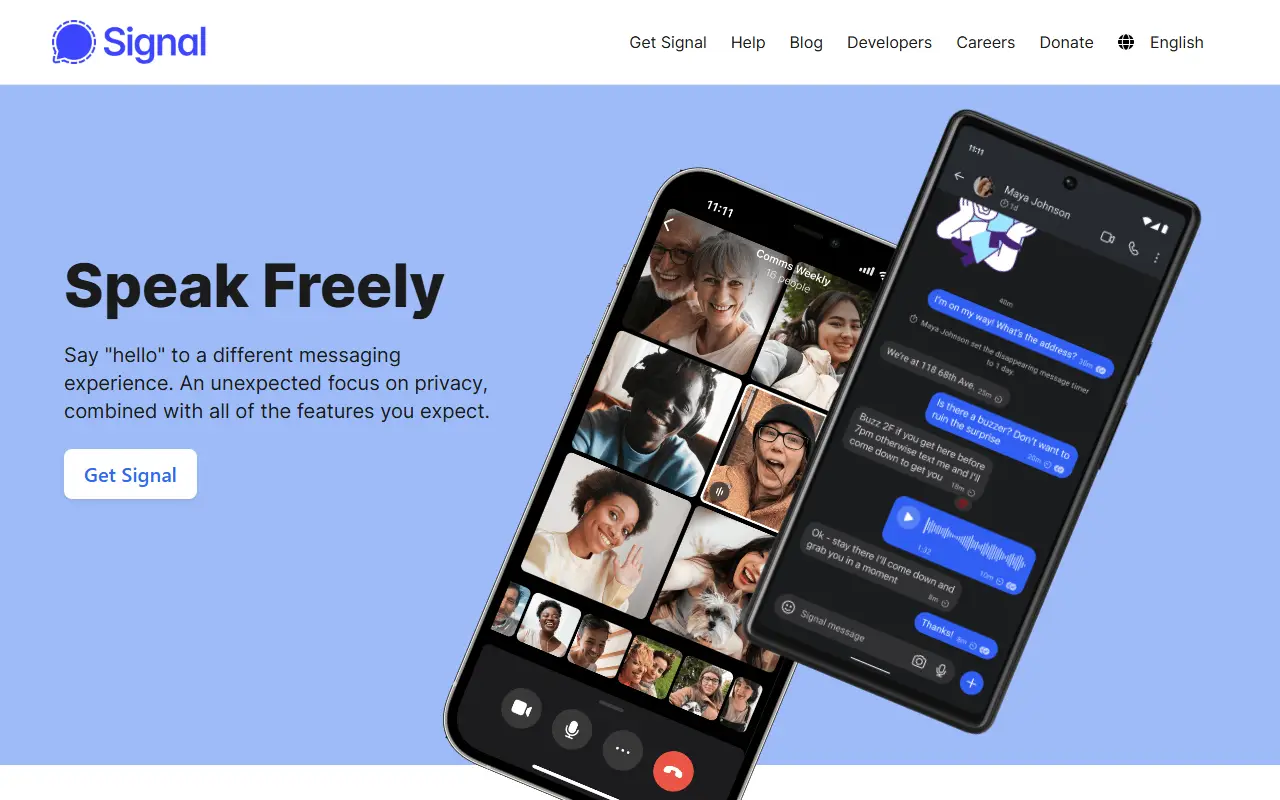
signal.orgSignal Android homepage screenshot

Signal Android is the source code of the Signal private messenger for Android. Signal describes itself as a simple and secure messenger that sends messages and places voice and video calls over WiFi or a mobile data connection, with privacy protections always switched on. The app is written in Kotlin and released under the AGPL-3.0 license, and it is free to use.

The app is available from the Play Store and signal.org, with versions for iOS and desktop as well. The repository explains how to report bugs on GitHub, join the beta channel on Google Play, contribute translations through the community forum, and submit code. New contributors are encouraged to start with small bug fixes, and larger ideas should be discussed on the community forum first. The client depends on Signal's own hosted service, so there is no self-hosted server option here.

Key features

  • Encrypted one-to-one and group messaging
  • Voice and video calls
  • Privacy features that are always enabled
  • Android app distributed via Play Store and signal.org
  • Open Kotlin source under AGPL-3.0
  • Beta program and translation contributions

Pricing: Free to use; the README describes Signal as free of charge.

Signal Desktop

Signal Desktop is the open-source desktop client that links with Signal on Android or iOS so you can message from Windows, macOS and Linux.

GitHub stars
17k
Last commit
yesterday
Latest release
v8.29.0
Licence
AGPL-3.0
Self-hosted
No
Hosted version
Available
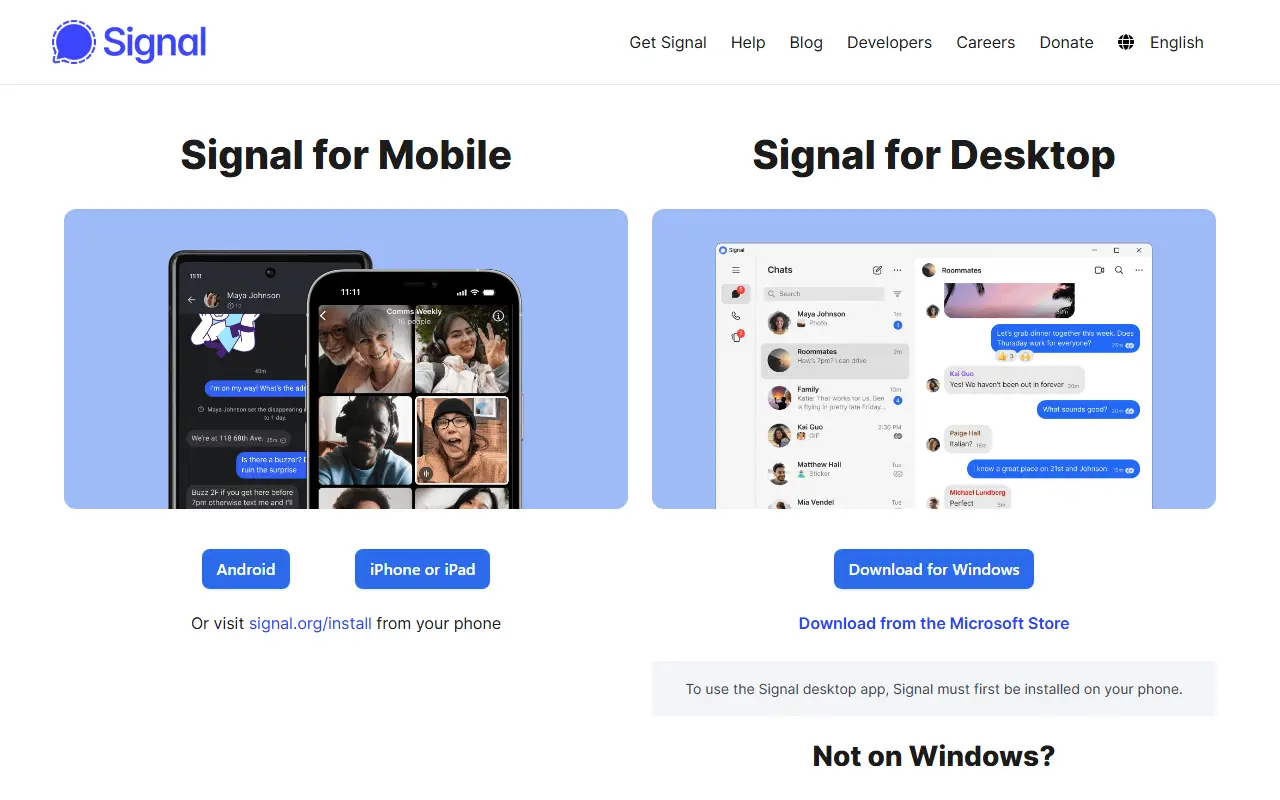
signal.orgSignal Desktop homepage screenshot

Signal Desktop is the desktop version of the Signal private messenger for Windows, macOS and Linux. It links to the Signal app on an Android or iOS phone, which lets you send and read messages from your computer. It is written in TypeScript and released under the AGPL-3.0 license.

Both a production version and a beta version can be installed. Support is provided through a support site with answers to common questions and a community forum, which is also where feature requests and questions go, while bugs are reported as GitHub issues. Contributions are welcome, including non-code ones, and the repository has a contributing guide.

Signal is run by an independent 501(c)(3) nonprofit, the Signal Technology Foundation, and donations can be made from inside the apps or on the web. The repository includes a cryptography notice explaining that the software contains encryption and may be subject to import, possession and export rules in some countries.

Key features

  • Links with Signal on Android or iOS
  • Messaging from Windows, macOS and Linux
  • Production and beta release channels
  • Open-source TypeScript codebase
  • Support site and community forum

Pricing: Run by an independent nonprofit and funded by donations, which can be made from inside the apps.

Element

Web and desktop client for the Matrix network, offering encrypted chat, rooms and collaboration built on the Matrix JS SDK.

GitHub stars
14k
Last commit
today
Latest release
v1.12.30
Licence
AGPL-3.0
Self-hosted
Yes
Hosted version
Available
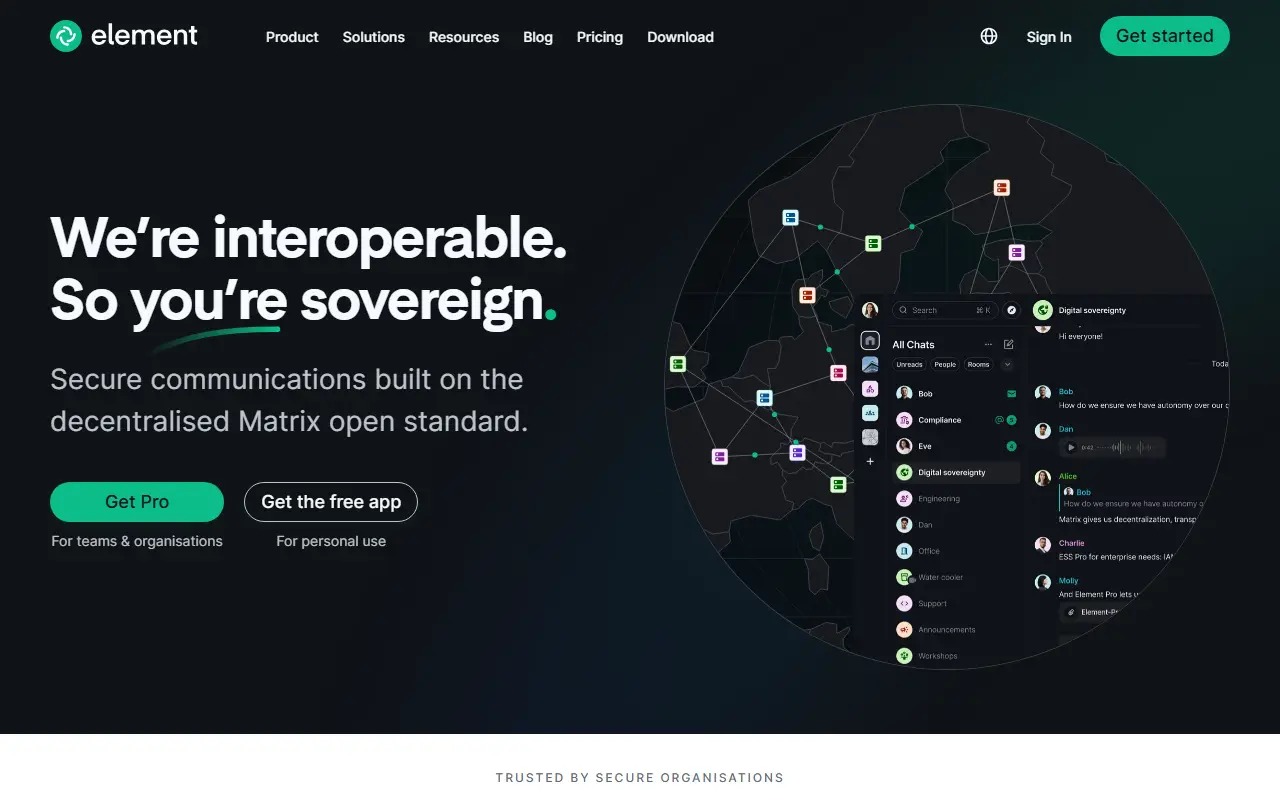
element.ioElement homepage screenshot

Element Web is a client for Matrix, the open protocol for decentralized messaging. It is the web and desktop application formerly known as Vector and Riot, and it lets people join rooms, chat in teams and communities, and collaborate across Matrix servers rather than inside a single vendor's network.

The client is built with TypeScript on top of the Matrix JS SDK. The README defines support tiers for browsers, covering recent versions of Chrome, Firefox, Edge and Safari on desktop, best-effort handling for ESR and extended-stable releases, and community support for mobile web. For phones and tablets the maintainers recommend the native Element X apps for Android and iOS.

It is released under the AGPL-3.0 license and is typically served from your own web host or used through the hosted app from the vendor, Element. Related products such as Element Call and the Enterprise Server Suite are mentioned as part of the wider Element offering. Changes are tracked on GitHub with regular release cycles.

Key features

  • Matrix web client for rooms and chat
  • Desktop app built from the same code
  • Built on the Matrix JS SDK
  • Documented browser support tiers
  • Works alongside Element X mobile apps

Pricing: Element Enterprise is priced per seat per month and Sovereign per deployment, but no prices are published; buyers are directed to talk to an expert.

FluffyChat

FluffyChat is an open-source Matrix client written in Flutter, offering encrypted chats, group rooms, calls and spaces on many platforms.

GitHub stars
3.2k
Last commit
today
Latest release
v2.10.0
Licence
AGPL-3.0
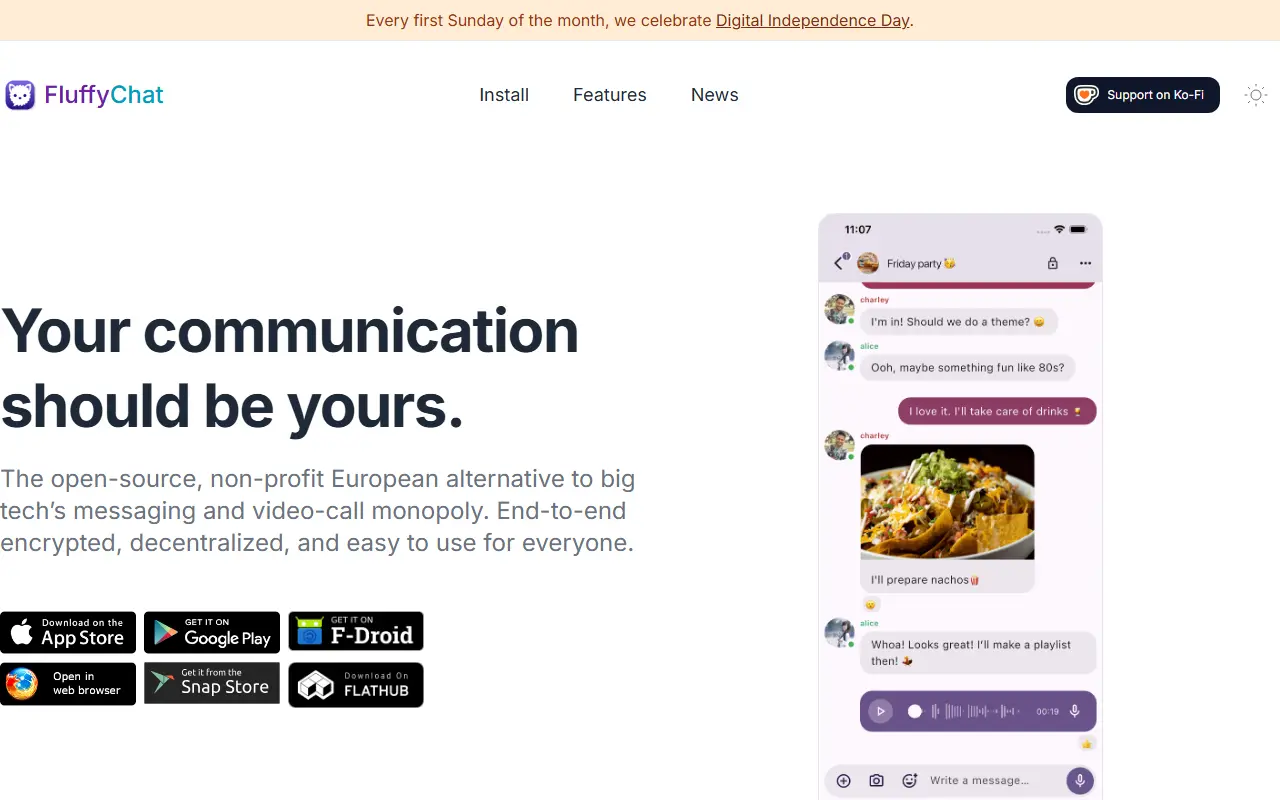
fluffychat.imFluffyChat homepage screenshot

FluffyChat is a nonprofit, open-source client for the Matrix network, written in Flutter. Its goal is to be an easy-to-use instant messenger that is open source and accessible to everyone. Because it speaks the Matrix protocol, it works with Matrix accounts and servers rather than a proprietary service of its own.

Users can send all kinds of messages, images and files, record voice messages, share locations and take part in video calls with Matrix RTC. It supports push notifications, unlimited private and public group chats, public channels, spaces, custom emotes and stickers, and moderation tools covering the Matrix feature set. Privacy features include end-to-end encryption, encrypted chat backup, emoji verification and cross-signing, and it follows Material You design.

For organizations, configuration can be pushed to Android and iOS devices through mobile device management since version 2.10.0, and on the web through a config.json file. Building from source requires Flutter and Rust. It is licensed under AGPL-3.0, with translations handled through Weblate and installation instructions on the project website.

Key features

  • Matrix client with end-to-end encryption
  • Video calls using Matrix RTC
  • Voice messages and location sharing
  • Group chats, public channels and spaces
  • Custom emotes and stickers
  • MDM configuration on Android and iOS
  • Encrypted chat backup and cross-signing

Pricing: Free and open source under AGPL-3.0; development is funded by donations.

Wildfire Chat Android

Android client and SDK source for Wildfire IM, a Chinese instant messaging and real-time audio and video solution, with restrictions on custom servers.

GitHub stars
2.7k
Last commit
yesterday
Latest release
v1.3.7
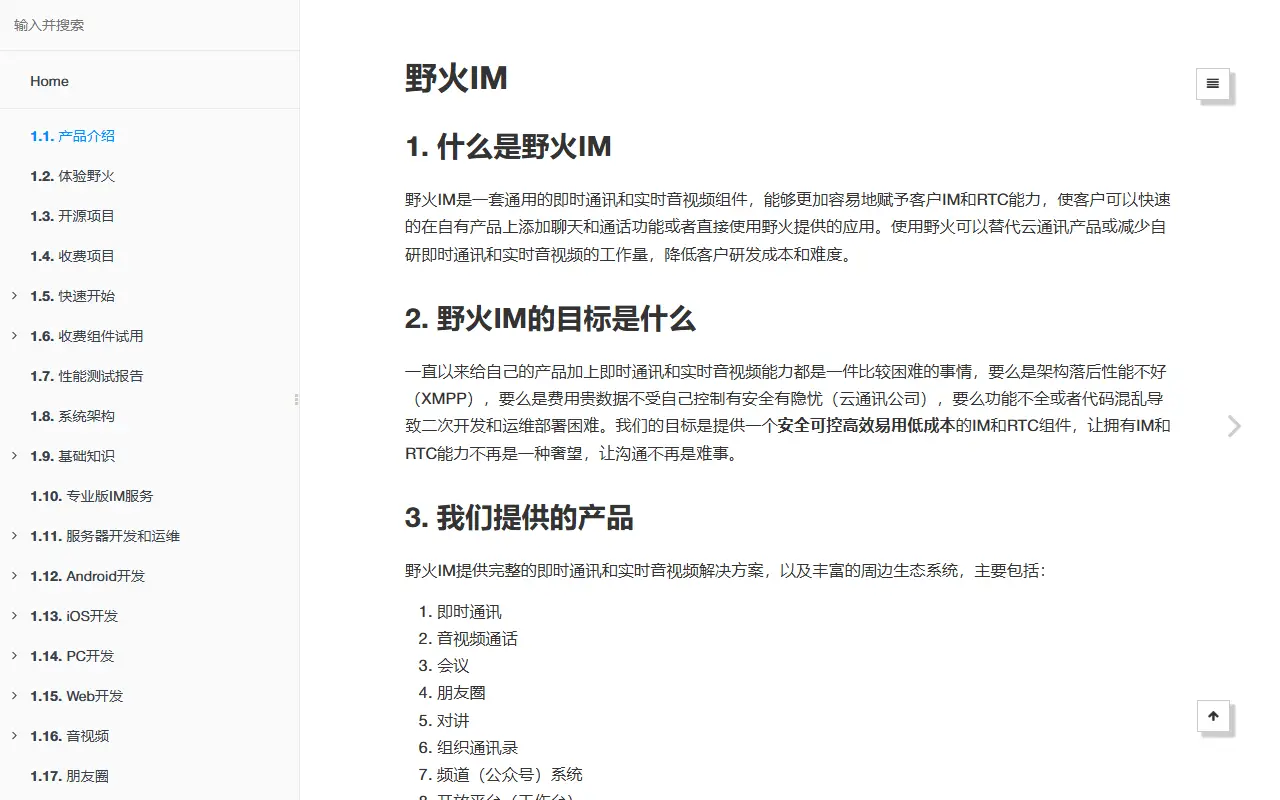
docs.wildfirechat.cnWildfire Chat Android homepage screenshot

This repository contains the Android client app and SDK source for Wildfire IM (野火IM), an instant messaging and real-time audio and video solution maintained by Beijing Wildfire Network Technology. It is intended for secondary development or integration into existing apps. The documentation is in Chinese, and the input lists the license only as other.

Wildfire IM is described as a professional-grade solution with private deployment, a broad feature set, support for all platforms, and easy integration with third-party systems. The family of repositories includes the IM server, this Android app, and an iOS counterpart. Topics mention chat, IM, and VoIP.

An important notice in the README says that, because of anti-fraud compliance requirements, the default protocol stack in this project only connects to the official Wildfire service and cannot connect to self-deployed servers. Users must contact the vendor to obtain a temporary or unrestricted version and replace a library file. This limits its use as a fully independent open-source client.

Key features

  • Android chat client source code
  • Real-time audio and video calling
  • SDK for integrating IM into existing apps
  • Part of the Wildfire IM server and client family
  • Chinese-language documentation

Wildfire IM

The iOS app and SDK source for Wildfire IM, a Chinese private-deployment instant messaging and real-time audio and video solution.

GitHub stars
1.2k
Last commit
yesterday
Latest release
1.1.22
Self-hosted
Yes
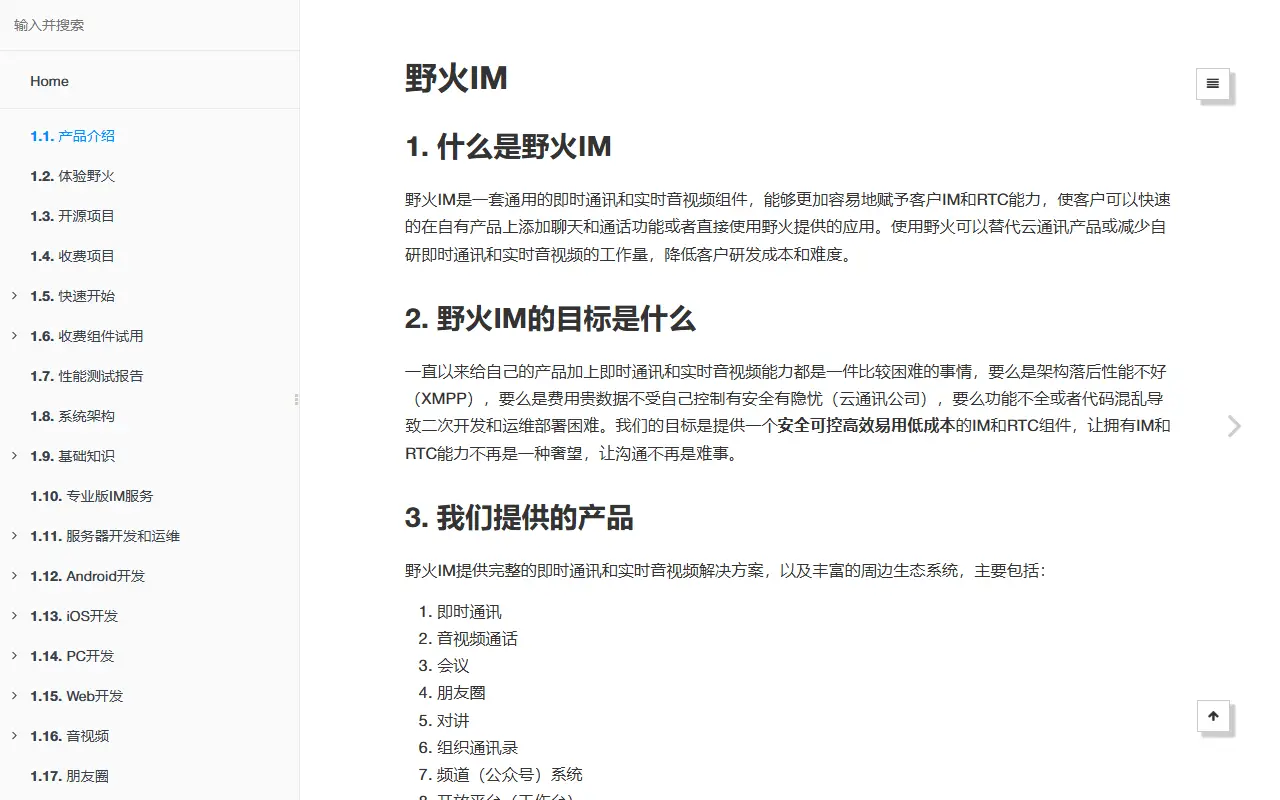
docs.wildfirechat.cnWildfire IM homepage screenshot

This repository contains the iOS client of Wildfire IM (野火IM), an instant messaging and real-time audio and video solution maintained by a Beijing company. It is both a working chat app and an SDK that developers can integrate into other iOS applications or customize for their own products, and its documentation is written in Chinese.

The project has three parts: a chat client library that provides the messaging capability, a UI kit library of chat interface controls that depends on it, and a demo chat app built on both. The Wildfire IM ecosystem also includes a separate IM server, Android, desktop, web and mini-program clients, an application server, robot server and push server. To run the app you configure the IM server address and the application server address in the project's configuration file.

Private deployment is a core idea, so companies host the server themselves, and the README explains how to trust self-signed certificates by adding them to the app bundle. The code is Objective-C and its licence is listed as other, so check the terms before commercial use. It suits developers building a branded, self-hosted messaging product for iOS.

Key features

  • iOS chat app and reusable SDK
  • Separate client and UI kit libraries
  • Real-time audio and video calling
  • Private server deployment support
  • Self-signed certificate trust management
  • Part of a full IM server ecosystem

Tencent QQ alternatives: questions

What is the best open-source alternative to Tencent QQ?
Telegram Desktop is the top-ranked open-source alternative to Tencent QQ on Enlisted: Telegram Desktop is the official open-source desktop client for the Telegram messenger, available for Windows, macOS and Linux. Other strong options are Telegram for Android, Signal Android, Signal Desktop and Element.
Are these Tencent QQ alternatives free?
All 8 are open source, so the code is free to use under its licence, and 4 of them can be self-hosted on your own server or computer. 5 also offer a paid or managed cloud version if you'd rather not host it yourself.
How is this list of Tencent QQ alternatives ranked?
By a score built from GitHub stars, star growth over the last 30 days and how recently the code changed. 8 of these projects shipped code in the last 30 days. Data is refreshed daily, and nobody can pay to move up.

People also look for alternatives to…

View all