
About SendToDrive
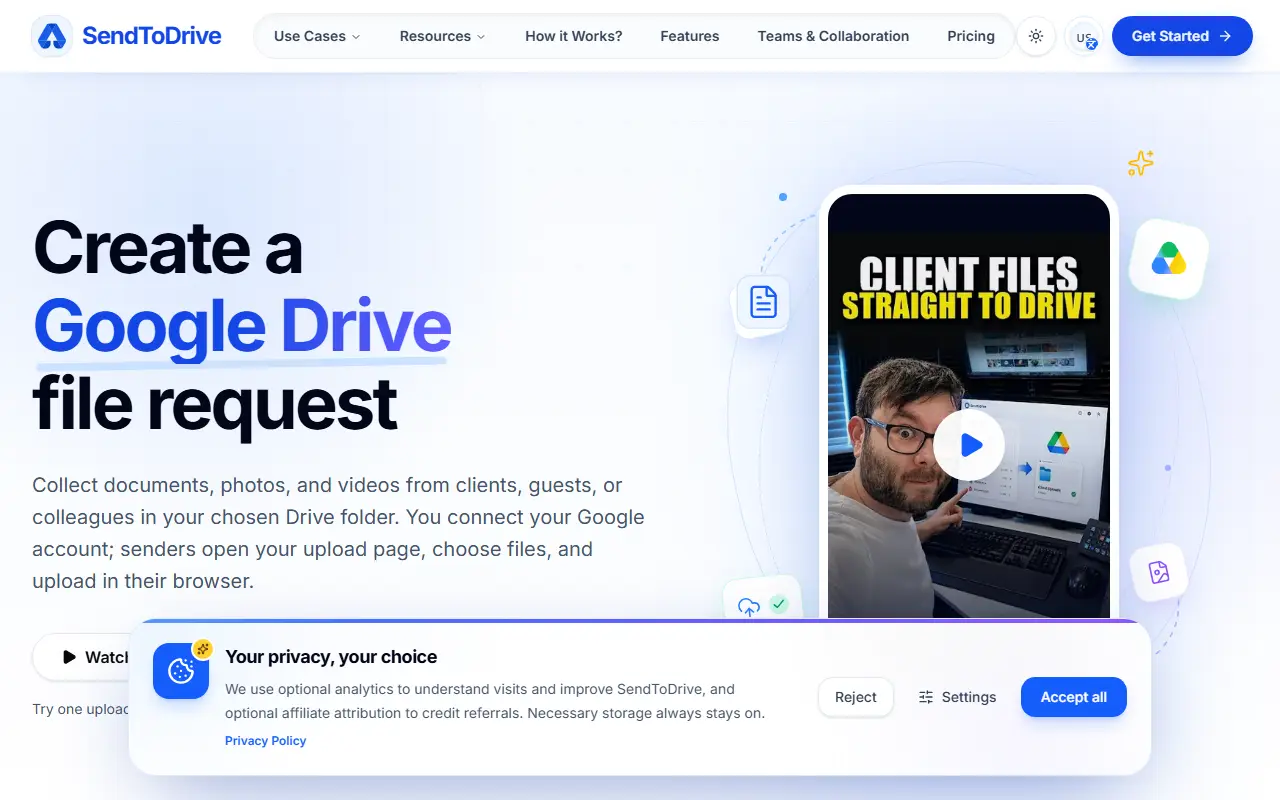
SendToDrive creates a Google Drive file request: you connect your Google account, choose a Drive folder and share an upload page where senders pick files and upload in their browser, without needing a Google login. It is aimed at gathering paperwork, pictures and video clips sent by clients, guests or coworkers.
Upload pages come from design templates for cases such as wedding memories, student assignments, client intake with briefs and brand assets, event and creative files and job applications. Separate file fields, structured forms and custom branding require a paid plan. The site also has a teams and collaboration section, documentation, a blog and alternatives pages. One upload page can be tried free for 24 hours, and paying keeps the page online once the trial ends.
Key features
- Upload page that saves into a Drive folder
- No Google login for uploaders
- Templates for weddings, classes and client intake
- Separate file fields on paid plans
- Custom branding on paid plans
- Team collaboration features
Good fit for
- Collecting client documents and brand assets
- Gathering guest photos after an event
- Receiving student assignments
SendToDrive: questions and answers
- What is SendToDrive used for?
- SendToDrive is an upload page for collecting files from clients and guests into your Google Drive folder, with no Google login needed for the people who upload. It is a good fit for collecting client documents and brand assets, gathering guest photos after an event, and receiving student assignments.
- How much does SendToDrive cost?
- Paid plans for SendToDrive start at $4.16 per month, and there is no free plan. A free trial is available.
- Is SendToDrive open source?
- No. SendToDrive is proprietary (closed-source) software and can't be self-hosted. In the File Storage & Sharing category, open-source options include LocalSend, Syncthing and Paperless-ngx.
- What are some alternatives to SendToDrive?
- SendToDrive competes with Dropbox, Google Drive and Box.
Open-source alternatives to SendToDrive
See all
LocalSend
File Storage & Sharing
LocalSend is a free, open-source, cross-platform file sharing tool that allows you to shar
Apache-2.0vs Send Anywhere★ 93k
Syncthing
File Storage & Sharing
Open Source Continuous File Synchronization
MPL-2.0vs Dropbox★ 89k
Paperless-ngx
File Storage & Sharing
A community-supported supercharged document management system: scan, index and archive all
GPL-3.0vs Evernote★ 46k
qBittorrent
File Storage & Sharing
qBittorrent BitTorrent client
OSS★ 41k
Spacedrive
File Storage & Sharing
Spacedrive is an open source cross-platform file explorer, powered by a virtual distribute
OSS★ 39k
Cloudreve
File Storage & Sharing
🌩 Self-hosted file management and sharing system, supports multiple storage providers
GPL-3.0vs Dropbox★ 29k
SaaS alternatives to SendToDrive
See all
Dropbox
File Storage & Sharing
Dropbox is cloud storage and file sharing with desktop and mobile apps, plus related tools for video review, e-signatures, document sharing and search.
SaaS
Google Drive
File Storage & Sharing
Cloud file storage and sync with real-time sharing across Google Workspace
SaaS
Box
File Storage & Sharing
Cloud content management and file sharing platform for businesses
SaaS
ShareFile
File Storage & Sharing
Secure file sharing, client portals and e-signature for professional services firms
SaaS
Files.com
File Storage & Sharing
Cloud file platform for managed file transfer, SFTP hosting and workflow automation
SaaS
Egnyte
File Storage & Sharing
Business file sharing and content governance for hybrid cloud and on-premises data
SaaS