
About Files.com
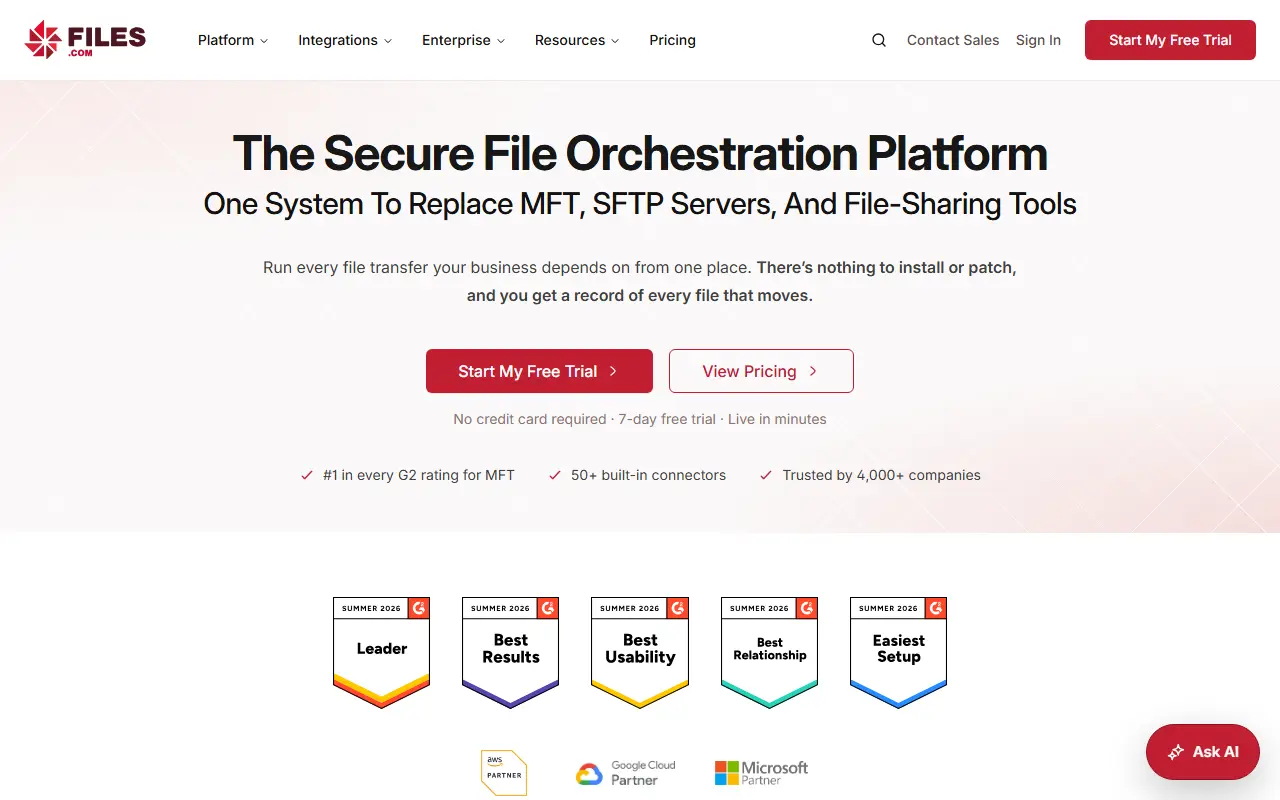
Files.com is a hosted platform for moving and managing the files a business depends on. It aims to replace separate managed file transfer products, SFTP servers, file servers and homemade scripts with one system, and since it runs as a service, there is nothing to install or patch.
It connects to cloud services, servers, on-premises storage and partners through more than 50 native integrations and supports a wide set of protocols. Automations can fire on a timetable or as soon as a new file lands, moving, converting, routing and notifying people, with retries and alerts built in. Sharing features include branded links, upload inboxes and in-browser preview or editing, and governance tools cover permissions, encryption and a full audit log.
Files.com is proprietary and hosted by the vendor, so there is no server to maintain. A 7-day free trial with no credit card required is advertised on the homepage, and plans are described on its pricing page.
Key features
- Managed file transfer and SFTP hosting
- More than 50 native integrations
- Event-driven automation of file workflows
- Branded share links and upload inboxes
- Permissions with complete audit log
- Encryption in transit and at rest
Good fit for
- →Replacing a self-managed SFTP server
- →Automating file exchange with partners
- Tags
- managed-file-transfer
- sftp
- file-sharing
- automation
- audit-log
- cloud
- integrations
Files.com: questions and answers
- What is Files.com used for?
- Files.com is a cloud file orchestration platform that combines managed file transfer, SFTP hosting, file sharing and workflow automation in a single service. It is a good fit for replacing a self-managed SFTP server and automating file exchange with partners.
- How much does Files.com cost?
- Paid plans for Files.com start at $199 per month, and there is no free plan. A free trial is available.
- Is Files.com open source?
- No. Files.com is proprietary (closed-source) software and can't be self-hosted. Open-source alternatives to Files.com include SFTPGo, Safebucket and LinShare.
- What are some alternatives to Files.com?
- Files.com competes with ShareFile, Egnyte and Kiteworks. For open-source options, see Enlisted's ranked list of open-source Files.com alternatives.
Open-source alternatives to Files.com
See all
SFTPGo
File Storage & Sharing
Full-featured and highly configurable SFTP, HTTP/S, FTP/S and WebDAV server - S3, Google C
AGPL-3.0vs Files.com★ 13k
Safebucket
File Storage & Sharing
On-prem file sharing made simple, fast and safe.
Apache-2.0vs WeTransfer★ 964
LinShare
File Storage & Sharing
LinShare - Secure File Sharing
AGPL-3.0vs WeTransfer★ 577
Nextcloud
File Storage & Sharing
☁️ Nextcloud server, a safe home for all your data
AGPL-3.0vs Dropbox★ 37k
Seafile
File Storage & Sharing
Beyond file syncing and sharing, a new way to organize your files with extensible file pro
OSSvs Dropbox★ 15k
ownCloud Infinite Scale
File Storage & Sharing
:atom_symbol: ownCloud Infinite Scale
Apache-2.0vs Dropbox★ 2.1k
SaaS alternatives to Files.com
See all
ShareFile
File Storage & Sharing
Secure file sharing, client portals and e-signature for professional services firms
SaaS
Egnyte
File Storage & Sharing
Business file sharing and content governance for hybrid cloud and on-premises data
SaaS
Kiteworks
File Storage & Sharing
Private content network for secure file transfer, email and managed file transfer
SaaS
FileCloud
File Storage & Sharing
Self-hosted or cloud enterprise file sync and share platform
SaaS
Box
File Storage & Sharing
Cloud content management and file sharing platform for businesses
SaaS
DocSend
File Storage & Sharing
Secure document sharing with page-level analytics and access controls, owned by Dropbox
SaaS