
About Melo
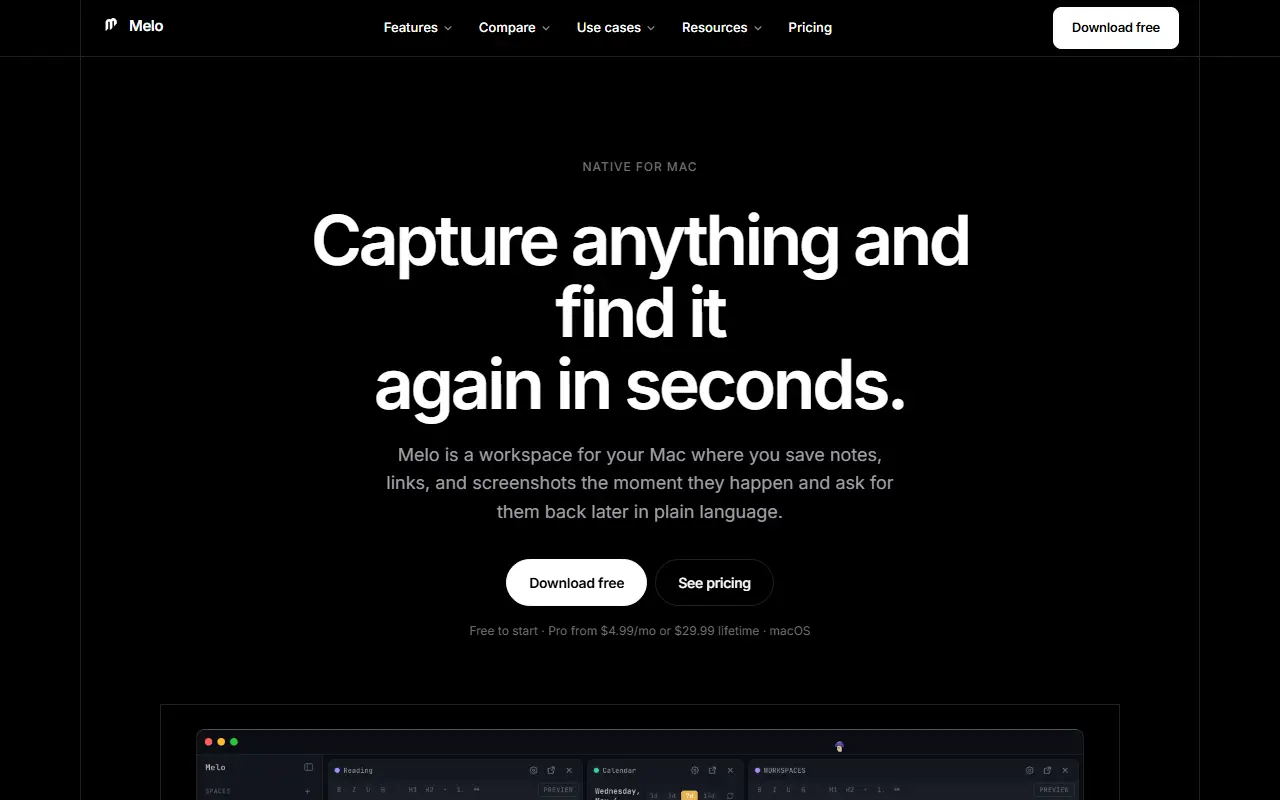
Melo is a macOS app that works as a personal memory and workspace. Pressing a hotkey drops a thought into your memory, and you can later ask Melo about it in plain language and get an answer drawn from what you saved, with sources. It also captures links, screenshots and uploaded files, and has a quick launcher for commands.
The workspace is a board of cards that its AI can see, so calendar entries, notes, links and code become context for questions and help. A spatial mode turns the board into a free-floating canvas where cards can be dragged, layered and docked back into a grid, and semantic search works across every tile.
Less common controls include gesture control, where pointing, pinching and making a fist click, grab and add cards, and a clap-to-summon voice mode that dictates and acts on intent. It is a commercial app that is free to start.
Key features
- One-keystroke capture of thoughts into memory
- Plain-language questions answered with sources
- Spatial canvas mode for free-floating cards
- Semantic search across every tile
- AI that reads calendar, notes, links and code
- Gesture control and clap-to-summon dictation
Good fit for
- Capturing ideas and screenshots quickly on a Mac
- Visual thinkers who like board-style notes
Melo: questions and answers
- What is Melo used for?
- Melo is a native Mac workspace where you capture notes, links and screenshots with a hotkey, then ask an AI about them in plain language. It is a good fit for capturing ideas and screenshots quickly on a Mac, and visual thinkers who like board-style notes.
- Is Melo free?
- Yes. Melo has a free plan, and paid plans start at $4.99 per seat per month. A free trial is also available.
- Is Melo open source?
- No. Melo is proprietary (closed-source) software. In the Note Taking category, open-source options include Revezone, FSNotes and Jrnl.
- What are some alternatives to Melo?
- Melo competes with Notion, Heptabase and Capacities.
Open-source alternatives to Melo
See all
Revezone
Note Taking
A lightweight local-first graphic-centric productivity tool to build your second brain. S
AGPL-3.0vs Heptabase★ 2.7k
FSNotes
Note Taking
Fast Markdown note-taking app for Mac and iPhone
MITvs Bear★ 7.5k
Jrnl
Note Taking
Collect your thoughts and notes without leaving the command line.
GPL-3.0vs Day One★ 7.3k
NoteDiscovery
Note Taking
Your Self-Hosted Knowledge Base
MITvs Notion★ 2.8k
Heynote
Note Taking
A dedicated scratchpad for power users
OSSvs Drafts★ 5.4k
Butterfly
Note Taking
🎨 Powerful, minimalistic, cross-platform, opensource note-taking app
AGPL-3.0vs GoodNotes★ 2k
SaaS alternatives to Melo
See all
Notion
Note Taking
Notion is an AI-enabled workspace for notes, docs, wikis and projects, with agents, meeting notes and search across connected apps.
SaaS
Heptabase
Note Taking
Visual note app that arranges cards on whiteboards for research and learning
SaaS
Capacities
Note Taking
Object-based notes where pages are typed items linked into a graph
SaaS
Kinopio
Note Taking
Spatial canvas for arranging notes, links and ideas
SaaS
Tana
Note Taking
Outliner-based knowledge workspace with supertags and AI features
SaaS
Craft
Note Taking
Visually polished document and notes app with nested pages and sharing
SaaS