
 Drafts
 NotePlan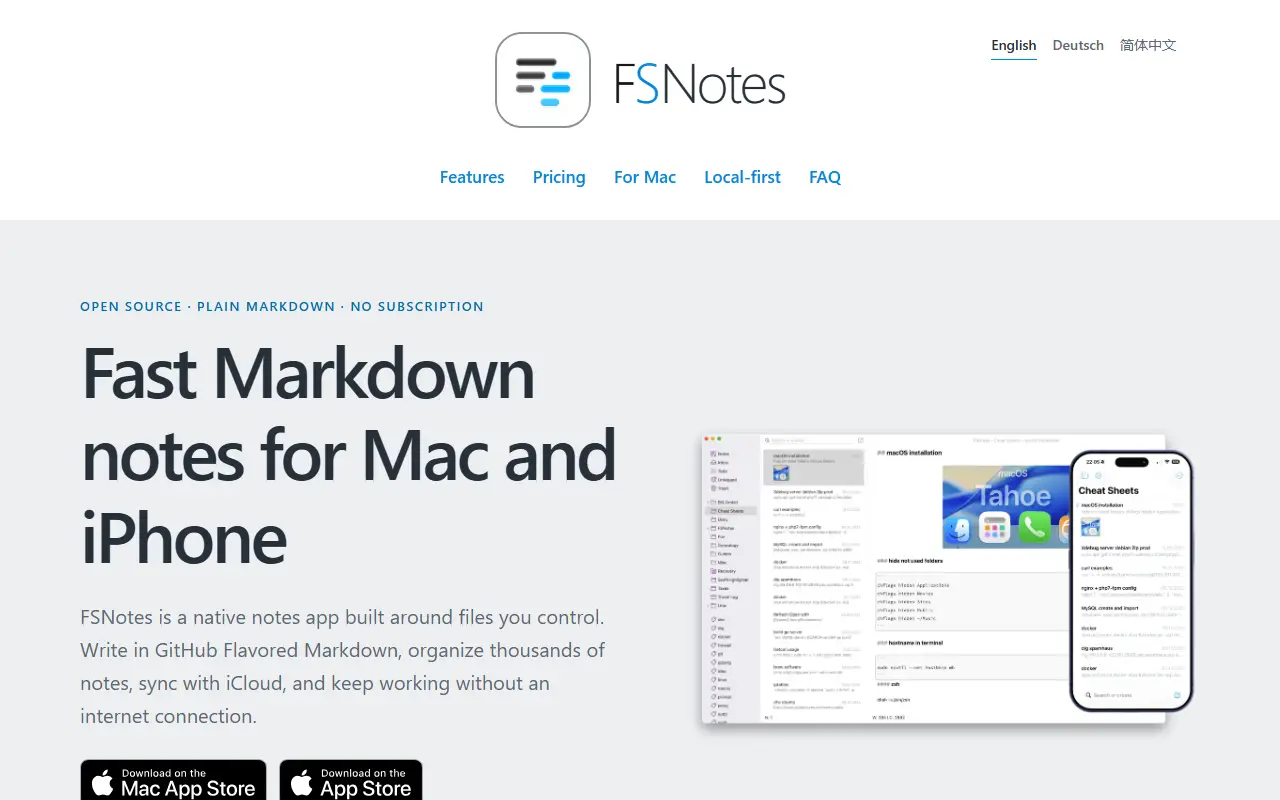
About FSNotes
FSNotes is a native notes app for macOS and iOS built around the idea of owning your notes. Each note is stored as a portable Markdown or plain-text file rather than in a proprietary database, so the notes can be opened with any compatible app now or years later.
The app focuses on writing and quick retrieval. It handles several folders, external editors, sync through iCloud Drive or Dropbox, and Git backups if you want them, and connects ideas with tags and double-bracket links. Private notes can be protected with AES-256 encryption, and it renders code blocks, Mermaid diagrams and MathJax math. Search and navigation are designed to stay smooth across large note collections.
FSNotes is written in Swift and released under the MIT licence. The apps are sold through the App Store, and those purchases support continued development, while the source code is open. It suits Apple users who want local Markdown notes with sync through their own storage service.
Key features
- Notes stored as Markdown or text files
- Tags and wiki-style note links
- AES-256 encryption for private notes
- iCloud Drive, Dropbox and Git backups
- Mermaid diagrams and MathJax rendering
- Native macOS and iOS apps
Good fit for
- →Local-first note-taking on Apple devices
- →Avoiding lock-in with plain Markdown files
- →Technical notes with code and diagrams
- Built with
- Swift
- Tags
- note-taking
- markdown
- macos
- ios
- swift
- notes
- encryption
- local-first
FSNotes: questions and answers
- What is FSNotes used for?
- FSNotes is a fast, native Markdown notes app for macOS and iOS that keeps every note as a plain Markdown or text file, with tags, wiki-style links and encryption. It is a good fit for local-first note-taking on Apple devices, avoiding lock-in with plain Markdown files, and technical notes with code and diagrams.
- Is FSNotes open source?
- Yes. FSNotes is open source under the MIT licence. Its source code is on GitHub at glushchenko/fsnotes and is written mainly in Swift.
- Is FSNotes free?
- Yes. FSNotes is open source, so the software itself is free to use.
- Can I self-host FSNotes?
- Yes. FSNotes can be self-hosted on your own server or infrastructure.
- What is FSNotes an alternative to?
- FSNotes is an open-source alternative to Bear, Evernote, Apple Notes and Craft. Other open-source alternatives to Bear include Hubble.md and WitNote.
- Is FSNotes actively maintained?
- Yes. The most recent commit to FSNotes was on 20 September 2026, and the latest release is v7.3.4, published on 20 September 2026. The project has 7.5k stars on GitHub.
Open-source alternatives to FSNotes
See all
Joplin
Note Taking
Joplin - the privacy-focused note taking app with sync capabilities for Windows, macOS, Li
OSSvs Evernote★ 57k
Trilium Notes
Note Taking
Trilium Notes is an open-source note-taking and personal knowledge base app that runs loca
AGPL-3.0vs Evernote★ 38k
Anytype
Note Taking
Official Anytype client for MacOS, Linux, and Windows
OSSvs Notion★ 8.9k
Standard Notes
Note Taking
Think fearlessly with end-to-end encrypted notes and files. For issues, visit https://stan
AGPL-3.0vs Evernote★ 6.6k
Hubble.md
Note Taking
The best notepad for you and your agents
MITvs Notion★ 1.5kWitNote
Note Taking
WitNote is a local-first AI writing companion for macOS and Windows.
OSSvs Typora★ 570
SaaS alternatives to FSNotes
See all
Bear
Note Taking
Markdown notes app for Apple devices with tags and nested organization
SaaS
Evernote
Note Taking
Evernote is a note-taking app for capturing notes, documents and web clippings and keeping them organized and searchable across devices.
SaaS
Apple Notes
Note Taking
Built-in Apple notes app with folders, checklists, document scanning and iCloud sync
SaaS
Craft
Note Taking
Visually polished document and notes app with nested pages and sharing
SaaS
Ulysses
Note Taking
Markdown writing app for Apple devices with libraries and export options
SaaS
iA Writer
Note Taking
Minimal markdown writing app with focus mode and cross-device sync
SaaS