6,598 open-source and SaaS tools, with GitHub stats refreshed every day.

6 alternatives ranked by real activity

Open-source NotePlan alternatives

A curated, ranked list of the 6 best open-source alternatives to NotePlan.

The best open-source alternative to NotePlan is Joplin. If that doesn't suit you, other good options are Logseq, Trilium Notes, Anytype and FSNotes.

NotePlan alternatives are mainly Note Taking tools. 6 of them shipped code in the last 30 days, 6 can be self-hosted, and 2 use a permissive licence.

Last updated October 3, 2026 · ranked by GitHub stars, growth and recent commits

Joplin

A free, open-source, offline-first note-taking and to-do app with Markdown notes, end-to-end encrypted sync, plugins and apps for desktop and mobile.

GitHub stars
57k
Last commit
yesterday
Latest release
v3.7.21
Self-hosted
Yes
Hosted version
Available
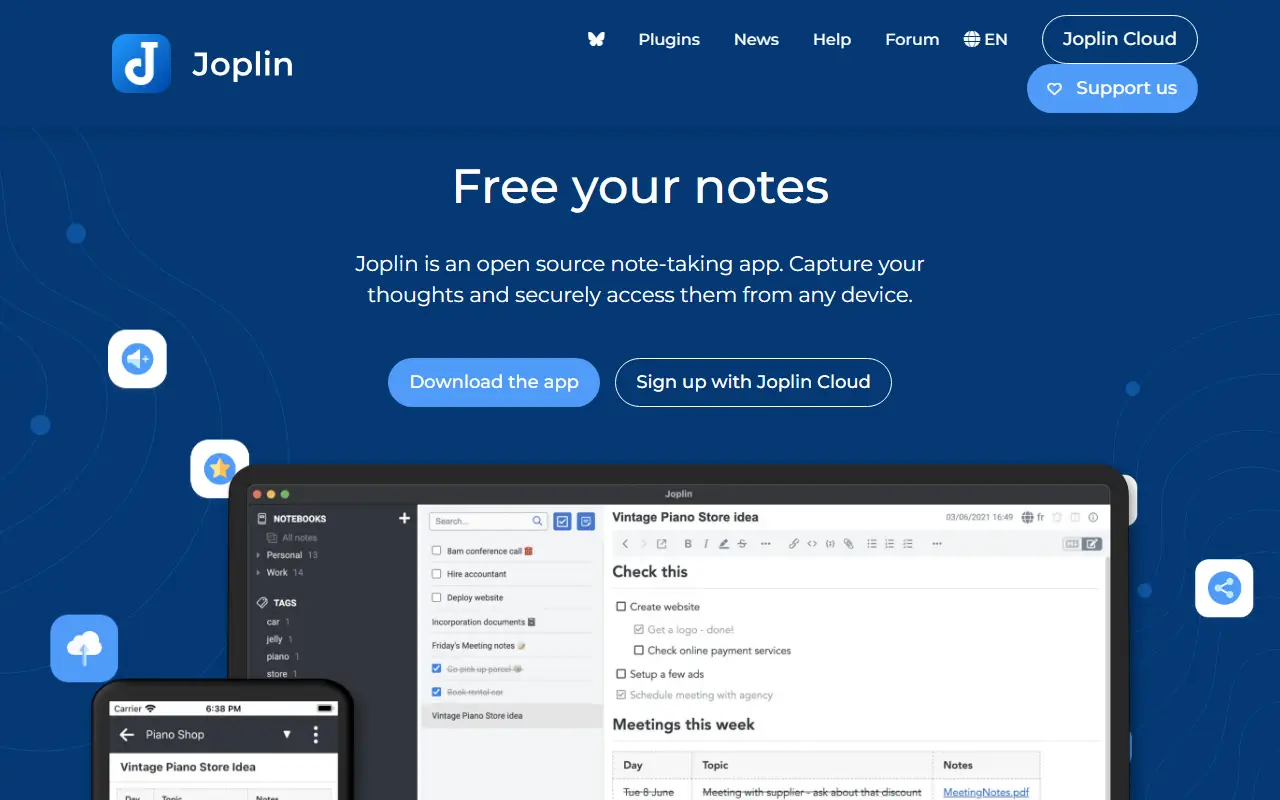
joplinapp.orgJoplin homepage screenshot

Joplin is a note-taking and to-do application, free and open source, that can manage large collections of notes organized into notebooks. Notes are written in Markdown, are searchable, can be tagged, and can be edited either in the app or in your own text editor. Apps are available for Windows, macOS, Linux, Android and iOS.

The app is offline first, so all your data lives on your phone or computer and stays accessible without a connection. Notes can be synchronized with end-to-end encryption through services such as Nextcloud, Dropbox, OneDrive and Joplin Cloud, and topics also mention WebDAV. Full-text search is available on every platform, and plugins and themes let you customize the app. A web clipper saves pages, and notes exported from Evernote can be imported with formatting, attachments and metadata intact; plain Markdown files can be imported as well.

The repository license is listed as 'Other', so check its terms if you plan to redistribute. Joplin is a popular choice for people who want an Evernote replacement that keeps data local or on storage they already control.

Key features

  • Markdown notes organized into notebooks
  • Offline-first storage on your own devices
  • End-to-end encrypted sync via Nextcloud, Dropbox or OneDrive
  • Evernote import with attachments and metadata
  • Plugins and themes
  • Web clipper for saving pages
  • Apps for desktop and mobile

Pricing: Joplin Cloud costs 2.99€ (Basic), 5.99€ (Pro) or 9.99€ (Pro 100 GB) per month, and Teams 7.99€ per user per month. Self-hosted Server Business is 3.33€ per user per month; 14-day trial.

Logseq

A privacy-first, local-first knowledge management app built around linked, outliner-style notes in Markdown or Org-mode, with a graph view and plugin support.

GitHub stars
45k
Last commit
today
Latest release
2.0.1
Licence
AGPL-3.0
Self-hosted
Yes
logseq.comLogseq homepage screenshot

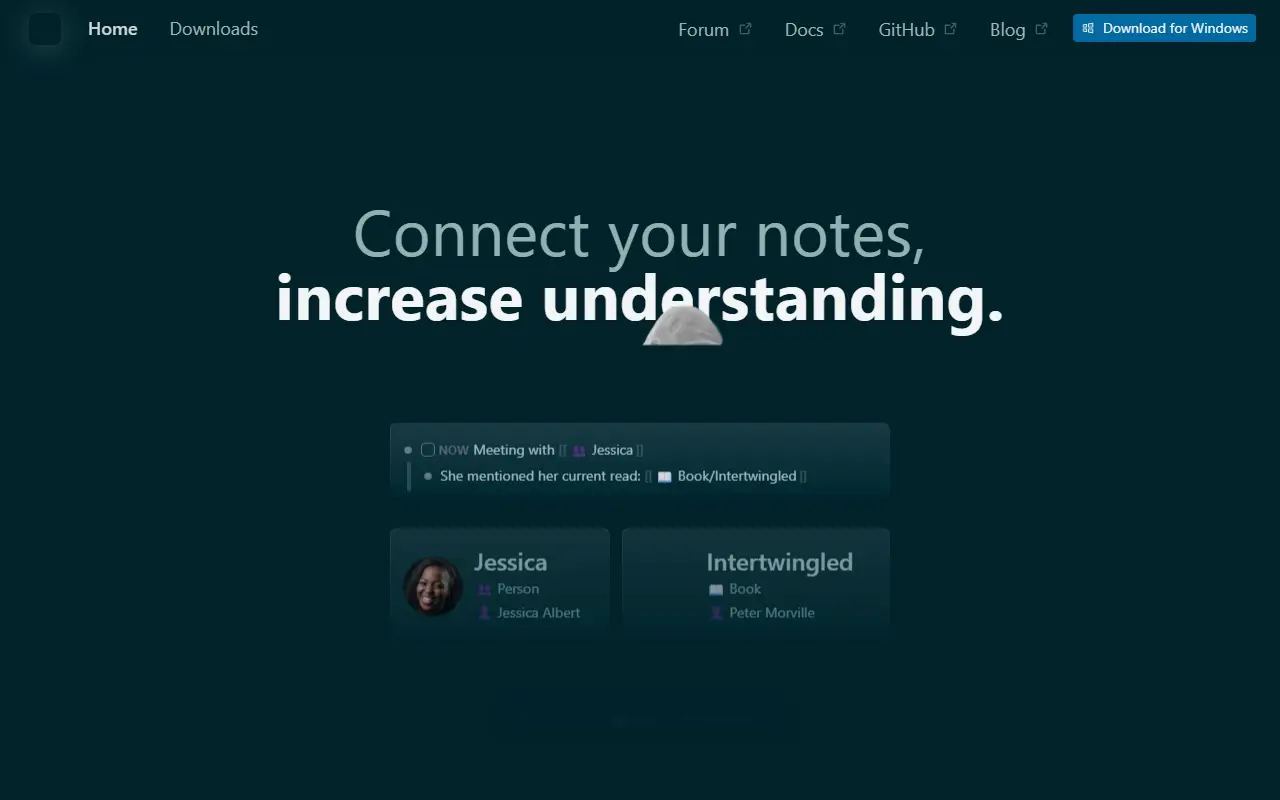
Logseq is an open-source platform for knowledge management and collaboration that puts privacy and local storage first. Notes are organized as linked blocks in an outliner, forming a knowledge graph, and topics show it works with both Markdown and Org-mode files and can be backed by Git.

The project is moving toward a database-backed version that introduces DB graphs. That version is in beta, comes with a new iOS mobile app in alpha and a Real Time Collaboration approach to syncing graphs across devices or working with others, also in alpha. Because data loss is possible while these features mature, the maintainers recommend automated backups. A plugin API, themes and a public roadmap round out the ecosystem.

Logseq is written in Clojure and ClojureScript under the AGPL-3.0 license, and desktop builds are available from the releases page. It appeals to researchers, students and knowledge workers who want a personal wiki with bidirectional links and full ownership of their files.

Key features

  • Outliner-style linked notes
  • Markdown and Org-mode support
  • Knowledge graph of connected pages
  • Local-first storage with Git compatibility
  • Plugin API and themes
  • Real Time Collaboration sync in alpha

Pricing: Free and open source under the AGPL-3.0 license.

Trilium Notes

A cross-platform hierarchical note-taking app for building large personal knowledge bases, with a rich editor, note cloning, versioning and scripting.

GitHub stars
38k
Last commit
today
Latest release
v0.106.0
Licence
AGPL-3.0
Self-hosted
Yes
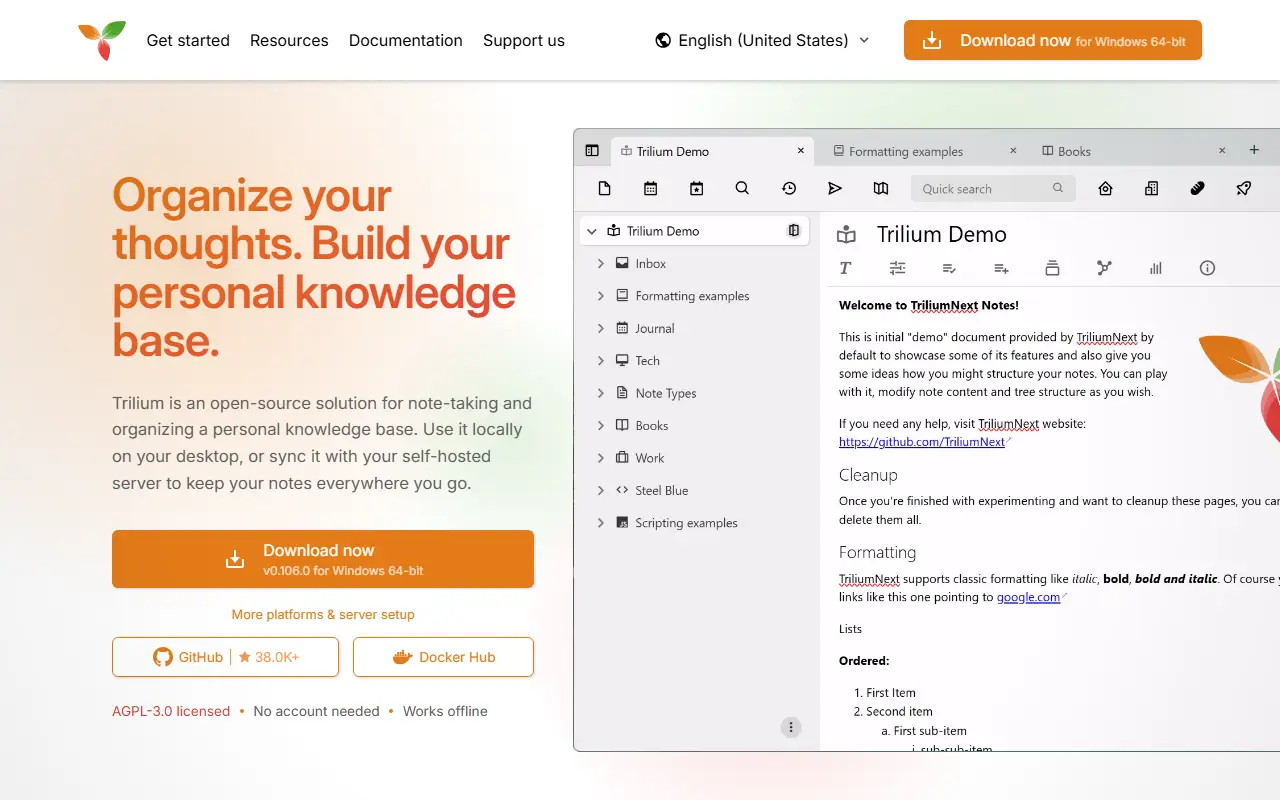
triliumnotes.orgTrilium Notes homepage screenshot

Trilium Notes is a free, open-source, cross-platform note-taking application focused on building large personal knowledge bases. Notes are arranged in a tree of arbitrary depth, and a single note can be cloned into several places in the tree, which lets you organize the same material along different lines without duplicating it.

The editor is a rich WYSIWYG one with tables, images, math and Markdown autoformatting, and there is also support for source code notes with syntax highlighting. Navigation relies on fast jumps between notes, full-text search and note hoisting. Notes are versioned automatically, and attributes can be used to organize, query and script notes. The interface is available in several languages, and built-in documentation opens with F1.

The project, now maintained as TriliumNext, is AGPL-3.0 licensed and built with TypeScript and Electron. It provides desktop builds as well as a server setup with Docker, so you can keep your notes on your own hardware. Stable releases are recommended, with nightly builds available for those who want the newest changes.

Key features

  • Arbitrarily deep note tree with cloning
  • WYSIWYG editor with tables, images and math
  • Code notes with syntax highlighting
  • Full-text search and note hoisting
  • Automatic note versioning
  • Attributes and scripting for advanced use
  • Docker server setup

Pricing: Free and open source under the AGPL-3.0 license.

Anytype

Anytype Desktop is the official client for Anytype, a local-first, end-to-end encrypted knowledge base for notes, tasks, wikis and custom data types.

GitHub stars
8.9k
Last commit
today
Latest release
v0.57.3
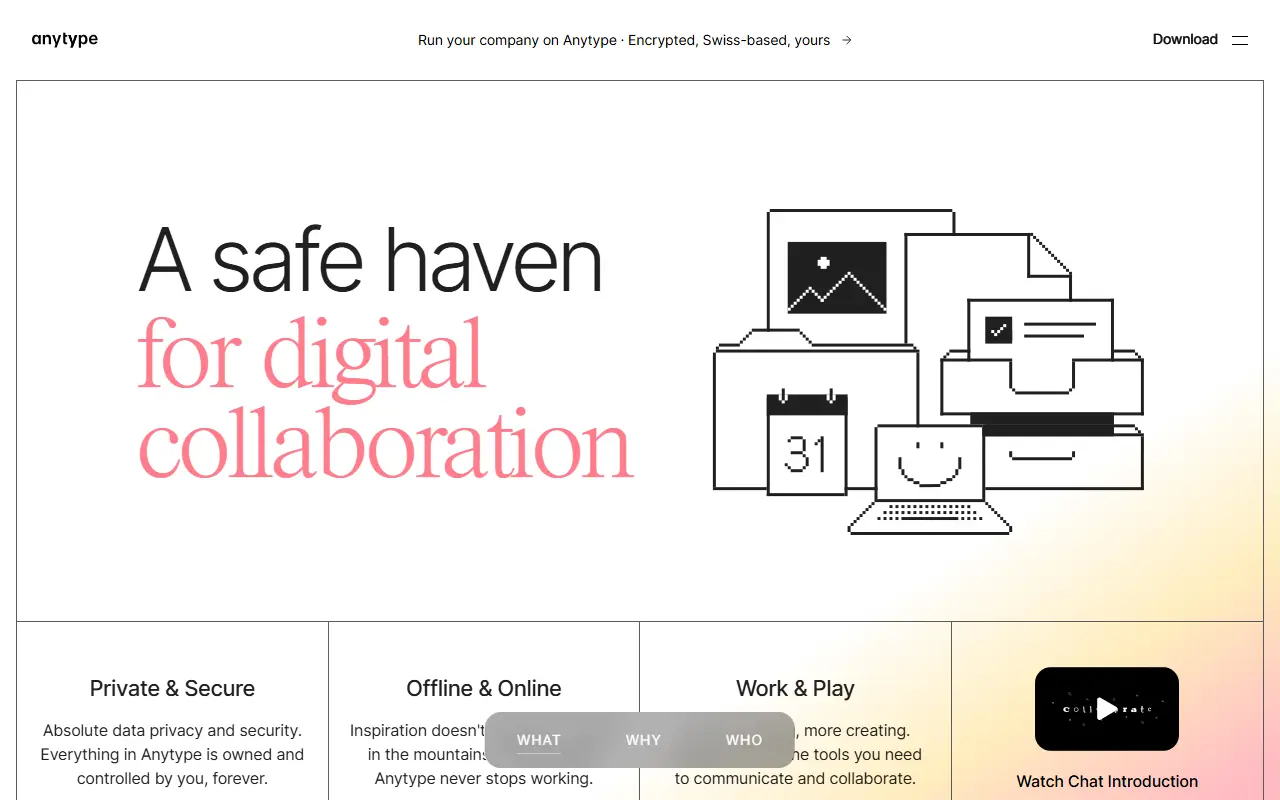
anytype.ioAnytype homepage screenshot

Anytype Desktop is the official desktop client for Anytype, a personal knowledge base for macOS, Windows and Linux. It lets you collect pages, tasks, wikis and journals and link them together, while keeping data stored locally and encrypted across your devices.

The client is built around composable blocks such as text, databases, kanban boards and calendars, and you can define your own Types to shape the data model. Storage is offline-first with optional peer-to-peer sync, and encryption relies on the any-sync protocol. It is an Electron application written in TypeScript, and it can be extended through a gRPC API and AI agents described in the repository.

Sign-in uses an Any-ID, and installers are published on the releases page and the download site. The code is published under the Any Source Available License 1.0 rather than a standard open-source licence, and the README includes instructions for building from source and updating the middleware.

Key features

  • Offline-first local storage
  • Optional peer-to-peer sync
  • End-to-end encryption through any-sync
  • Block-based pages, databases, kanban and calendar
  • Custom Types for your own data model
  • gRPC API for extensions

FSNotes

A fast, native Markdown notes app for macOS and iOS that keeps every note as a plain Markdown or text file, with tags, wiki-style links and encryption.

GitHub stars
7.5k
Last commit
12 days ago
Latest release
v7.3.4
Licence
MIT
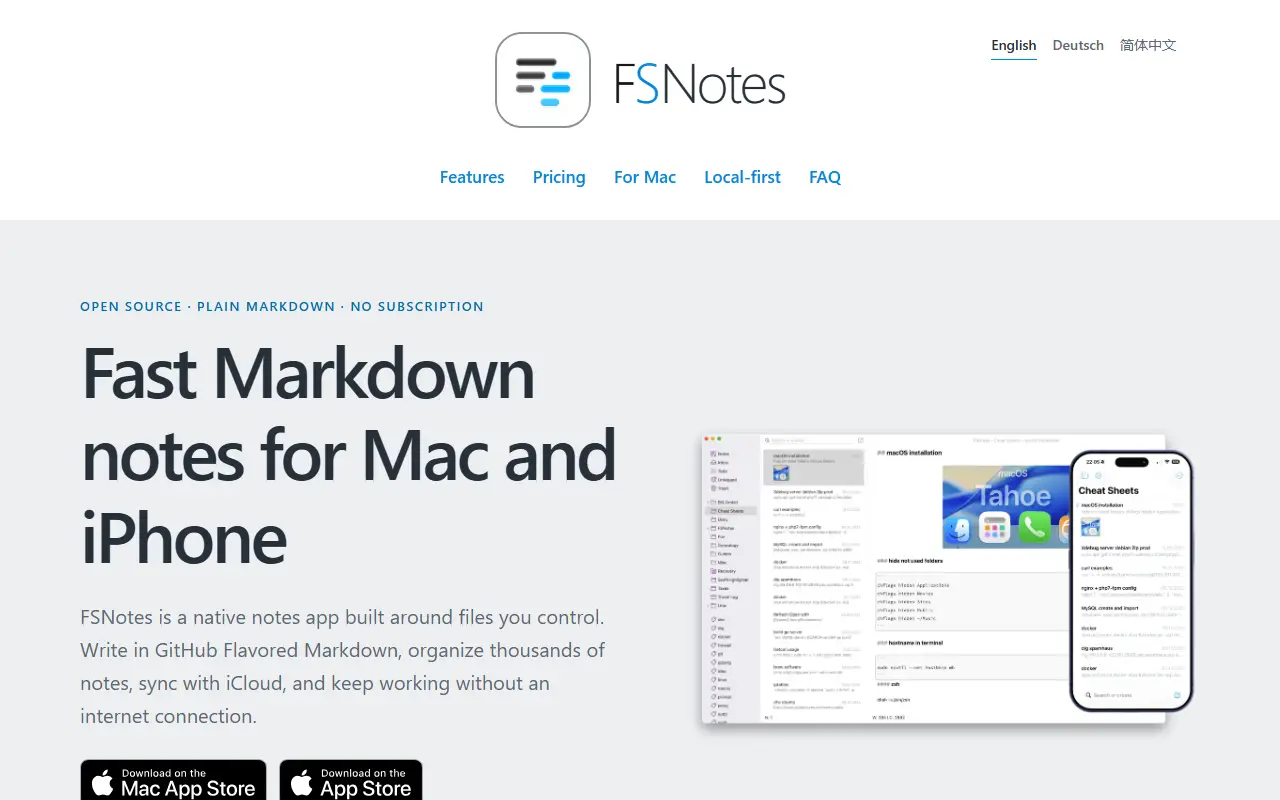
fsnot.esFSNotes homepage screenshot

FSNotes is a native notes app for macOS and iOS built around the idea of owning your notes. Each note is stored as a portable Markdown or plain-text file rather than in a proprietary database, so the notes can be opened with any compatible app now or years later.

The app focuses on writing and quick retrieval. It handles several folders, external editors, sync through iCloud Drive or Dropbox, and Git backups if you want them, and connects ideas with tags and double-bracket links. Private notes can be protected with AES-256 encryption, and it renders code blocks, Mermaid diagrams and MathJax math. Search and navigation are designed to stay smooth across large note collections.

FSNotes is written in Swift and released under the MIT licence. The apps are sold through the App Store, and those purchases support continued development, while the source code is open. It suits Apple users who want local Markdown notes with sync through their own storage service.

Key features

  • Notes stored as Markdown or text files
  • Tags and wiki-style note links
  • AES-256 encryption for private notes
  • iCloud Drive, Dropbox and Git backups
  • Mermaid diagrams and MathJax rendering
  • Native macOS and iOS apps

Pricing: Source code is MIT licensed; App Store purchases support development.

SilverBullet

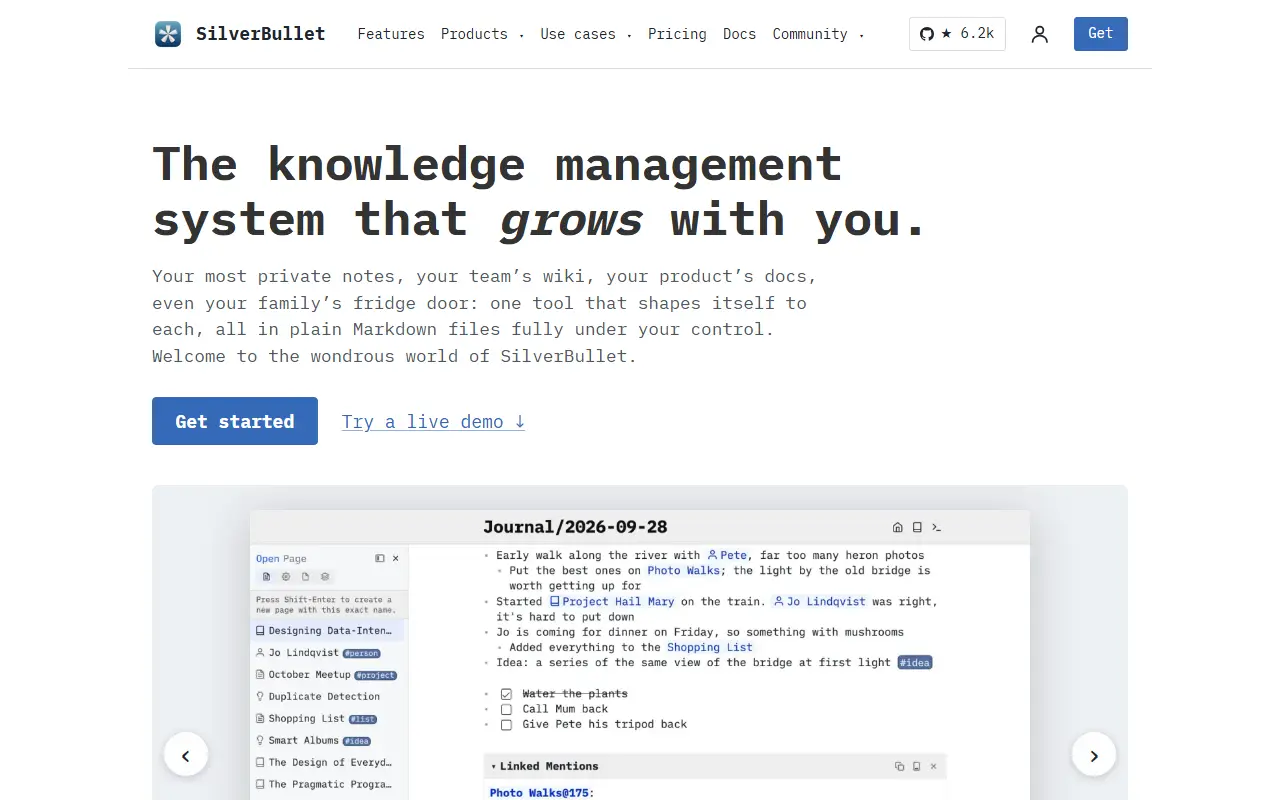
SilverBullet is a self-hosted, browser-based Markdown knowledge base with wiki links, a built-in query language and Lua scripting.

GitHub stars
6.2k
Last commit
today
Latest release
2.11.1
Licence
MIT
Self-hosted
Yes
silverbullet.mdSilverBullet homepage screenshot

SilverBullet is a personal knowledge base that runs in the browser and is hosted on your own server. Your content is stored as Markdown pages grouped into a Space, which you can open from a page picker as in a classic notes app, or reach through two-way wiki-style links. The project describes itself with a tongue-in-cheek phrase as a notes app on steroids.

What sets it apart is that notes can be programmed. A live-preview editor is paired with an integrated database and query syntax, and a Lua scripting environment called Space Lua lets you extend the system, build custom views and automate tasks. Repository topics highlight knowledge management, personal knowledge management, note taking and end-user programming.

SilverBullet is written in TypeScript and licensed under MIT. Because it is designed for self-hosting and plain Markdown files, it suits individuals and small teams who want a private, hackable wiki and are comfortable with a little scripting. There is no hosted service from the project.

Key features

  • Markdown pages with live preview editor
  • Bi-directional wiki-style links
  • Built-in database and query language
  • Space Lua scripting environment
  • Page picker for fast navigation
  • Self-hosted and browser-based

Pricing: The server and personal desktop app are free. Desktop Pro for work use costs $50 per user per year; hosted Cloud on PikaPods starts at $2 per month.

NotePlan alternatives: questions

What is the best open-source alternative to NotePlan?
Joplin is the top-ranked open-source alternative to NotePlan on Enlisted: A free, open-source, offline-first note-taking and to-do app with Markdown notes, end-to-end encrypted sync, plugins and apps for desktop and mobile. Other strong options are Logseq, Trilium Notes, Anytype and FSNotes.
Are these NotePlan alternatives free?
All 6 are open source, so the code is free to use under its licence, and 6 of them can be self-hosted on your own server. 1 also offer a paid or managed cloud version if you'd rather not host it yourself.
How is this list of NotePlan alternatives ranked?
By a score built from GitHub stars, star growth over the last 30 days and how recently the code changed. 6 of these projects shipped code in the last 30 days. Data is refreshed daily, and nobody can pay to move up.

People also look for alternatives to…

View all